3D PATIENT EXPOSURE
26 Planmeca ProMax 3D Max with ProTouch
User’s Manual
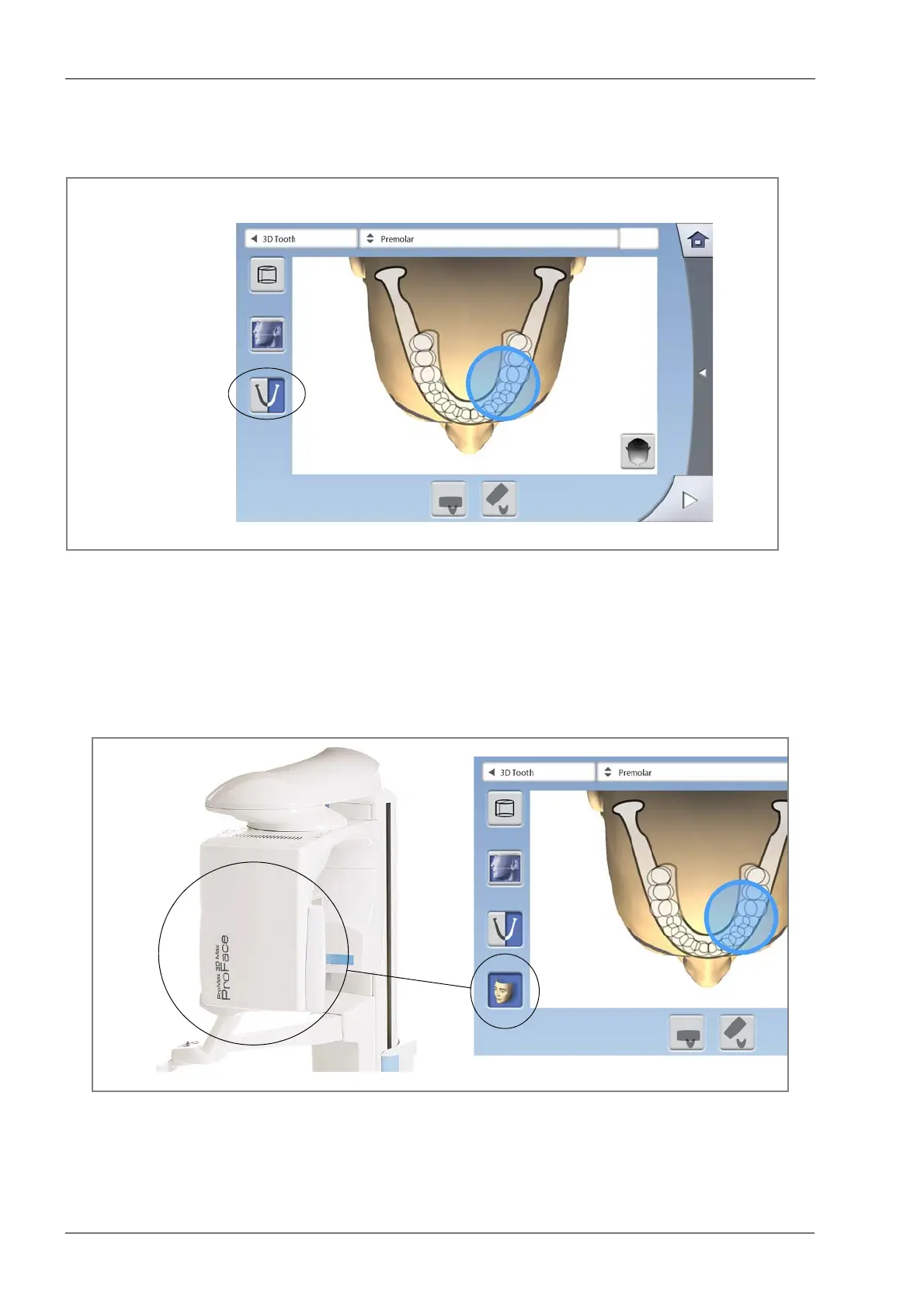
8.2.8 Selecting jaw side
Use the third button on the left of the screen to select the
jaw side that you wish to expose.
NOTE The available options depend on the selected program
and image resolution.
8.2.9 Selecting 3D face photo (X-ray units with ProFace sensor)
If the X-ray unit has a ProFace sensor, you can take a 3D
photo of the patient’s face at the same time as you take
an X-ray image. Select the last button on the left of the
screen to take both images at the same time.
Select jaw side
(right / left /
both sides)














 To Next Page