3D PATIENT EXPOSURE
36 Planmeca ProMax 3D Max with ProTouch
User’s Manual
NOTE Maintain audio and visual contact with the patient and
X-ray unit during exposure. If the C-arm stops moving
during exposure, or moves in an erratic way, release
the exposure button immediately.
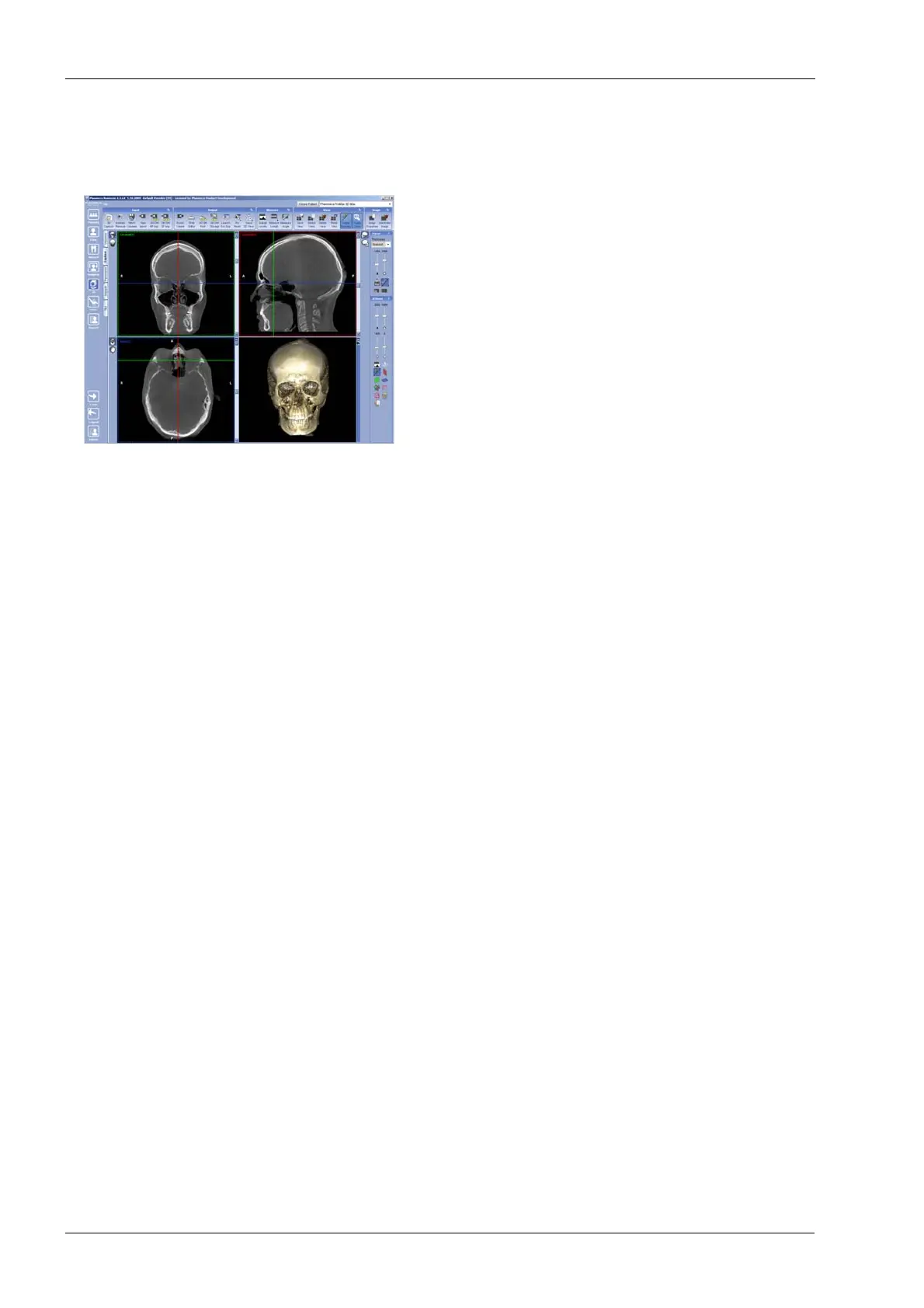
5. The image is shown on the computer screen.
• If you took two image volumes you must accept the
image stitching function in the Planmeca Romexis
program. Refer to the Romexis User’s Manual.
6. Guide the patient away from the X-ray unit.














 To Next Page