37
Section 6 System Setup
Before attempting to setup the analyzer, ensure you have read and understood how to enter
and change data fields as described in the section entitled Data Entry on page 33.
6.1 Menu overview
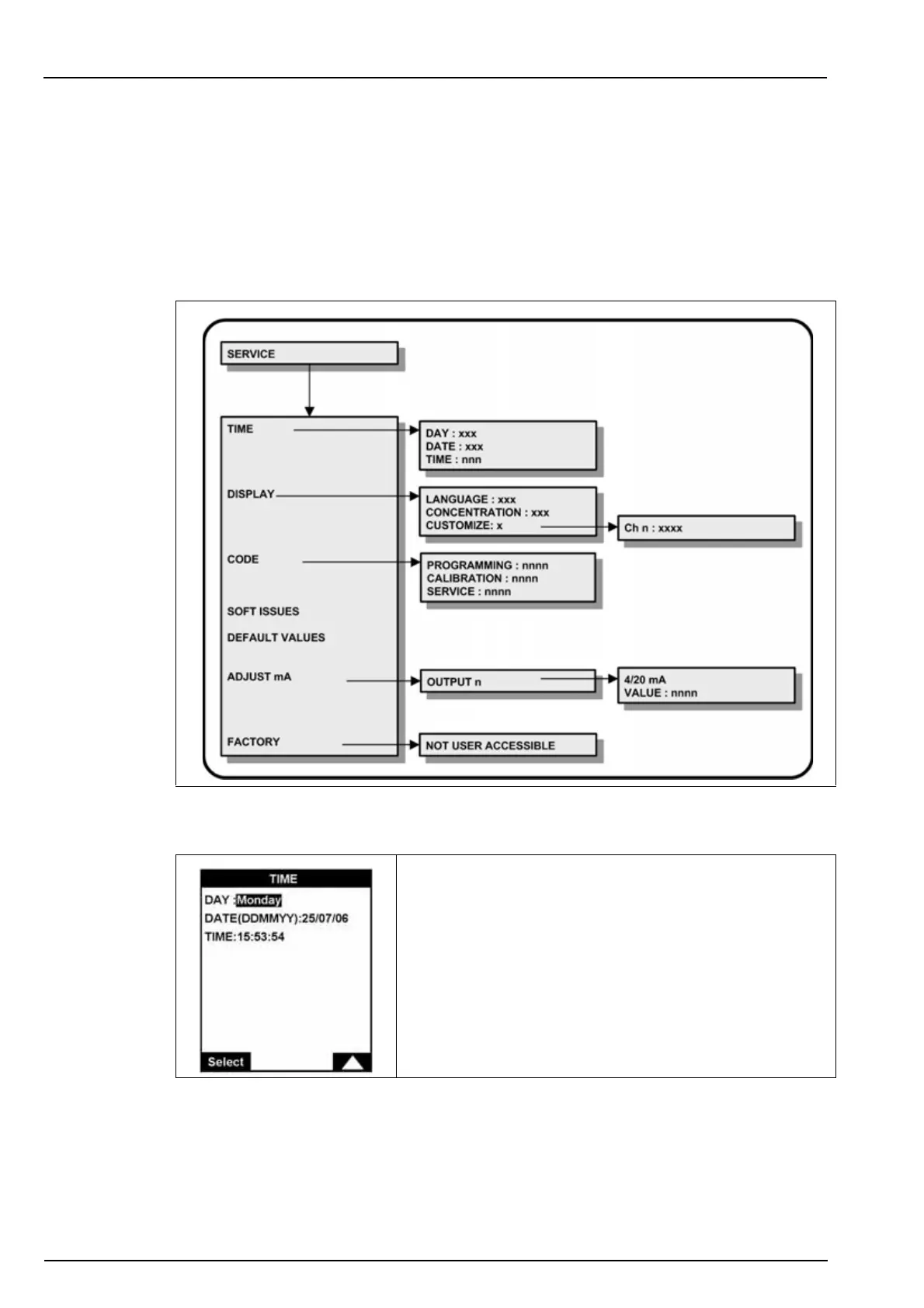
Select the SERVICE option from the main menu.
Note: If a PROGRAMMING password has been set (see Code on page 38 for details on how to do this),
you will be required to enter a password to gain access to the main menu. In addition, if a SERVICE
password has been set, you will also be required to enter this password to get access to the service menu.
6.1.1 Time
Set the date and the time for the analyzer.



 To Next Page