43
User Setup
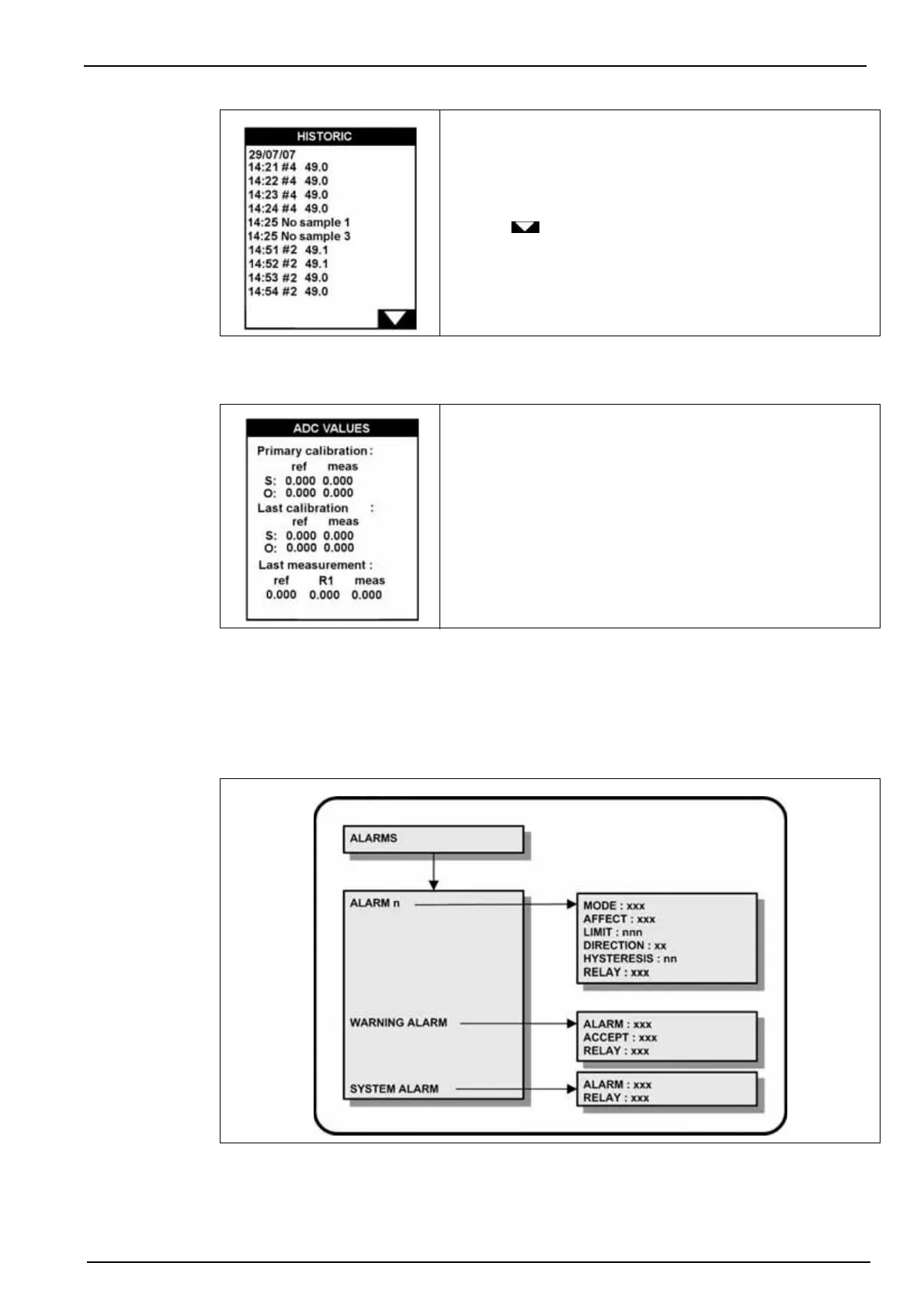
7.1.4 ADC values
7.2 Alarms menu overview
Select the ALARMS option from the main menu to assign alarms and parameters to each relay.
Note: If a PROGRAMMING password has been set (see Code on page 38 for details on how to do this),
you will be required to enter a password to gain access to the main menu.
The READ option lets you view the data as defined by the
parameters set in the programming option.
Use the key to scroll through the list of stored data
which displays the date and time of the measurement, the
channel number, and the measured concentration value.
This option displays the parameters for the primary and last
calibrations, and the last measurement.
The information given can be used for diagnostic purposes if
the analyzer appears to be giving incorrect measurements.



 To Next Page