39
System Setup
6.1.4 Soft issues
6.1.5 Default values
6.1.6 mA adjustments
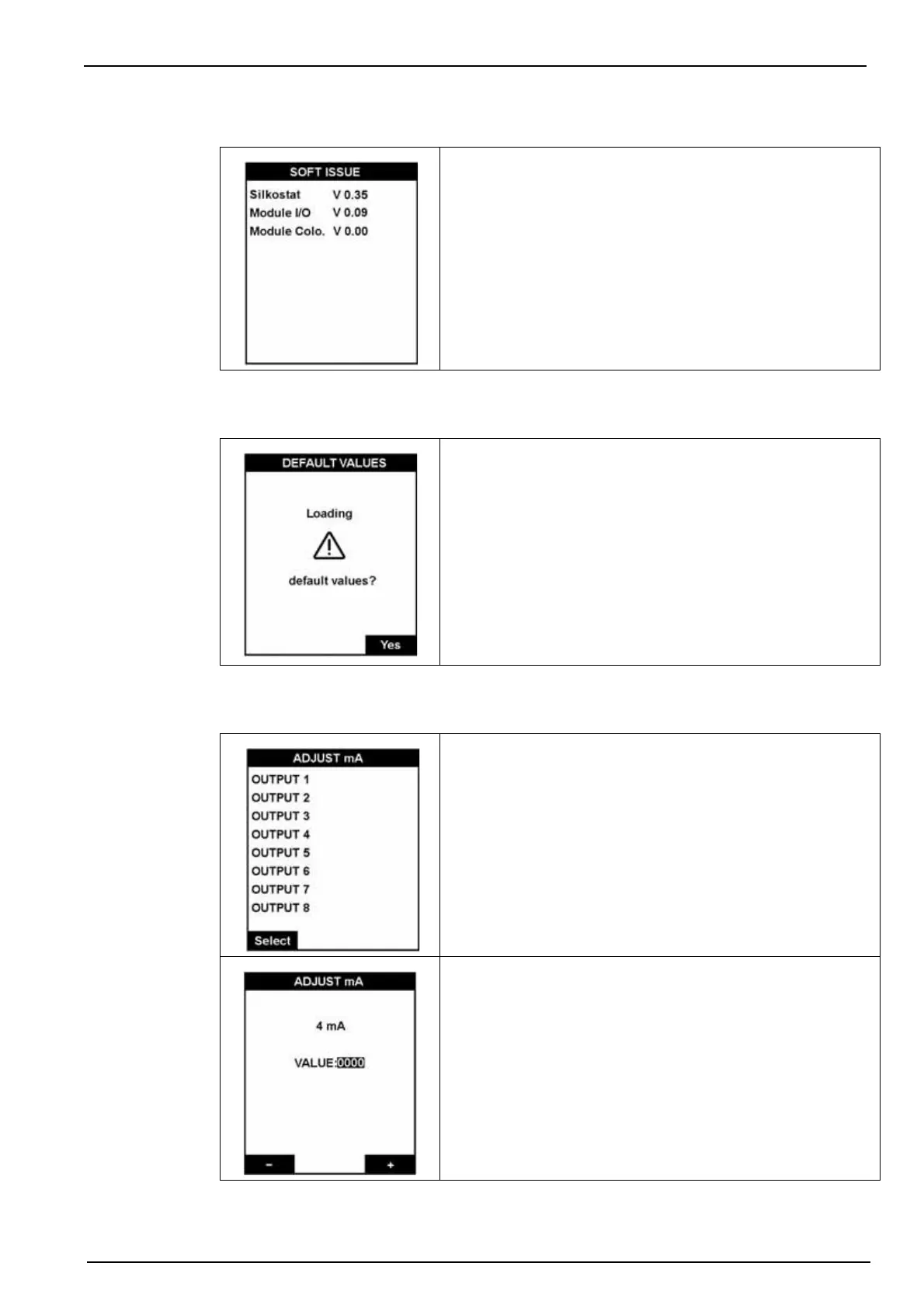
This option displays the version number of the software
installed on the analyzer.
This option allows you to reload all the factory set default
values (see Default Configuration on page 73 for a complete
listing).
Important Note: This operation will erase all the parameters
(calibration, 4-20 mA scale, alarms, sequence, etc.), and the
default values will be loaded. In addition all measurement
values and alarm history will also be erased.
To exit the screen without loading default values, press Esc.
Each 4-20 mA output can be individually calibrated on a two
point basis.
Connect a milliammeter to each of the 8 outputs in turn.
Use the " - " and " + " keys to make minor adjustments to the
values on the 4 mA outputs.
Validate (press Enter) will move you to the 20 mA outputs
screen.
Adjust the 20 mA value in the same way and then press Enter
to complete the adjustment process and return to the screen
to select the next output to adjust.



 To Next Page