67
Maintenance
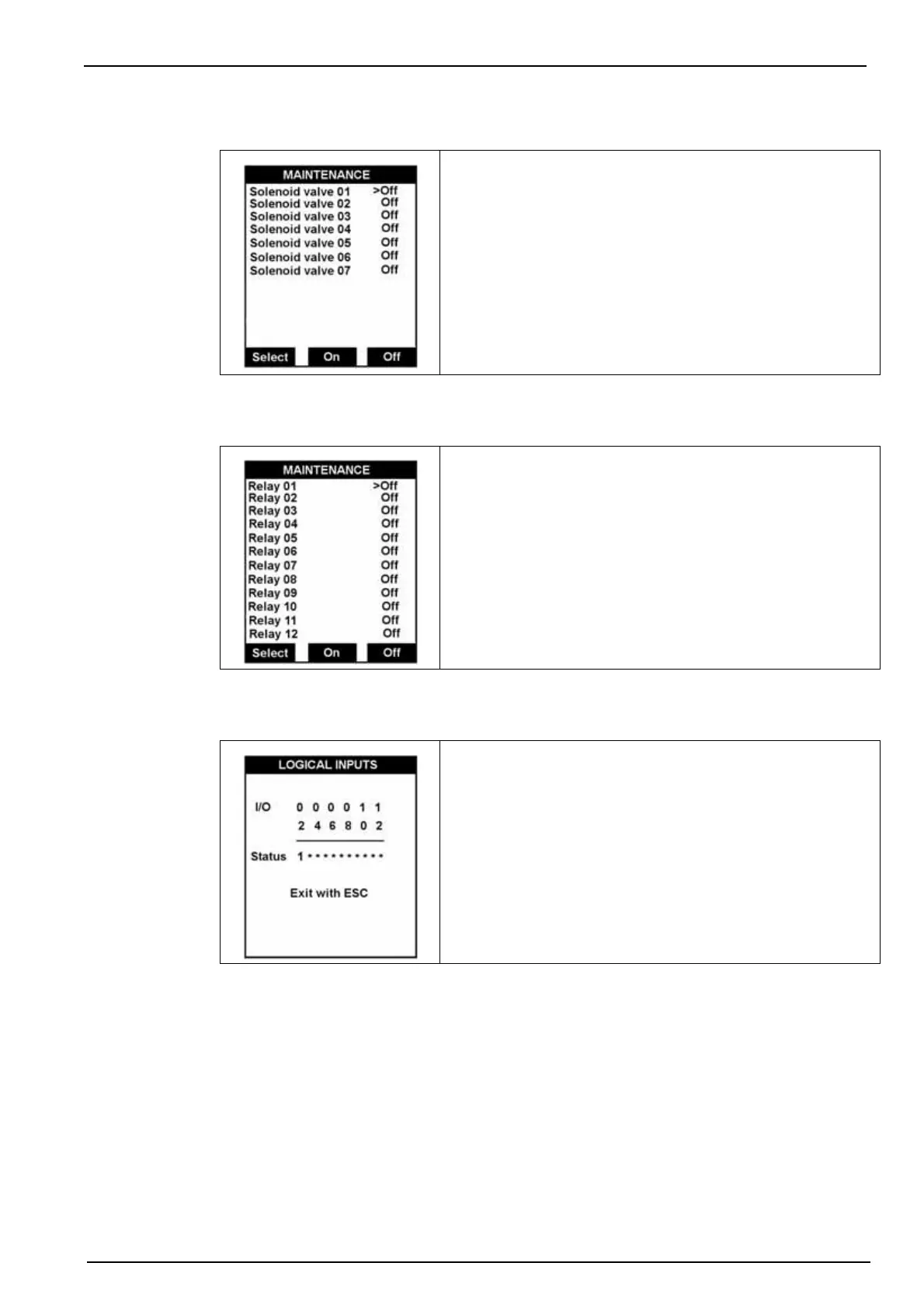
9.14 Solenoid valves
9.15 Relays
9.16 Logical inputs
This option verifies the correct functioning of the solenoid
valves.
Use the Select key to verify a valve and press the On key to
operate it or Off key to stop it.
Press Esc to return to the previous screen.
• Solenoid valves 01 to 06: Measuring channels 1 to 6.
• Solenoid valve 07: Sample transfer from overflow vessel
to the measuring cell.
This option operates or stops the relays.
Use the Select key to select a relay and press the On key to
operate it or Off key to stop it.
Note: For each relay function, refer to Table 1 on page 28.
This option displays the status of the logical inputs and
verifies the functionality of the inputs In1 to In12.
Status: 1 = short circuit input
* = open input



 To Next Page