65
Maintenance
9.9 Extended stop
9.10 Tube cleaning
In case of an extended stop (longer than 1 week) it is
recommended to clean the tubes and the measuring cell.
Have a beaker of 250 ml of demineralized water available and
then do the following:
• Stop the analyzer by pressing Stop
• Press the Menu key
• Select the MAINTENANCE menu
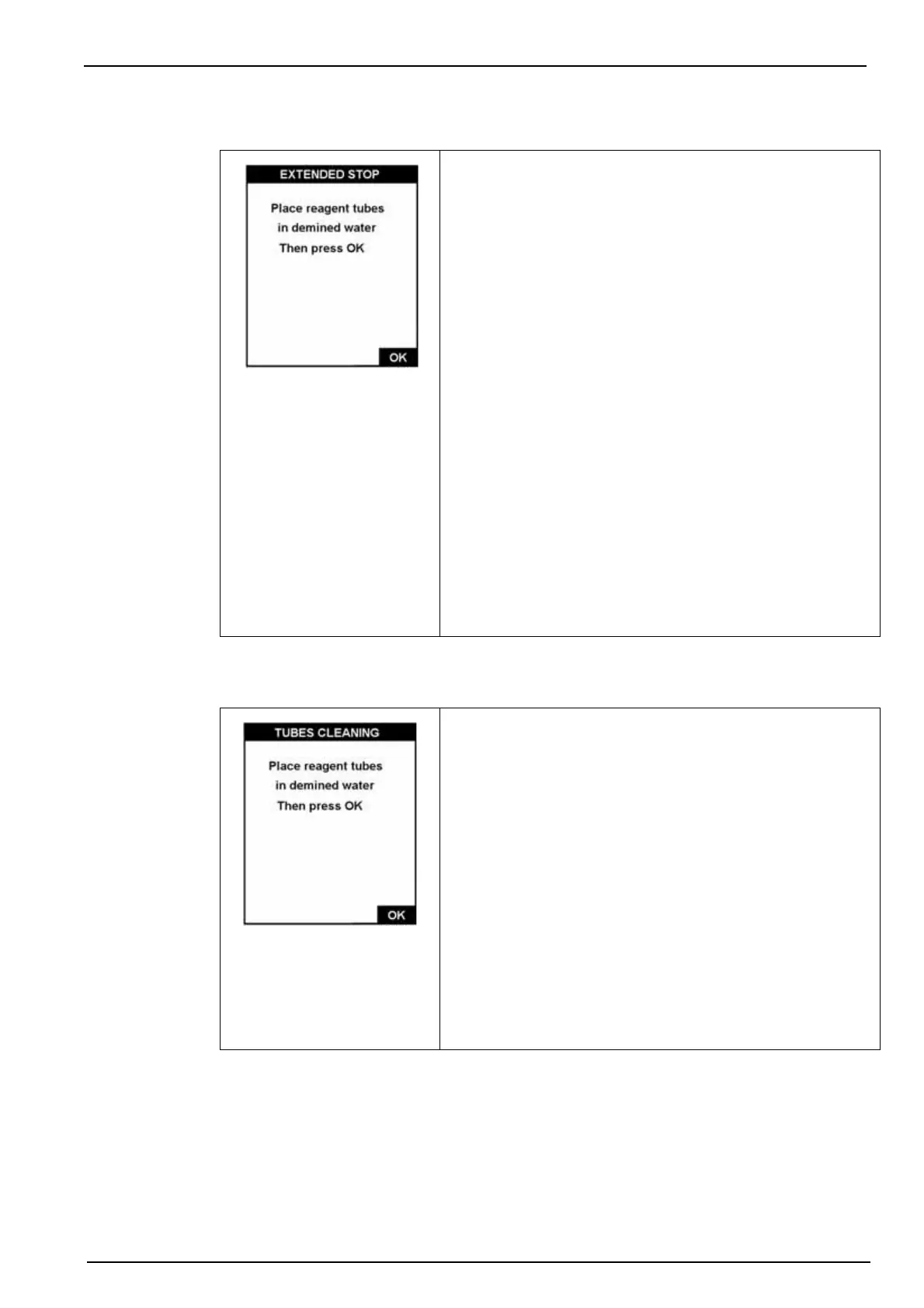
• Select the EXTENDED STOP option
• Submerge all the reagent tubes in the beaker of
demineralized water
• Press OK to start each stage of the procedure
• Follow the instructions on screen and validate each stage
with OK.
At the end of the process, the measuring cell is empty.
Disconnect the power from the analyzer and replace the
reagent tubes in their canisters.
Note: Do not interchange the tubes. They must be returned to the
exact same canister they were taken from.
In case of an extended stop of over 6 weeks, you must
discard the reagents and prepare another set for the restart.
If the tubes become clogged, use this procedure to clean
them.
Have a beaker available containing 250ml of demineralized
water and a second beaker containing 100ml of ammonia at
10% of normal commercial concentrations by volume i.e.
approximately 3% V/V.
Immerse tubing R1A in the ammonia solution. Press OK to
start the cleaning process.
Follow the instructions and press OK at each step.
The procedure is the following:
• Rinse the tube with demineralized water
• Clean with a 10% ammonia solution
• Rinse the tube again with demineralized water
On completion, press Esc to return to the previous screen.



 To Next Page