41
Section 7 User Setup
Before attempting to setup the analyzer, ensure you have read and understood how to enter
and change data fields as described in the section entitled Data Entry on page 33.
The user setup process consists of accessing five sub-menus from the main menu:
• MEASURE
• ALARMS
• mA OUTPUTS
•RS485
• SEQUENCE
7.1 Measure menu overview
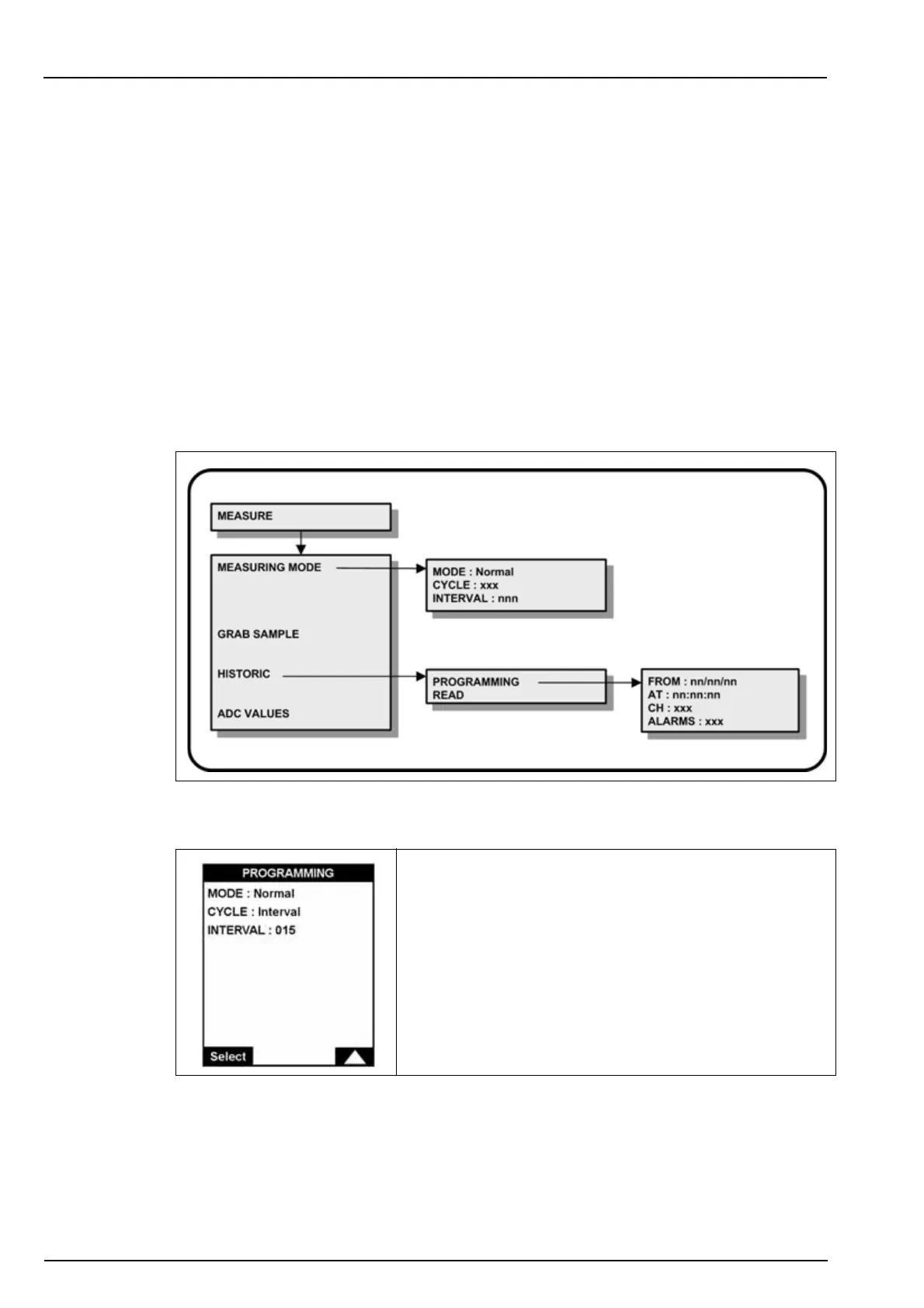
Select the MEASURE option from the main menu to define the measurement parameters.
Note: If a PROGRAMMING password has been set (see Code on page 38 for details on how to do this),
you will be required to enter a password to gain access to the main menu.
7.1.1 Measuring mode
This option defines the measurement cycle parameters.
If the Interval cycle is selected, the measurements are made
every 15 minutes by default. You can adjust the measuring
cycle time by entering a different value e.g. 030 for a
measurement every 30 minutes.
If the In loop cycle is selected, measurements are made on a
continuous basis.



 To Next Page