Powered by Safety
®
18
Installation
01.4IB.48041
BriteSpot® Plus
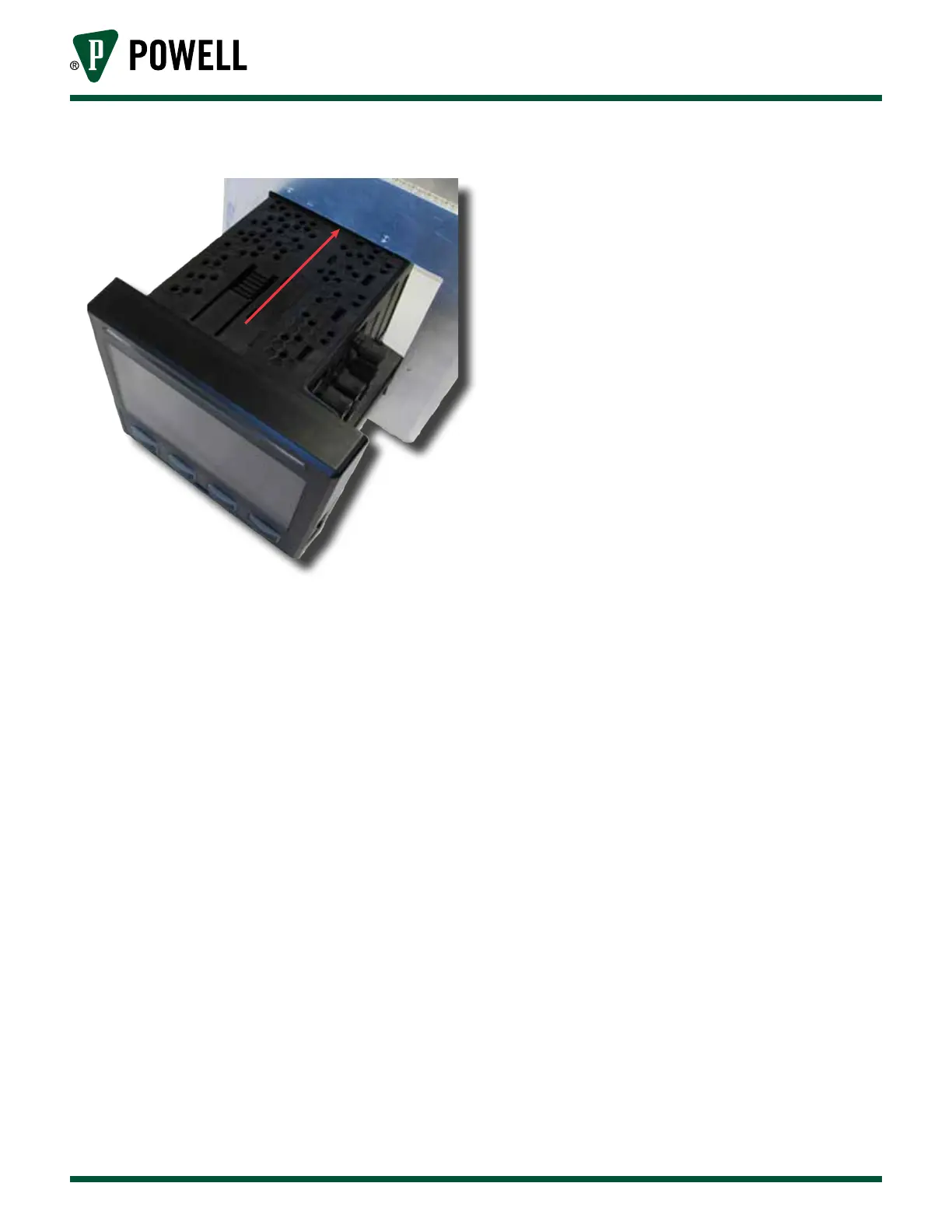
Figure 19 BriteSpot® Plus Mounting
2) Attach BriteSpot® Plus Mounting Clips
The BriteSpot Plus conversion module
is supplied with 3 panel mounting clips.
These clips should be inserted into the
BriteSpot Plus body on the back side of the
mounting as shown in Figure 20.
Before sliding the clips into place, ensure
that the mounting screw is flush with the
end of the clip, as seen at the top of
Figure 20, if not, adjust it. As the clips are
slid forward into position, they should
ratchet and lock into place. The clips
should be as close to the mounting panel
as the ratcheting action will allow.



 To Next Page