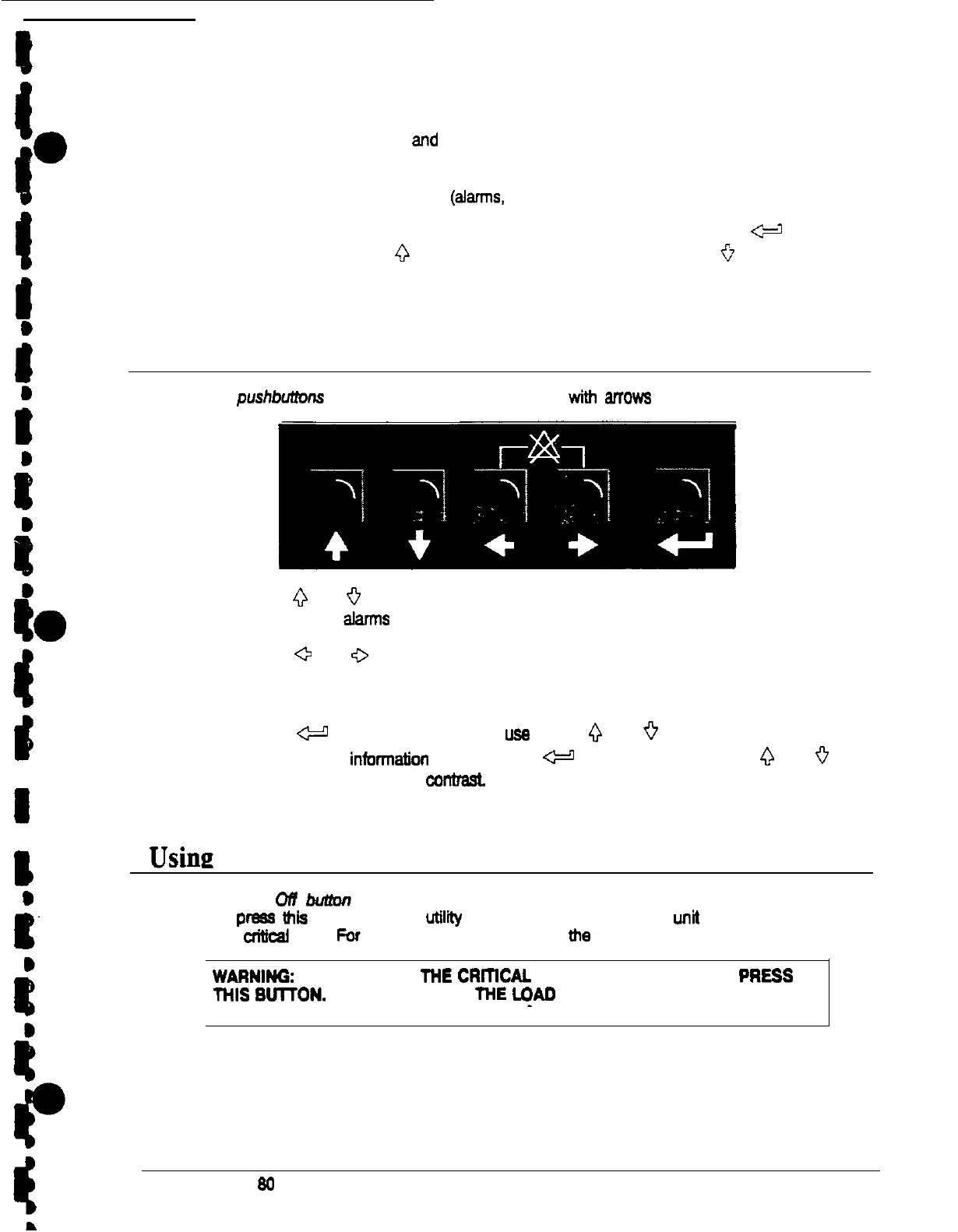
You can use the LCD screen and the pushbuttons beneath it to:
l
Monitor UPS operation
l
Look at a log of UPS events (alamvs, notices, and commands)
Use the pushbuttons to adjust the contrast on the LCD screen. Hold down the c=-1
pushbutton, then press the
0
pushbutton to increase the contrast or the
ii
pushbutton to
decrease the contrast.
Using the Pushbuttons
The
pushbutfons
below the LCD screen are labeled with anows indicating their functions:
l
Press the
0
and
9
pushbuttons to move among the options in a menu, or to scroll
through the list of atarms and notices in the event log.
l
Press the
a
and
0
pushbuttons to move among the menu, titles on the menu bar.
Press them simultaneously to silence the horn, or to teat the lamps behind the status
indicators.
l
Press the
W
pushbutton to toggle the usa of the
0
and
0
pushbuttons between the
menu box and the infonnatlon area. Hold the
@
pushbutton and press the
0
and
0
pushbuttons to adjust screen conbast.
Using
the Load Off Button
The Load
ofl
butfort is red and covered by a clear plasticshield. In an emergency, you
can press this button to cut off
uttlii
power to the power processing unit of the UPS and to
your crfttcat load. Par more information, sae “Using the Load Off Sutton’ on page 51.
/
WARNINO:
Au POWER TO
THE
cRmchu
LOAD IS LOST WHEN YOU
PRESS
(
THIS
SUITON.
YOU SHOULD USE THE
I+0
OFF CONTROL ONLY
IN AN
: EMERGENCY
Power-ware Plus
80
UPS Operator’s Manual
21











 To Next Page