Ii
Inspecting and Unpacking Each Cabinet
The first task in preparing
for
installation is inspecting and unpacking each cabinet,
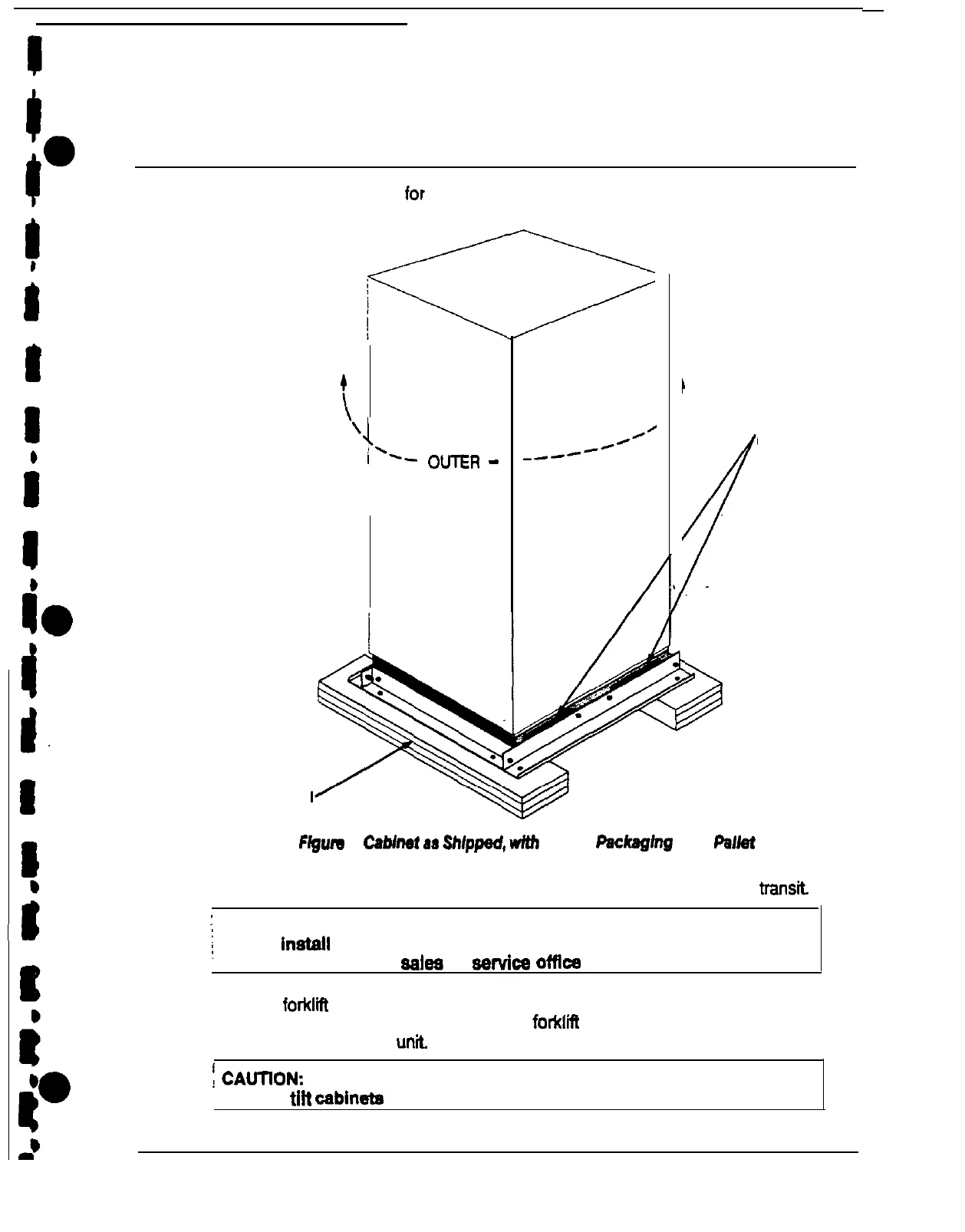
Cabinets arrive covered with protective packaging material, as shown in Figure 2.
t
\
\
$--
OmR
_
PACKAGING
‘FOAM CUSHION
FORKLIFT
OPENINGS
Flgum
2
Cabhat
aa
Shipped,
wfth
Outer
PackagIng
and
Pa&t
1.
Carefully inspect the outer packaging for evidence of damage during
transl
’
CAUTION:
i
Do not fnetell a damaged cabinet. Report any damage to the carrier
and contact your local ealea or eervlce offfce Immediately.
2. Use a forklii or other material handling equipment to move the cabinet to a
convenient unpacking area.
Insert the
forkVEt
jacks between the foam cushions
on the bottom of the
unl
j
CAUllON:
I
DO NOT
tilt
cabineta more than 10 degrees from vertical.











 To Next Page