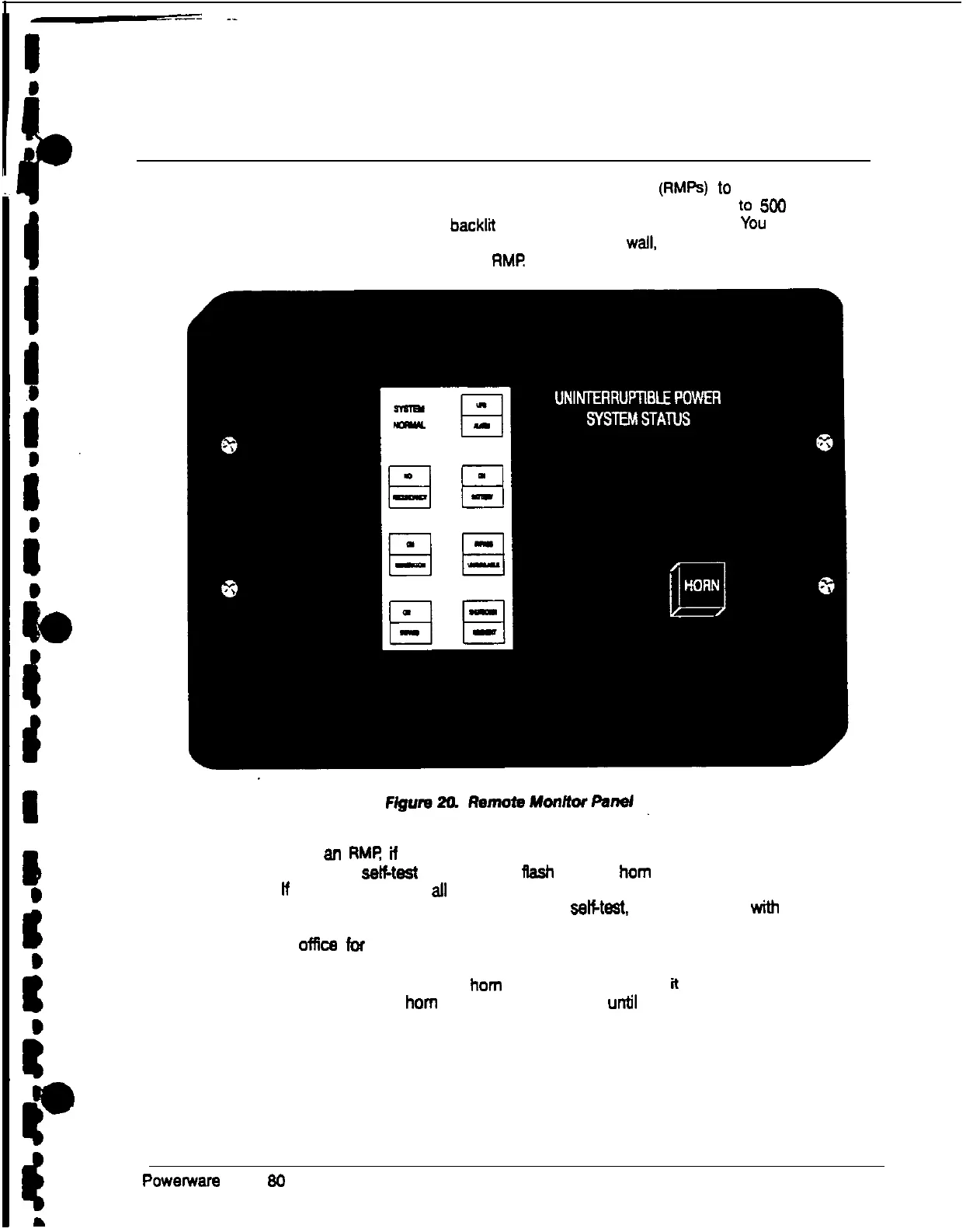
Remote Monitor Panel
As an option, you can install one or more Remote Monitor Panels (RMPs) to monitor the
operation of the UPS system from virtually any location within your facility, up t0 3M) feet
from the UPS. Each RMP contains backlit status indicators and a local horn. you can
flush mount or surface mount an RMP on a desktop or on a wall, wherever you have a
serial interface line. Figure 20 shows an
RMf?
Afler you install an RMR fi the communications link between the UPS and the RMP is not
present, the RMP will setf-teat (all indicators
Rash
and the horn beeps at one-second
intervals). lf this occurs, check all harness connectors and the fuse for proper seating. if
all connecttons are secure but the RMP continues to seKtest. replace the fuse wtth the
spare included in the hardware kit. If this does not correct the problem, contact your local
field service offfce for verification that the RMP is working correctly.
To test the indicator lamps, press the horn silence button end hold it for 3 seconds. All
lamps should light, and the horn will sound continuously until you release the button.
Powerware Plus 30 UPS Operator’s Manual
33











 To Next Page