360 Repairs
43
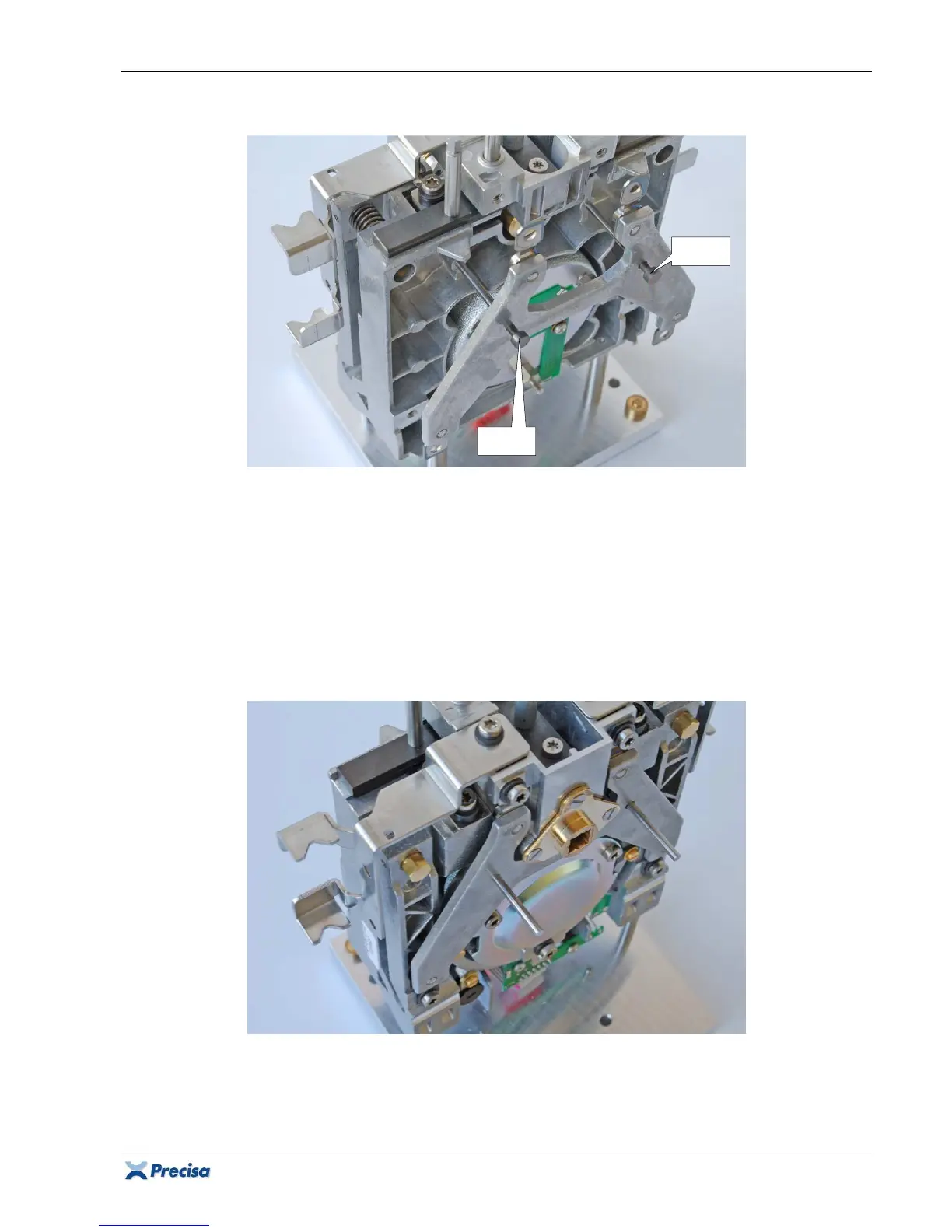
2.7.6 Assembling the flexure holders
1. Introduce the two pins for flexure holders [6] in the first pre-assembled holder the way that the
shoulder of the pins is opposite the screw heads on the holder.
2. Bring the two pins with the holder into position in the chassis.
3. Lower the holder carefully over the two pins on the chassis, until the flexures just touch the
chassis and the support piece.
4. Fix the holder with its 4 spring washers (32) (
Group A:
with its 4 XR-bases (35)) and screws
(26).
5. Push the two pins through, up to the installed horizontal flexures holder.
6. Introduce and fix on the opposite side the other pre-assembled flexure holder the same way.
7. Gently pull the two pins out of the flexure holders. They must be smoothly removeable!
[6]













 To Next Page