360 Adjustments
59
3.12 Checking the corner load
1. Ensure the balance has reached its operating temperature, is levelled and in weighing mode
(switch it off and on by pressing ON/OFF twice).
2. Have, according to the specifications, a suitable corner load reference weight at disposal.
3. Place the weight on Z and tare the balance.
4. Place the weight on A, B, C and D. Every single value has to stay, according to the
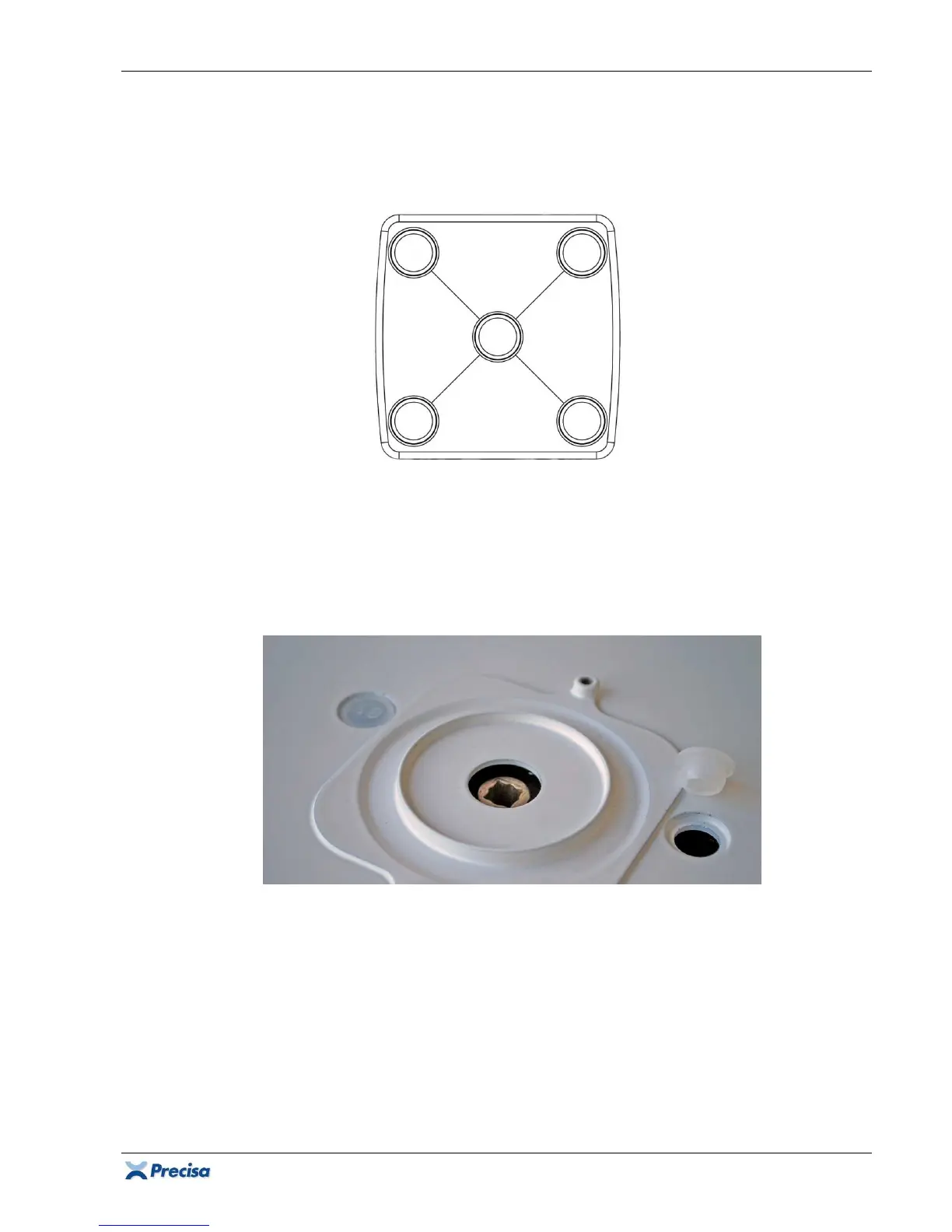
specifications, within the tolerated range! If they don't, re-adjust the corner load according to
chapter 3.5.2 (group M/C/D) or 3.5.3 (group A).
Important:
In order to adjust the corner load at
operating temperature, do not open the balance, just remove the sealing plugs! The corner load
screws are now accessible.
Important:
In case the corner load has been re-adjusted, check the repeatability according to chapter
9 and the linearity according to chapter 3.11 again.













 To Next Page