360 Adjustments
48
3.5 Adjusting the corner load
3.5.1 Determining the corner load values
1. Ensure the balance is levelled and set to the factory mode according to chapter 3.2.
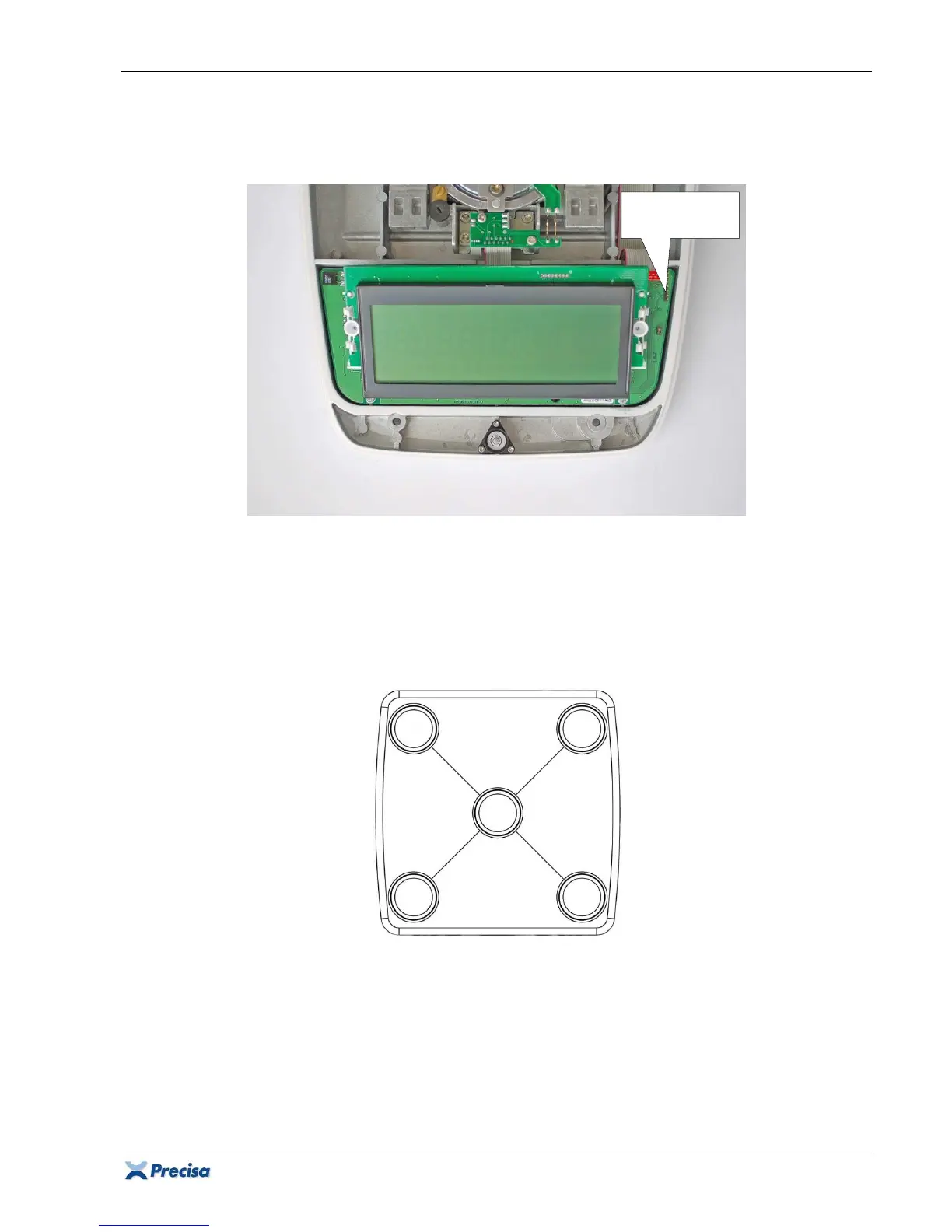
2. Place the upper part of the housing on the right alongside the lower part of the housing and
connect the membrane keypad to the pin header S3.
3. Put the pan holder and the weighing pan on the balance.
4. Have, according to the specifications, a suitable corner load reference weight at disposal.
5. Place the weight on Z and tare the balance.
6. Place the weight on A, B, C and D. Every single value has to stay, according to the
specifications, within the tolerated range!
Pin header S3
for keypad













 To Next Page