4 Manual Operation
_____________________________________________________________________________________________________________________________________
4-1
4 Manual Operation
4.1 Keypad
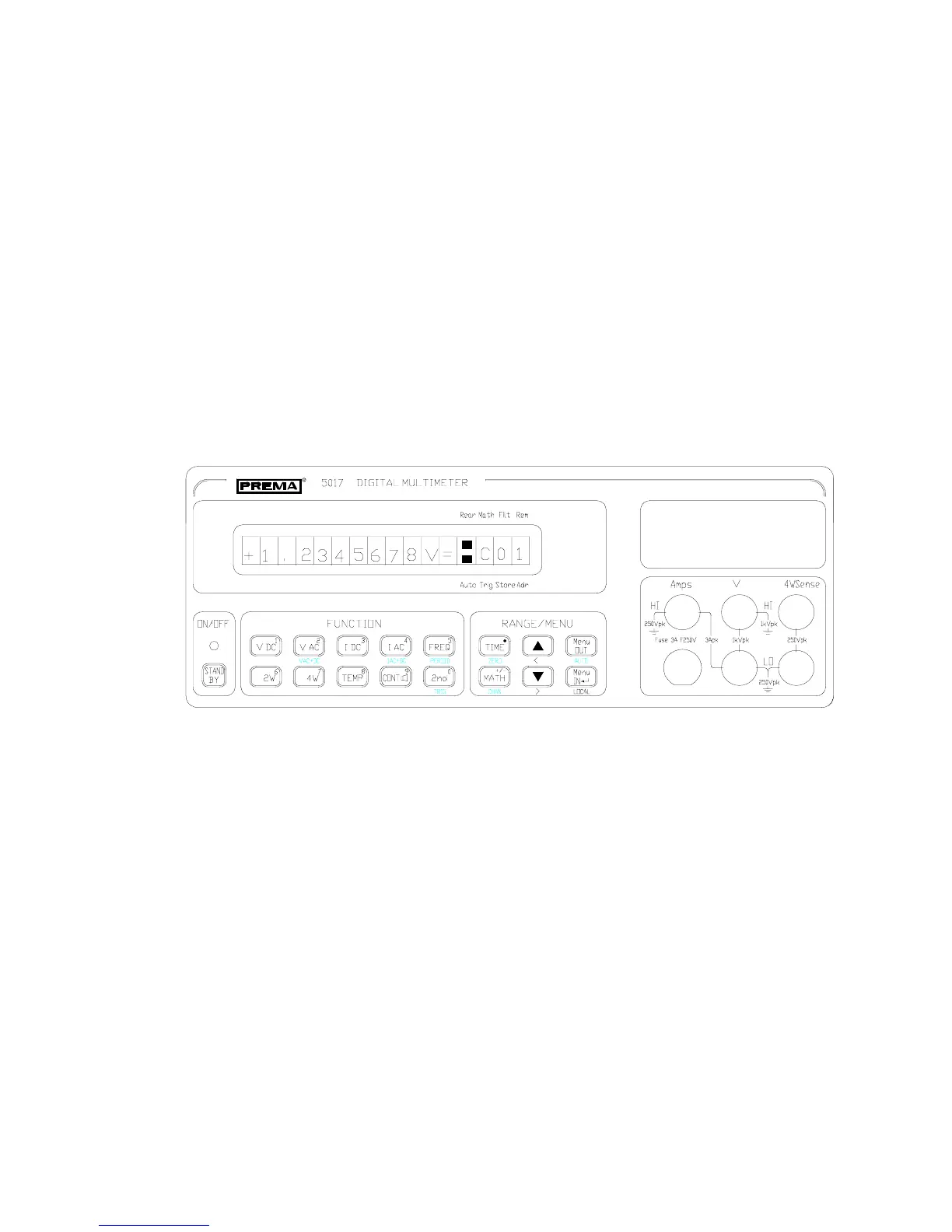
The user friendly design of the front panel permits quick and effective working with
this instrument. On the one hand the keyboard provides direct access to important
functions of the instrument such as measuring function and range setting, preselection
of the measuring time and activation of a mathematical program. On the other hand,
more complex settings can easily be made with the cursor and menu control.
Blue legend is present under some of the keys. The functions corresponding to this
legend are activated after first pressing the 2nd key (second function key).
Apart from the normal function assignment, some keys have a numerical second
assignment. This second assignment is activated when it is necessary to make
numerical entries, for example in the mathematical programs or for calibration.
Front view of the 5017



 To Next Page