4 Manual Operation
_____________________________________________________________________________________________________________________________________
4-17
4.11 The Menu "Device"
Technical hardware settings such as temperature sensor, interface preselection, LCD
contrast and scanner setting are made in this menu.
Setting the Contrast
Keypress Display / Action
1.
MENU
-
IN KEY
'HYLFH
If this display does not appear, press the
Ø
-
KEY
until
it does appear.
2.
MENU
-
IN KEY
&RQWUDVW
If this display does not appear, press the
×
-
KEY
until
it does appear.
3.
MENU
-
IN KEY
Switches-on entry mode.
4.
×
-
KEY
Increases the contrast by one unit.
5.
Ø
-
KEY
Decreases the contrast by one unit.
6.
MENU
-
OUT KEY
Takes over the entry and steps up one menu level higher. Press
repeatedly to reach the measurement reading display.
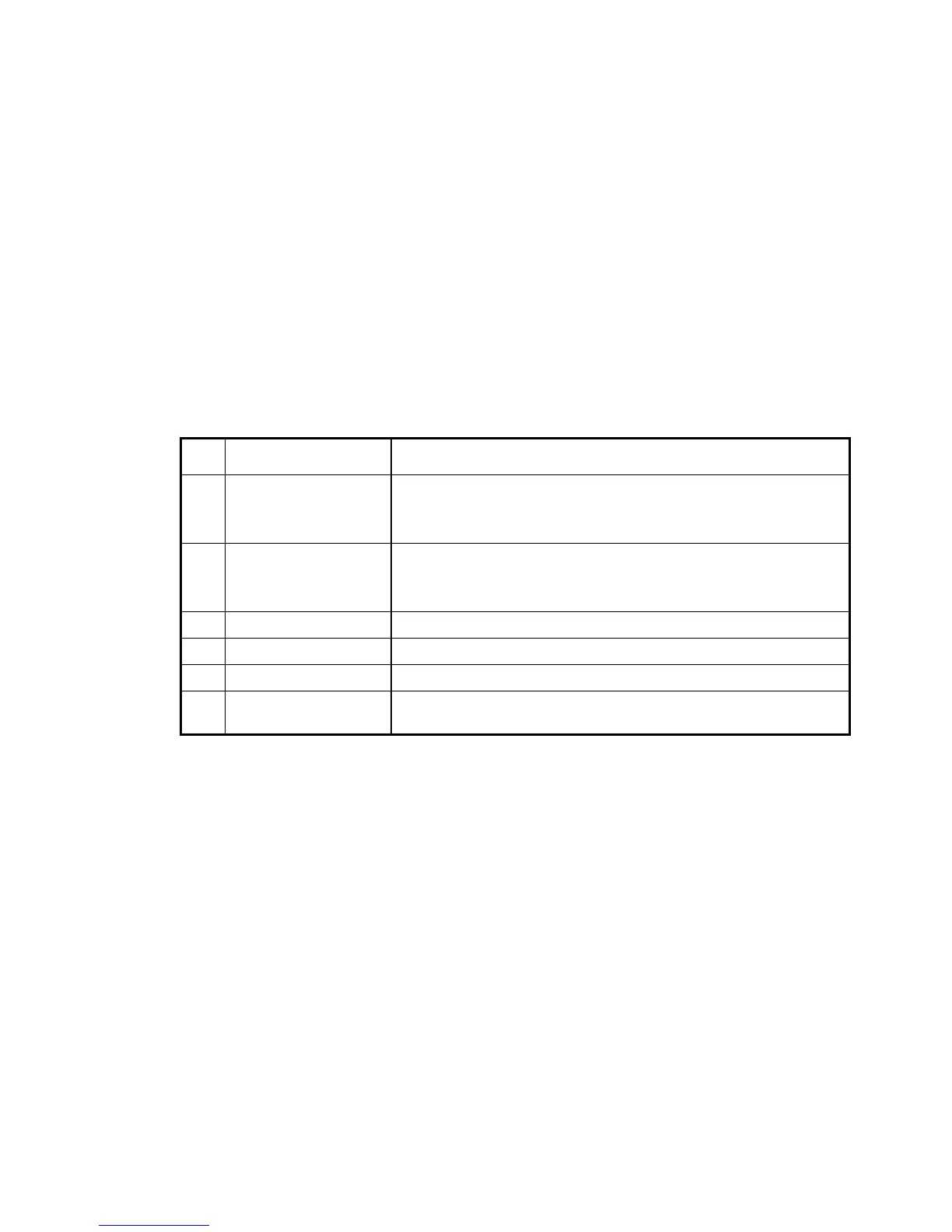
Table: Setting the contrast
The contrast can be adjusted over the range from 1 to 9 units.



 To Next Page