4 Manual Operation
_____________________________________________________________________________________________________________________________________
4-15
Filter Selection
Keypress Display / Action
1.
MENU
-
IN KEY
&21),*85(
If this display does not appear, press the
×
-
KEY
until it does appear.
2.
MENU
-
IN KEY
)LOWHU
3.
MENU
-
IN KEY
$XWR)LOWHU
Activates / deactivates the automatic filter with the
MENU
-
IN KEY
.
4.
Ø
-
KEY
$YJ)LOWHU
Activates / deactivates the average value filter with the
MENU
-
IN KEY
.
5.
MENU
-
OUT KEY
Takes over the entry, then steps up one menu level higher. Press
repeatedly to reach the measurement reading display.
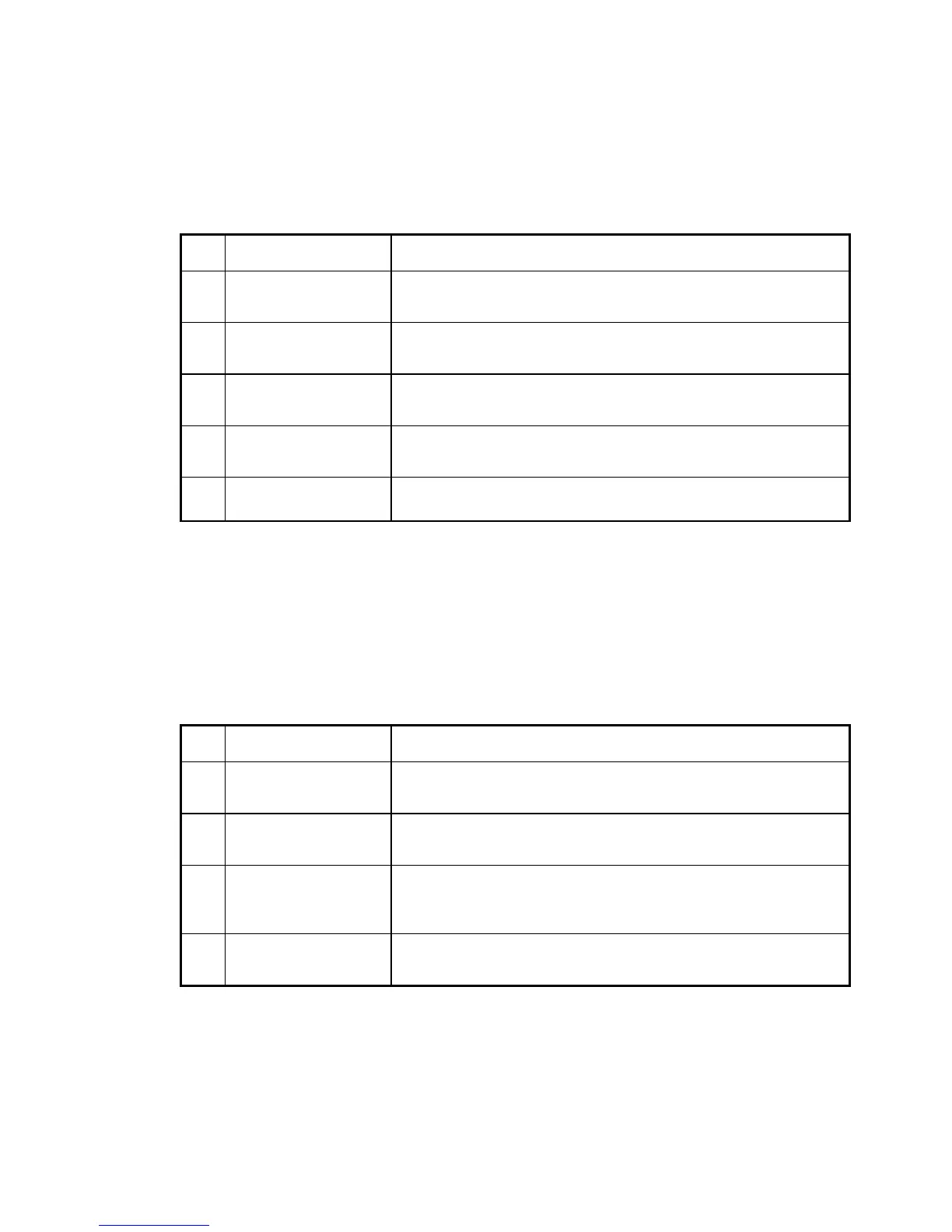
Table: Filter selection
Saving and Loading Instrument Settings
The menu item "Settings" permits saving of a power-up status or loading of factory
settings.
Keypress Display / Action
1.
MENU
-
IN KEY
&21),*85(
If this display does not appear, press the
×
-
KEY
until it does appear.
2.
MENU
-
IN KEY
6HWWLQJV
3.
MENU
-
IN KEY
6DYH6HWWLQJV
Saves the present instrument settings as power-up status on
pressing the
MENU
-
IN KEY
.
4.
Ø
-
KEY
/RDG)DFW6HW
Loads the factory settings on pressing the
MENU
-
IN KEY
.
Table: Saving the instrument settings and loading factory settings



 To Next Page