4 Manual Operation
_____________________________________________________________________________________________________________________________________
4-21
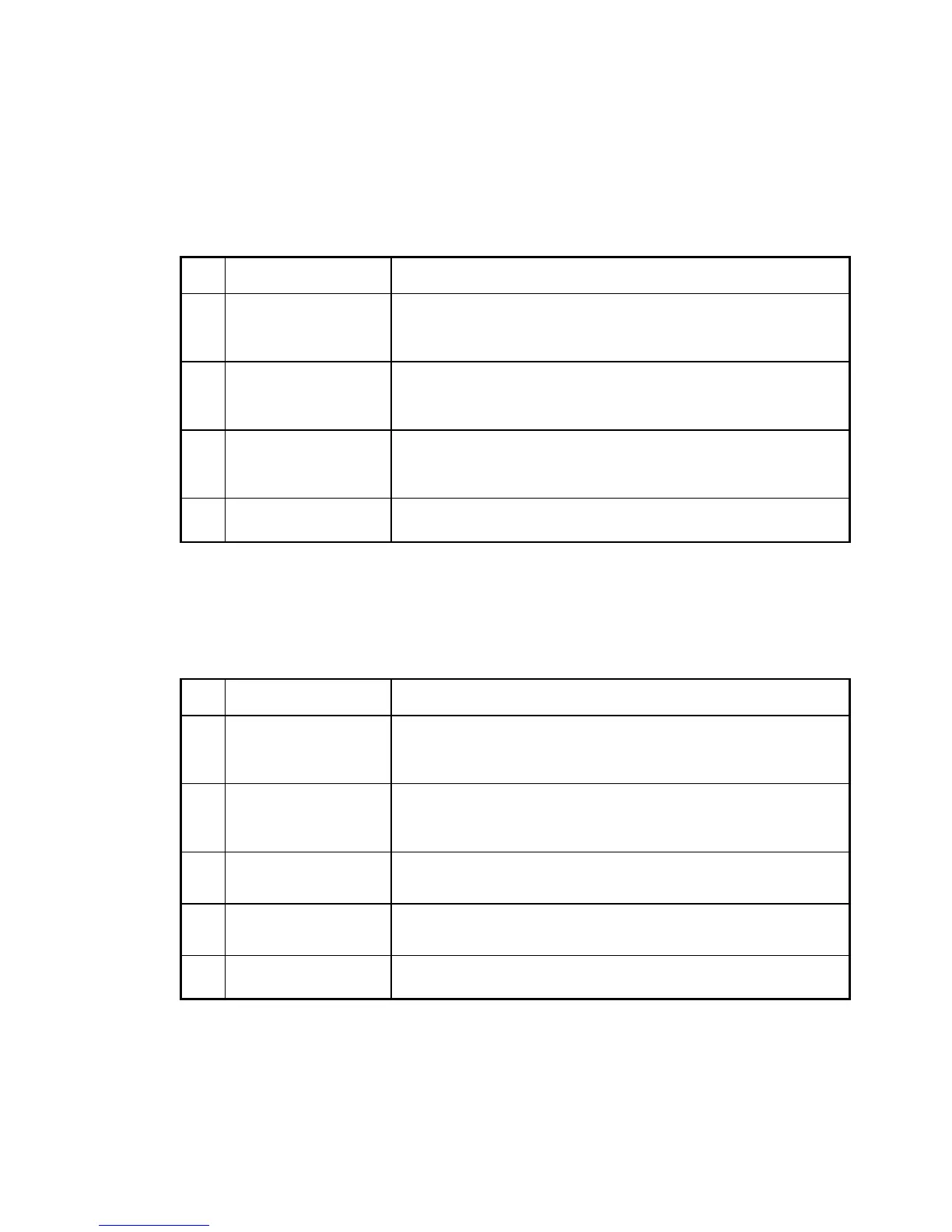
Activating the Loudspeaker
Keypress Display / Action
1.
MENU
-
IN KEY
'HYLFH
If this display does not appear, press the
Ø
-
KEY
until
it does appear.
2.
MENU
-
IN
-
KEY
%HHSHU
If this display does not appear, press the
×Ø
-
KEY
until
it does appear.
3.
MENU
-
IN KEY
%HHSHU
The loudspeaker is now active. Every keystroke generates a BEEP.
Proceed the same way to deactivate the loudspeaker again.
4.
MENU
-
OUT KEY
Takes over the entry and steps up one menu level higher. Press
repeatedly to reach the measurement reading display.
Table: Activating the loudspeaker
Setting the Display Formats
Keypress Display / Action
1.
MENU
-
IN KEY
'HYLFH
If this display does not appear, press the
Ø
-
KEY
until
it does appear.
2.
MENU
-
IN KEY
'LVSOD\
If this display does not appear, press the
×Ø
-
KEYS
until
it does appear.
3.
MENU
-
IN KEY
0DWKHPDWLFV
Select the desired display format with the
×Ø
-
KEYS
.
4.
MENU
-
IN KEY
0DWKHPDWLFV
Activates / deactivates the selected format.
5.
MENU
-
OUT KEY
Takes over the entry and then steps up one menu level higher. Press
repeatedly to reach the measurement reading display.
Table: Setting the display format



 To Next Page