126
MBOX® USER MANUAL
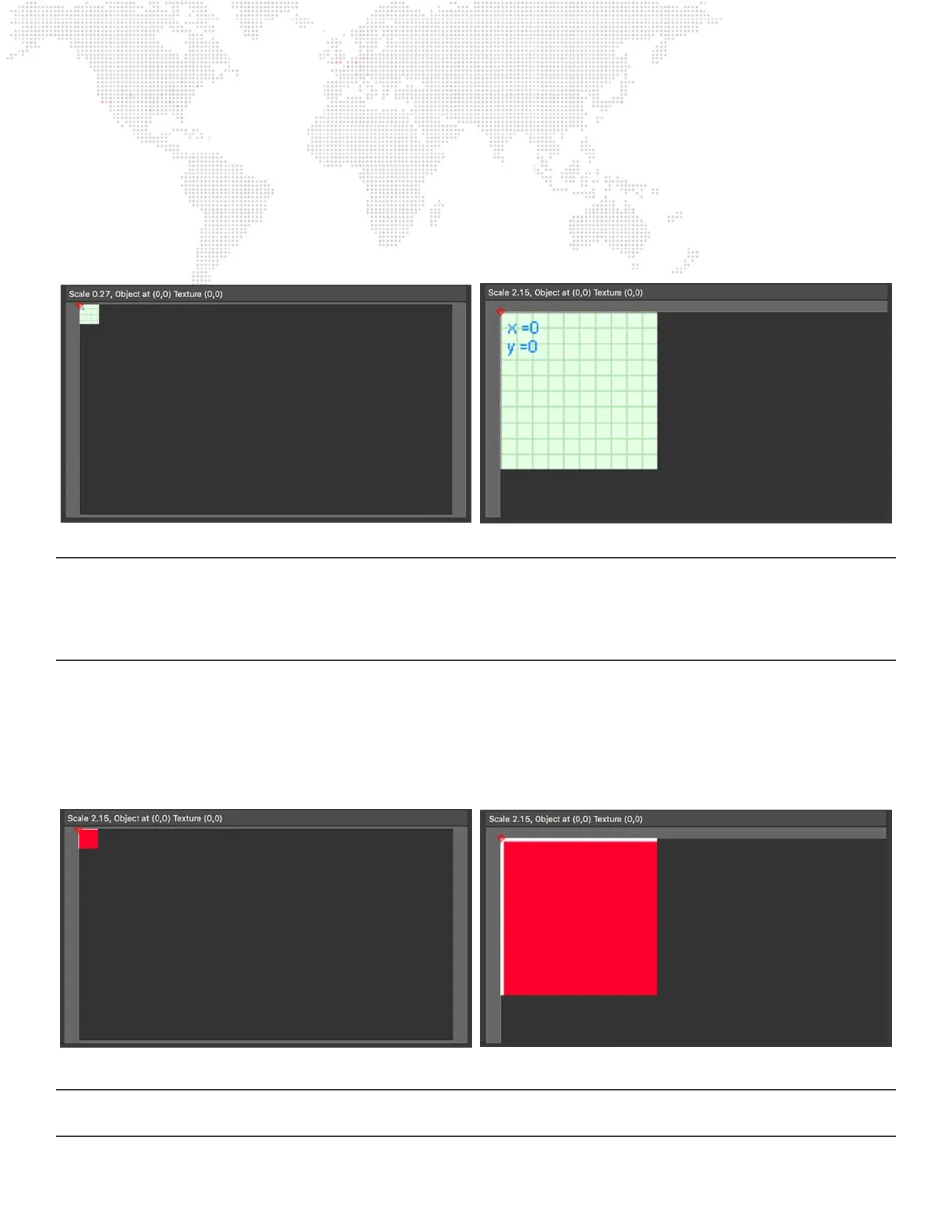
Step 7. Adjust the scale and center the background within the view, resizing the entire Mbox or Mbox Remote
window as required. The selected screen object appears as a light green square at the top-left of the
background, with its top-left corner (its origin) indicated by a red diamond. If the view is scaled up and then
panned, it’s easier to see that the screen object is represented as a piece of graph paper, with overlaid grid
lines and X/Y coordinates. These coordinates refer to the coordinates of the texture that will be applied to
the screen object and not to the screen object itself or the entire conguration.
Note: The graph paper background can be useful in some cases, particularly when there is no reference image to work
from. Often when talking about projection or LED congurations, this reference image may be called a “Pixel Map,”
which should not be confused with the concept of Pixel Mapping from Mbox. It’s totally different as in this case the
document describes how/where pixels in the content will be mapped on outputs, whereas Pixel Mapping is the process
of turning screen pixel color into control data to be output to external lighting xtures.
Step 8. To make it easier to match the conguration and its screen objects to the desired end result, a background
image (a “pixel map”) can be loaded as a replacement for the graph paper. To load a background image,
click on the Image Remap menu, select “Open” and choose a JPEG or PNG image. To be a useful
reference, the image must be pixel-accurate. To begin with, it may not show much, but as the screen
objects are congured it will show the correct imagery.
Note: All origins are based on the top-left corner of the Mbox output, the MultiScreen object, or the screen object; with
that origin having coordinates of 0,0).



 To Next Page