133
MBOX® USER MANUAL
Note: Since the texture X & Y position controls default to 127, they will need to be set to that value to see the portion of
the texture in the illustration to the left. With different values, the texture will move, and as it moves off the surface of a
screen object, it becomes fully transparent.
Note: The Mbox output’s size is set to 1920 x 1080 to match the image remapping conguration’s Display Width and
Height values.
Using the rst 27 channels on control universe 16, the opacity and the visible portion of the texture on each of the nine
squares can be adjusted. The same image remapping conguration can also be used on other layers. Keep in mind
though, that due to the stride value on each control, subsequent layers will have an offset start address for their controls:
28 for Layer 2, 55 for Layer 3, 82 for Layer 4, and so on...
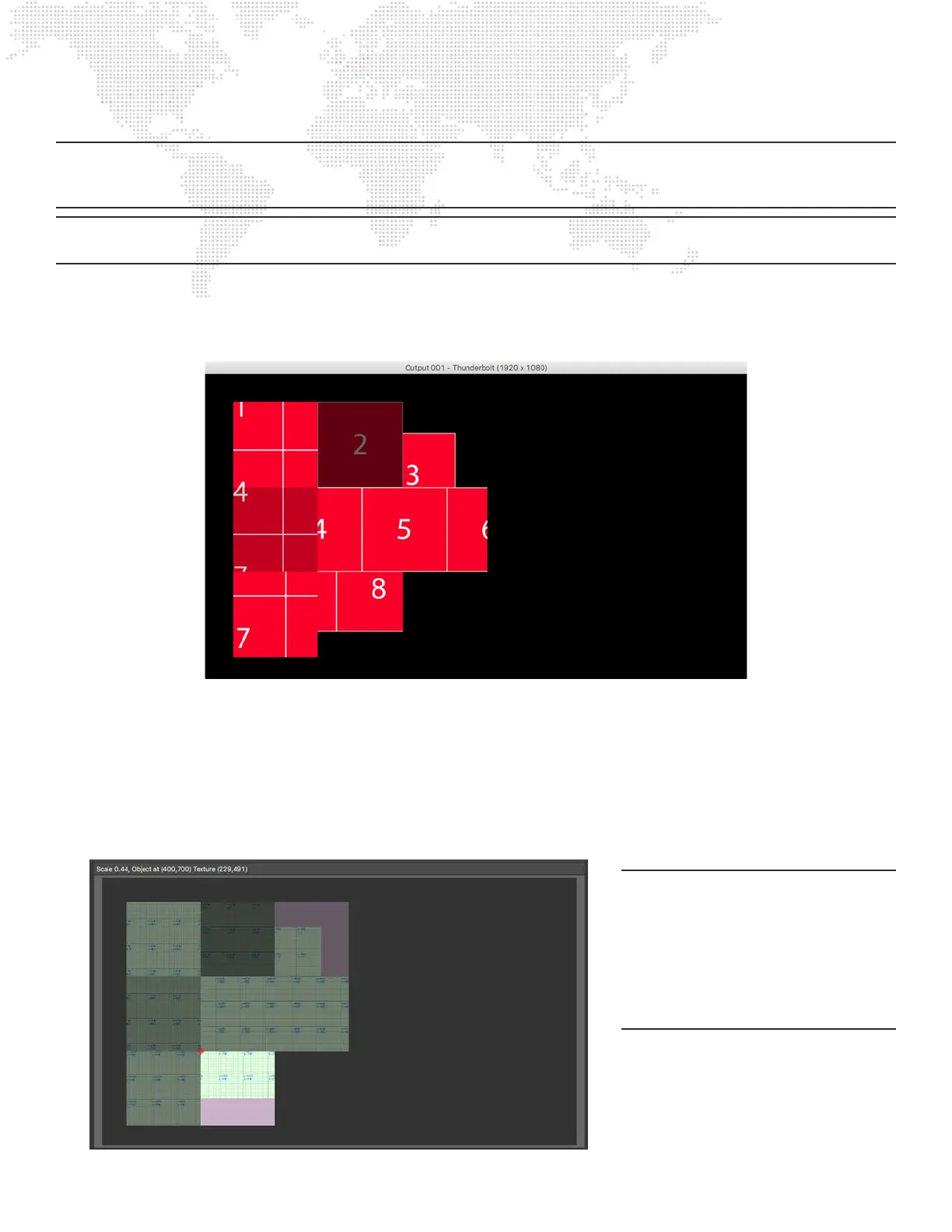
Through various changes to the opacity and texture X and Y values for each screen object it is possible to fade the
screen objects in and out and to adjust which portion of the layer’s texture appears on each of them:
Notice though that the texture on each screen object can’t extend beyond the boundary of the screen object, no matter
how much the texture X and Y parameters are changed. This is because the screen object is designed in such a way as
to only show texture within those boundaries - to avoid the texture from “spilling” onto another screen object.
It is possible to overlap screen objects by giving them active top and left values (or active width and height values) that
cause them to overlap on screen. But no matter what, the texture on a screen object can’t extend outside the boundary
of the screen object.
Note: In the image remapping preview
area, the pink coloring is used to show
a portion of the screen object that has
no texture (i.e., where the screen object
is fully transparent) due to the either
the received control values or perhaps
incorrect texture origin/width/height
values for the screen object.



 To Next Page