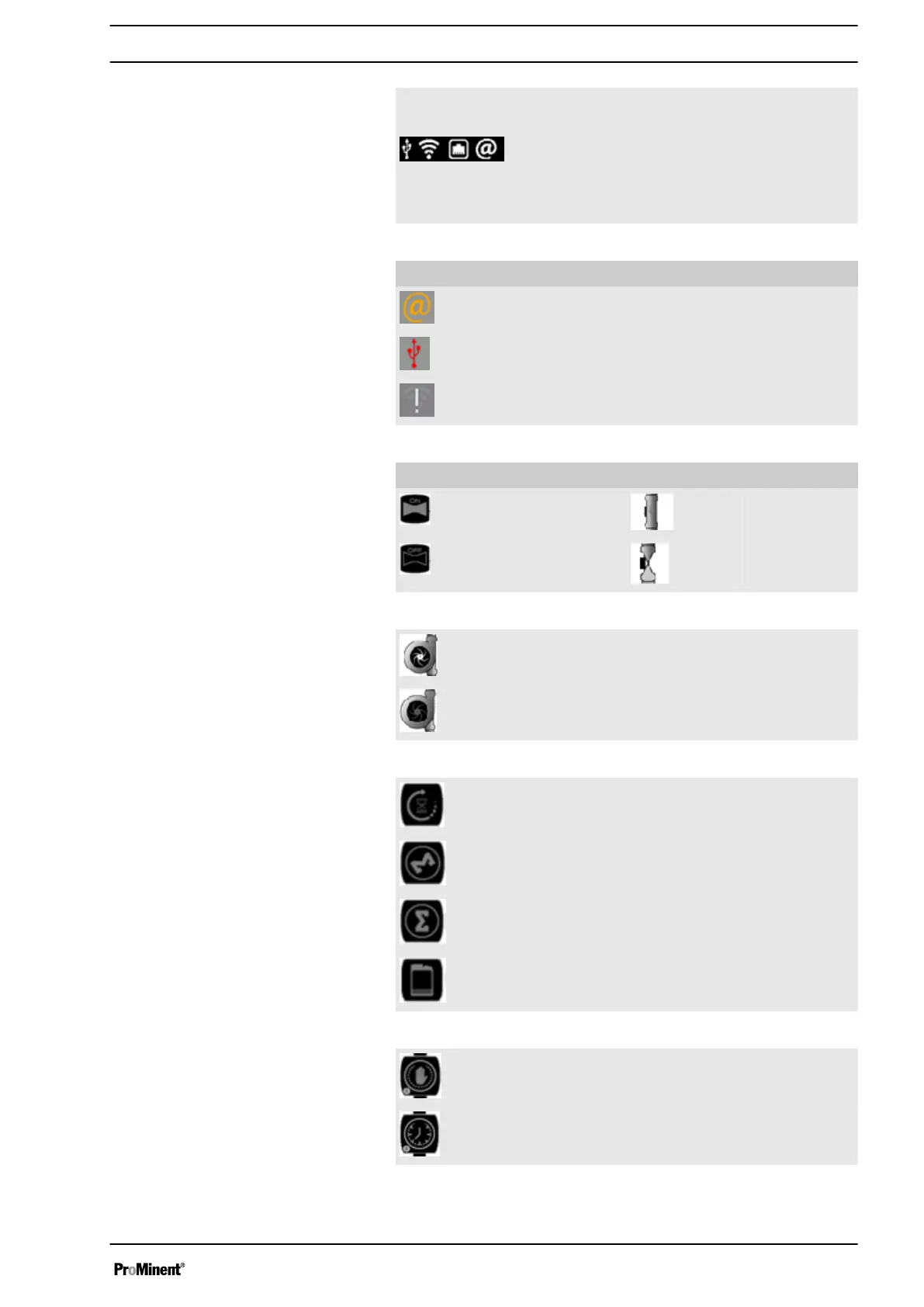
Communica‐
tion Info
Press it to display communication information:
n USB connection
n WiFi connection
n Ethernet or GSM connection
n MyProMinent connection
n GSM
Notifications
No connections to MyProMinent server.
USB key detected but not compatible, not read‐
able (USB key must be formatted in FAT32)
Connections to WIFI impossible.
Bleed state State of circulatoin
Enabled Enabled
Disabled Disabled
Flow switch is ON.
Flow switch is OFF.
Waiting for end of bleed.
Injection is ON.
Injection is OFF.
Injection time is full.
Manual operation
Operation on timer
Bleed indicator
Flow switch indicator
Biocide, inhibitor, dispersant and
dosing indicator
Tower indicators
Display Mode and Type
31














 To Next Page