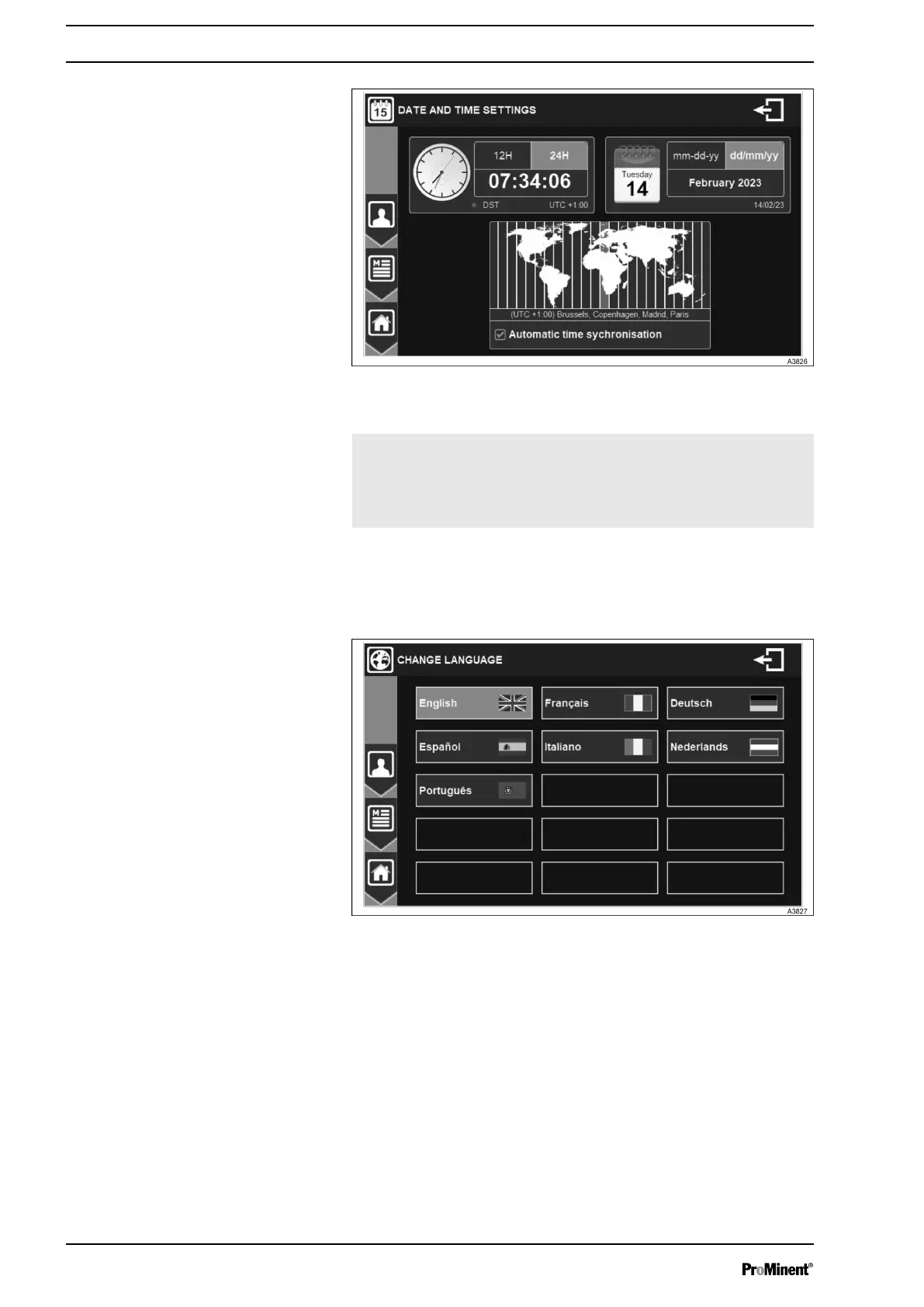
Fig. 82: Menu date and time settings
Automatic time
change
If the selected time zone has Summer
Time / Winter Time, your dispatcher will
automatically change time. You can cancel
this automatic time change by unchecking
this box.
7.3.4 LANGUAGE
Click on LANGUAGE to change the operating language.
Fig. 83: Menu language change
7.3.5 USB
USB menu allows you to update firmware, export or import configu‐
ration.
General Menu
70














 To Next Page