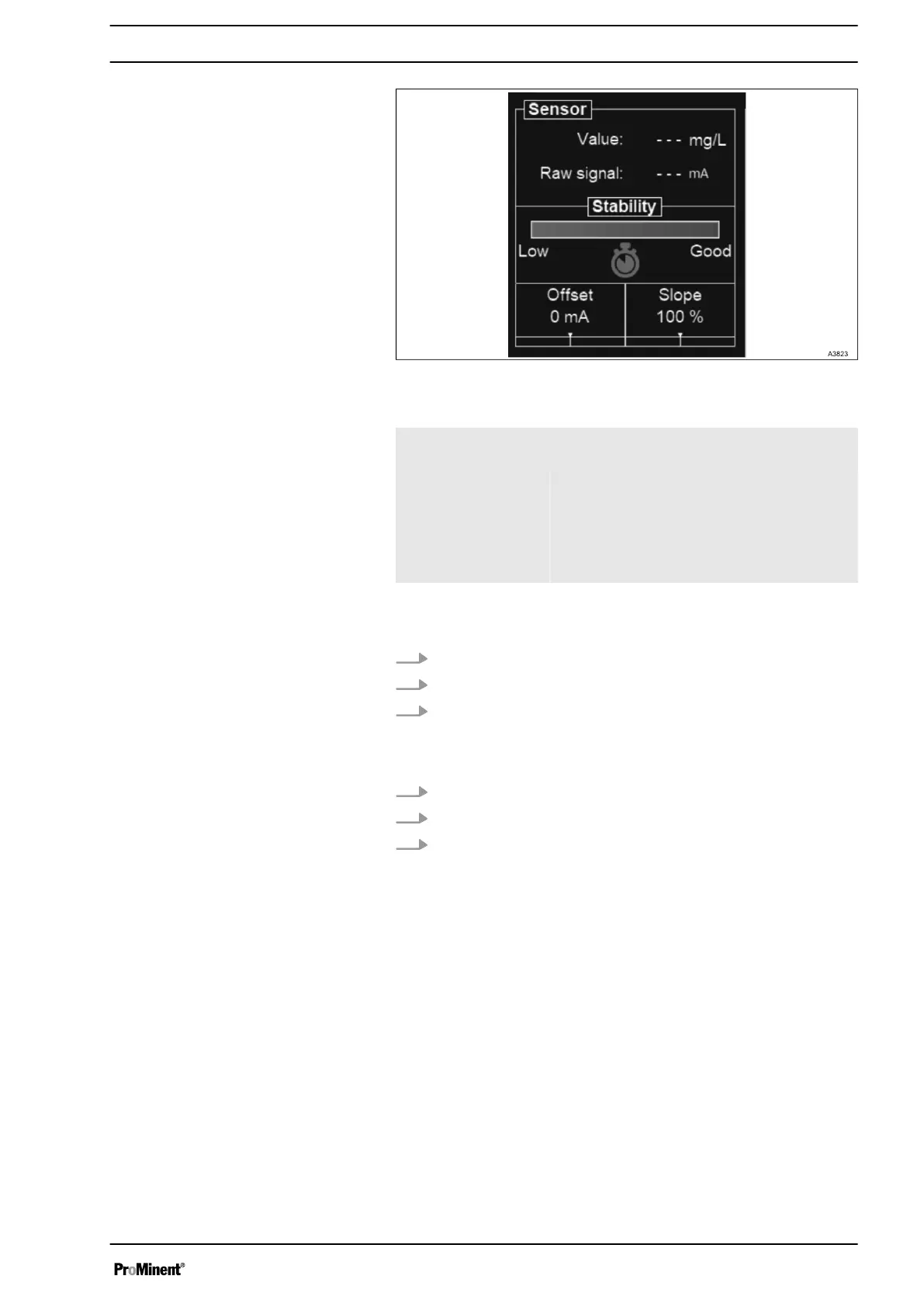
Fig. 79: Calibration status
Status 1 Very unstable sensor (measurement value
changes rapidly).
Status 2 Sensor disconnected or out of order
(Measurement and raw signal displays “- -
-”).
Status 3 Sensor being stabilized.
Status 4 Stabilized sensor. Authorized calibration.
1. Wait for the sensor stabilization.
2. Enter the calibration value.
3. Press SAVE.
1. Wait for the stabilization.
2. Enter the calibration value.
3. Press SAVE.
7.3 USER MENU
This menu contains the language selection, general settings of the
display, date & time as well as input and output tests.
Offset calibration
Slope calibration
General Menu
67














 To Next Page