An orange arrow indicates a maintenance task is
scheduled on that date. A red arrow indicates a
maintenance task was planned on that date but it
was either not carried out or indicated as carried
out.
A green arrow indicates the current day.
Planned mainte‐
nance tasks this
month
Indicates the number of planned mainte‐
nance tasks (performed or not) in the
month displayed on the calendar.
View the list Displays a list of all planned maintenance
tasks.
6.2 Operating Graph
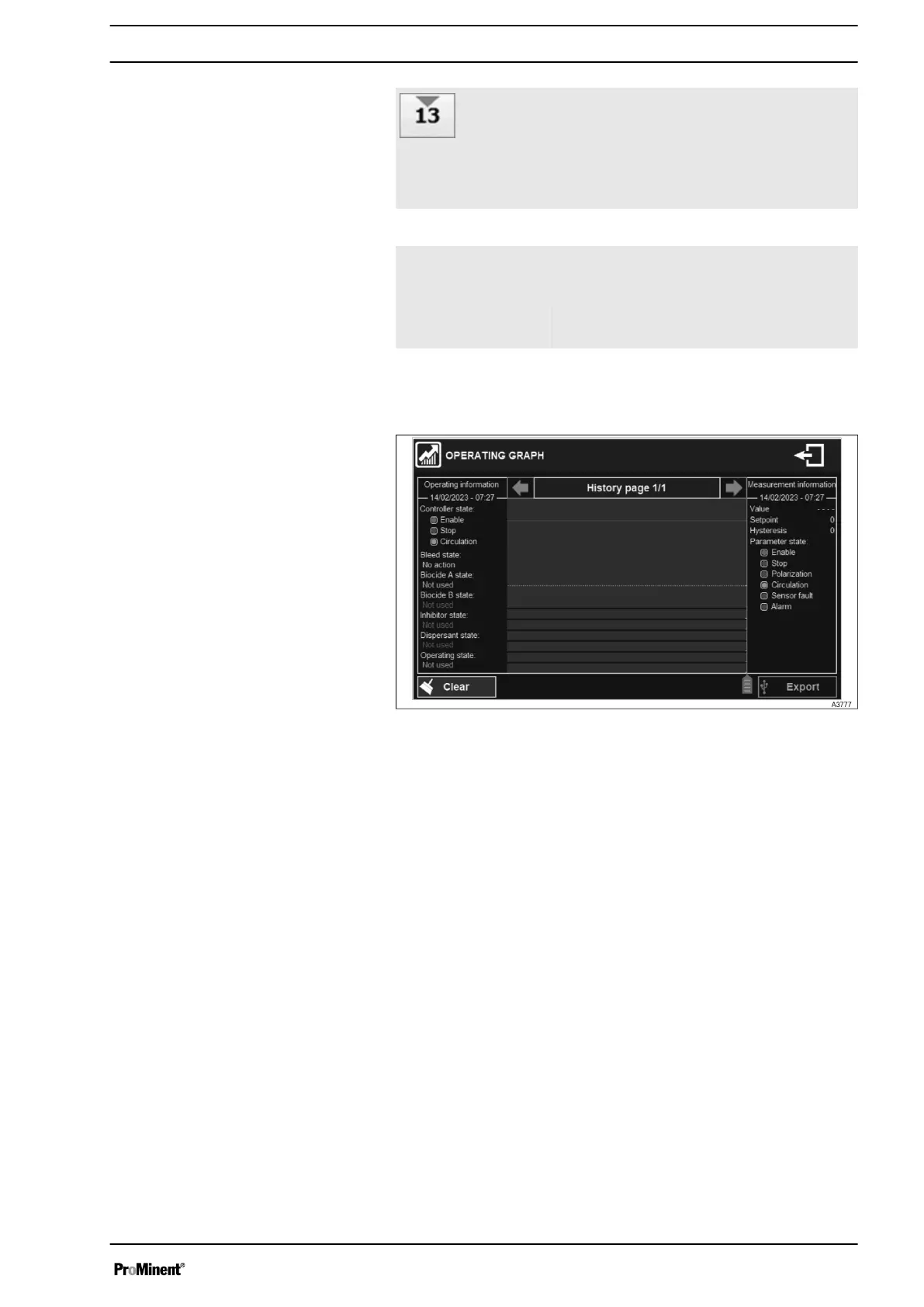
Fig. 28: Operating graph
Display Mode and Type
33














 To Next Page