AI1 – Sensor Select the parameter of the connected sensor.
Range Select the measurement range depending on
the sensor.
Starting delay
time
Enter boot delay (polarization).
Adjustment possible from 0 à 480 minute(s).
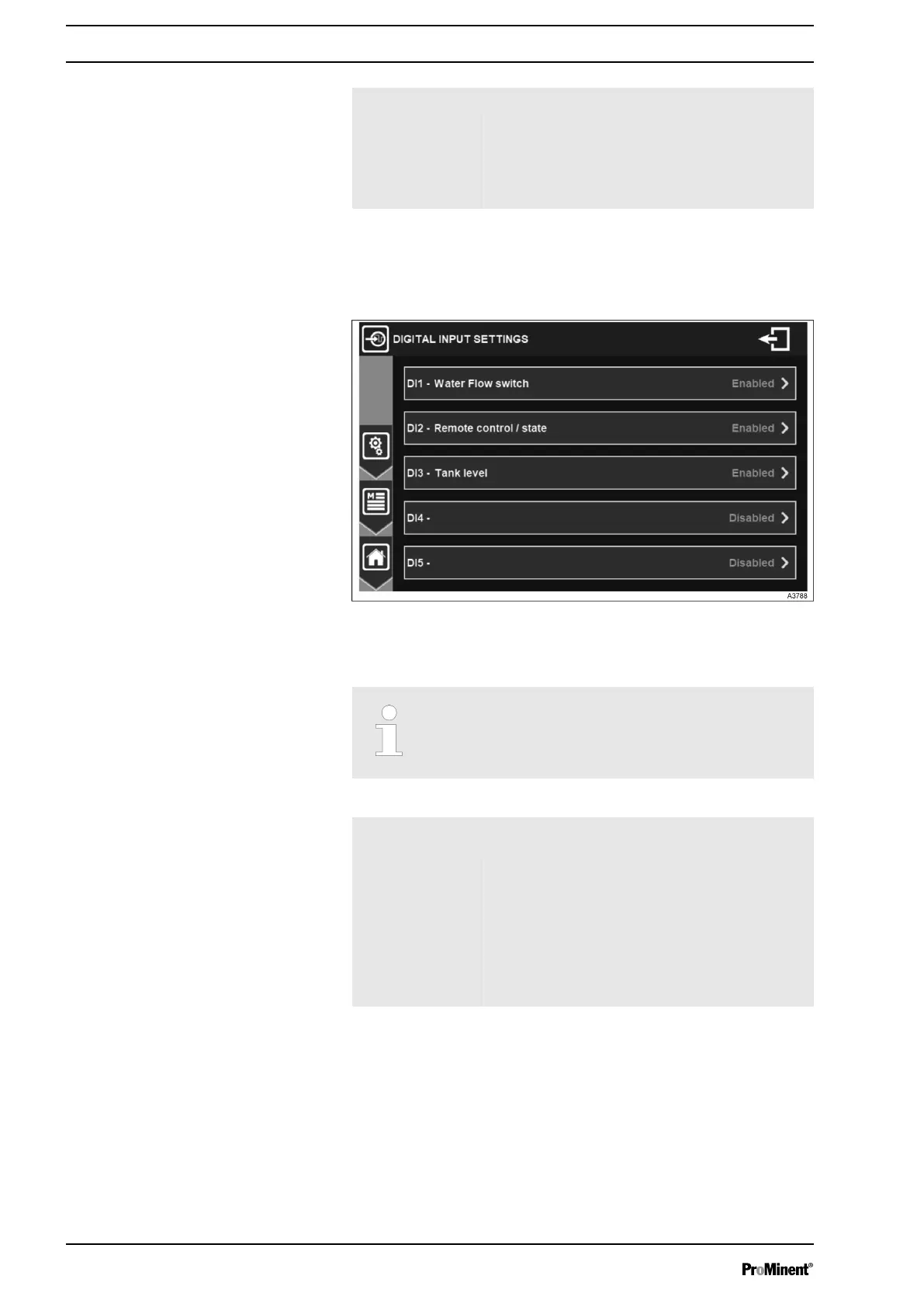
7.1.3 DIGITAL INPUT SETTINGS
In this menu digital inputs can be configured.
Fig. 40: Menu digital input settings
The menu shows an overview of enabled and disabled digital
inputs.
DI1 to DI5 Water Flow switch, Remote control
command, Tank level, Flow meter, Volume
counter.
DI1 – Function Indicates the selected function of the digital
input
Unit Select flowrate unit, selection button displays
the information of the currently selected unit
(imp/l).
Volume per pulse
ratio
Enter the pulse weight for flow calculation.
This value is directly related to your volume
counter, to calculate it, you must refer to the
volume counter documentation.
Digital input settings
General Menu
40














 To Next Page