8 Maintenance and Repair
8.1 Backup Battery Exchange
WARNING!
Before changing the battery, switch off the power
supply! Always use the same battery as the orig‐
inal.
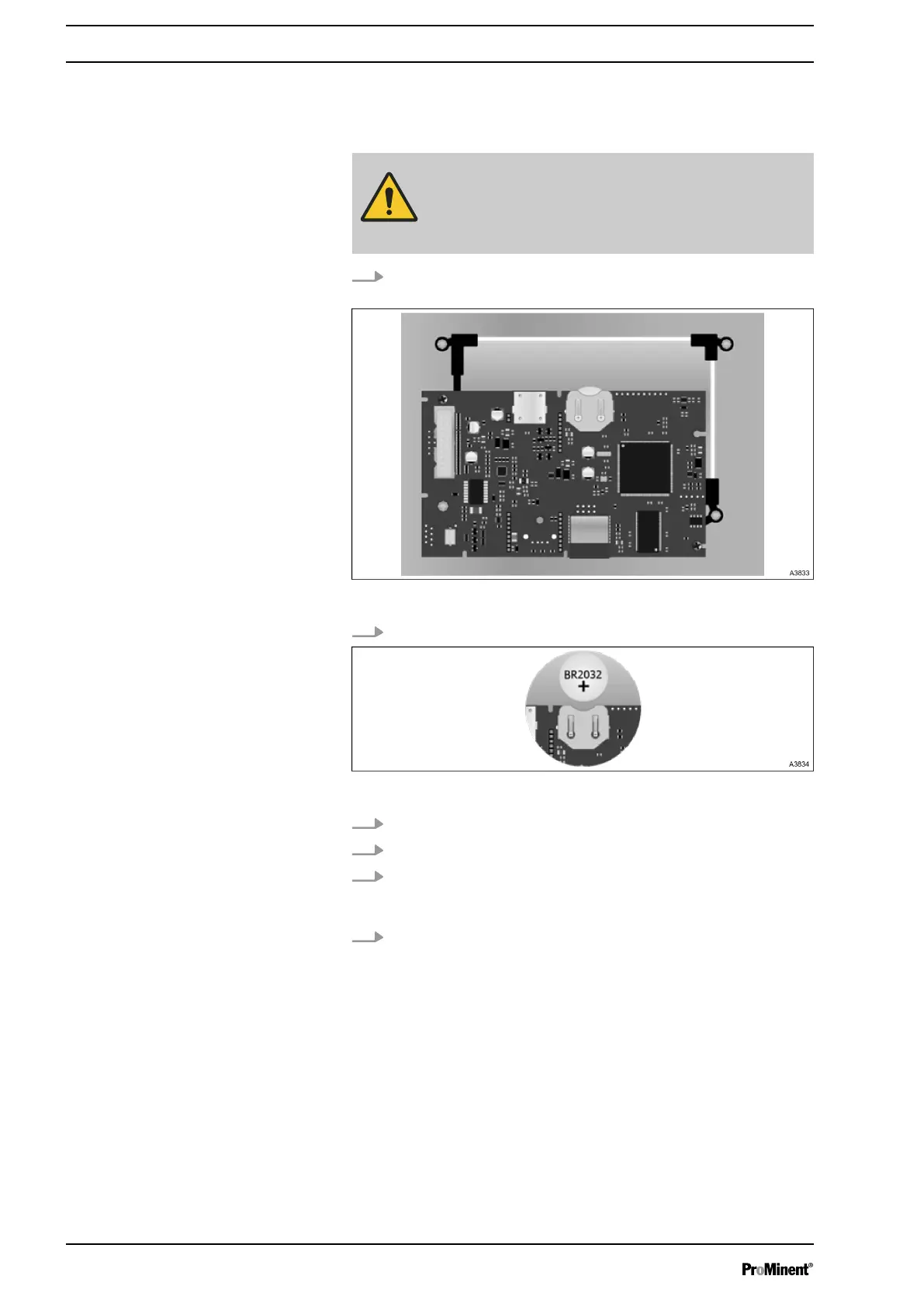
1. Carefully disconnect the connection flat cable connecting the
bottom card and the upper part of the device.
Fig. 88: Button cell location
2. Locate the button cell to be changed.
Fig. 89: Button cell removal
3. Remove the button cell. A3834
4. Put in the new button cell.
5. Reconnect the flat cable between the cards and reassemble
the front panel using the 4 fixing screws. Do not overtighten
because the screws are fixed in the plastic case.
6. Reconnect the flat cable and replace the front panel before
switching on the power supply.
Maintenance and Repair
74














 To Next Page