E03 – Tempera‐
ture: Measure‐
ment enabled
Enables/disables the conductivity sensor.
Sensor Select the according input.
Unit Select the unit for the measurement.
Decimal places Select the number of decimals of the dis‐
played measured value.
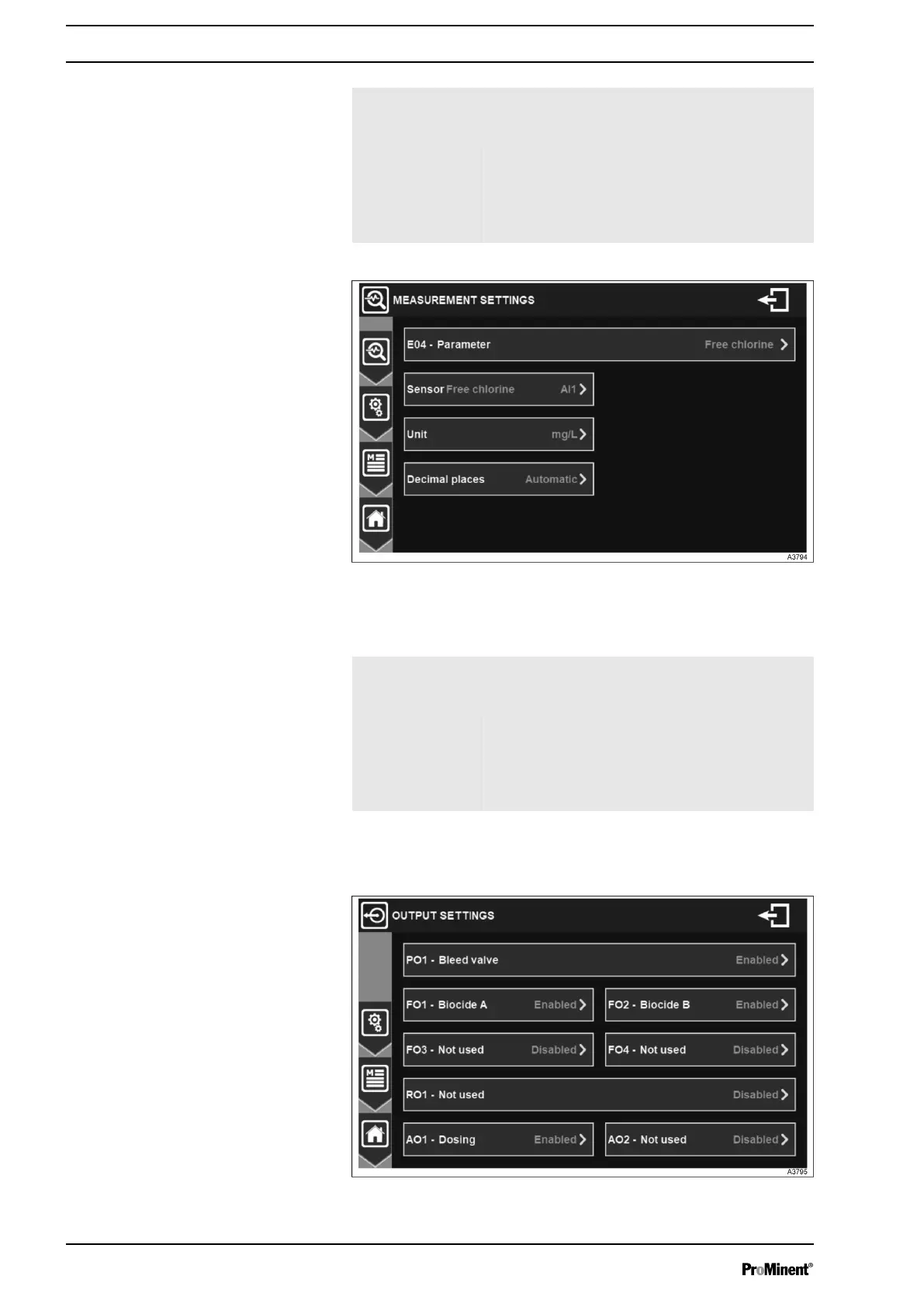
Fig. 46: Menu measurement settings of analog input
Options of this menu depend on the selected parameter.
E04 – Parameter Selects the parameter or disables the meas‐
urement channel. The choice of measurement
is directly related to the configured input.
Sensor Select the according input.
Unit Select the unit for the measurement.
Decimal places Select the number of decimals of the dis‐
played measured value.
7.1.5 OUTPUT SETTINGS
Fig. 47: Menu output settings
Measurement settings of analog input
General Menu
44














 To Next Page