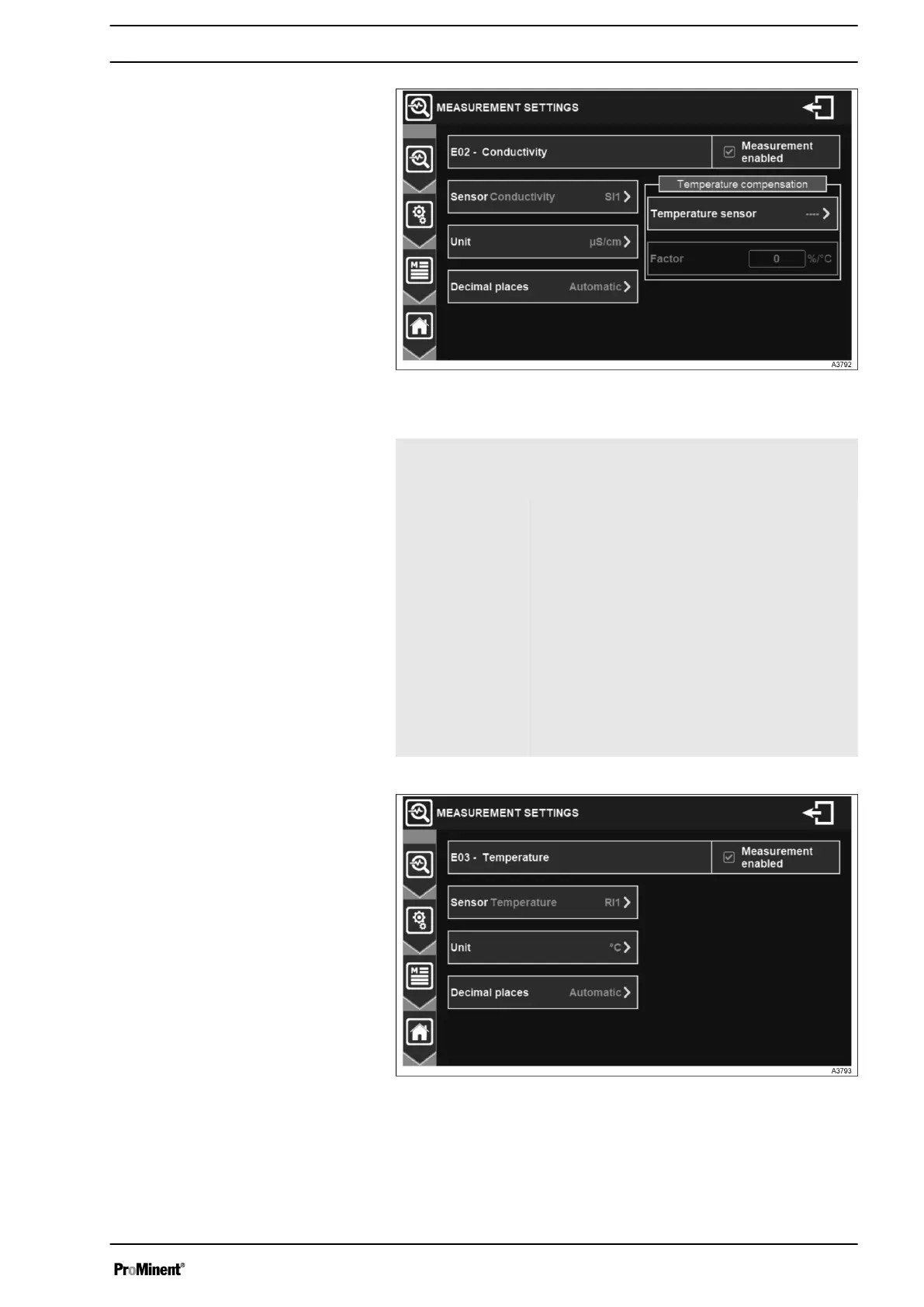
Fig. 44: Menu conductivity measurement settings
E02 – Conduc‐
tivity: Measure‐
ment enabled
Enables/disables the conductivity sensor.
Sensor Select the according input.
Unit Select the unit for the measurement.
Decimal places Select the number of decimals of the dis‐
played measured value.
Temperature
sensor
Conductivity measurement is temperature
dependent. Select a temperature sensor to
consider this effect. The displayed measured
value will then be the compensated.
Factor For temperature compensation please add the
K factor of the installed conductivity sensor.
Adjustment possible from -99,0 to + 99,0
%/°C.
Fig. 45: Menu temperature measurement settings
Conductivity measurement settings
Temperature measurement settings
General Menu
43














 To Next Page