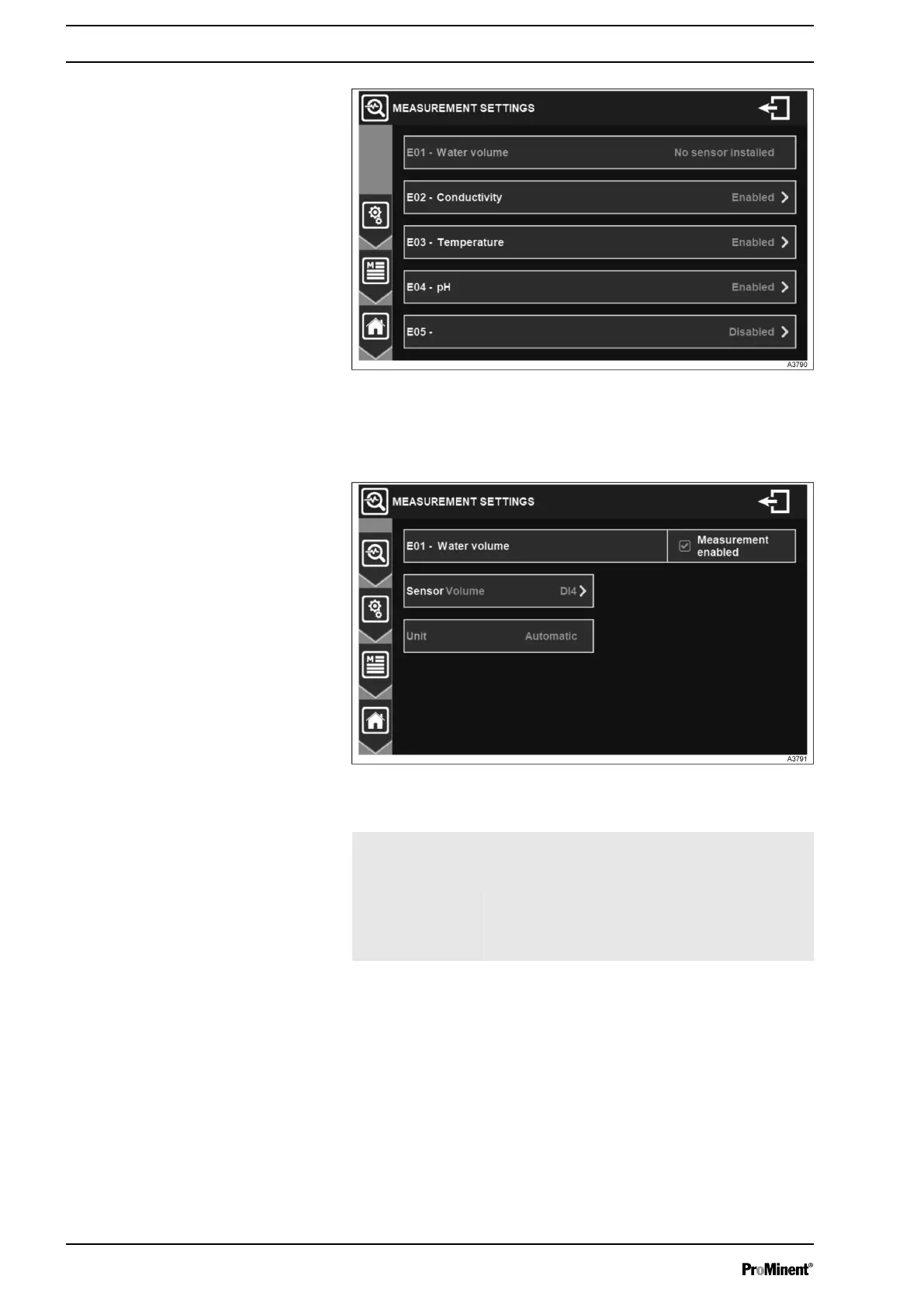
Fig. 42: Menu measurement settings
The menu Measurement shows an overview of enabled and disa‐
bled measurements.
Fig. 43: Menu Volume measurement settings
E01 - Water
volume: Meas‐
urement enabled
Enables/disables the conductivity sensor.
Sensor Select the according input.
Unit The controller adapts automatically the unitof
the measurement.
Volume measurement settings
General Menu
42














 To Next Page