PathMaster® Manual Rev. H 6/03
- 30 -
Database Restoration
To restore the PathMaster® database, select the File -> Database -> Restore option from the main menu.
You can restore a *.bck (standard backup) or *.abck (automatic backup) file using this option.
WARNING: Restoring a PathMaster® database will completely overwrite all existing data prior to the
restore operation. If you are attempting to restore partial data, a database restore is not the correct
procedure.
Once the file dialog box opens, select the location and file you wish to restore. Click the Open button.
Once the restore successful message displays, click OK. Restart PathMaster®.
Important Reminders
• Inserting Code – When the operator uses PathMaster
®
programming functions to insert code, the code
is placed at the current highlighted location on the screen. It is the operator’s responsibility to ensure
the proper area is highlighted to accommodate the new path.
• Inserting Valve Commands – Commands to move the heads or valves are NOT automatically
inserted into PathMaster
®
the path programs. If the operator needs a head to change position (up/down,
rotary) the appropriate command must be inserted manually via the Head programming tool. Please
read Inserting Valve Commands into Programs on page 17 for more information on this subject.
• Downloading – The operator must activate the EMERGENCY STOP button when downloading files to
the controller.
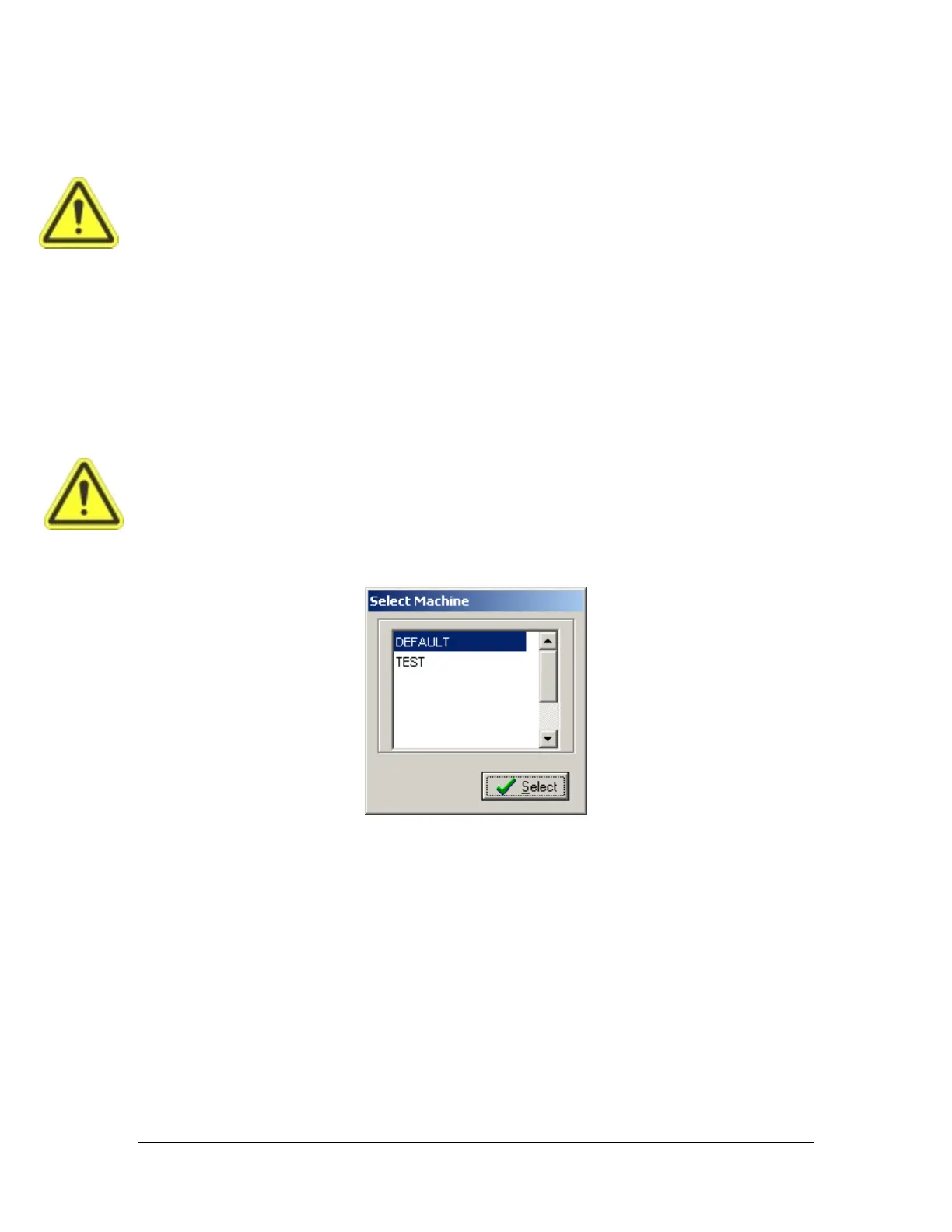
Machine Selection
If more than one machine configuration exists in the PathMaster
®
database, it is necessary to select the
appropriate machine before programming. This option presents itself whenever PathMaster
®
begins and
there are multiple machine profiles. Projects are assigned to particular Dispensing Systems, so it is
necessary, when changing machines, to select a new project.



 To Next Page