PathMaster® Manual Rev. H 6/03
- 31 -
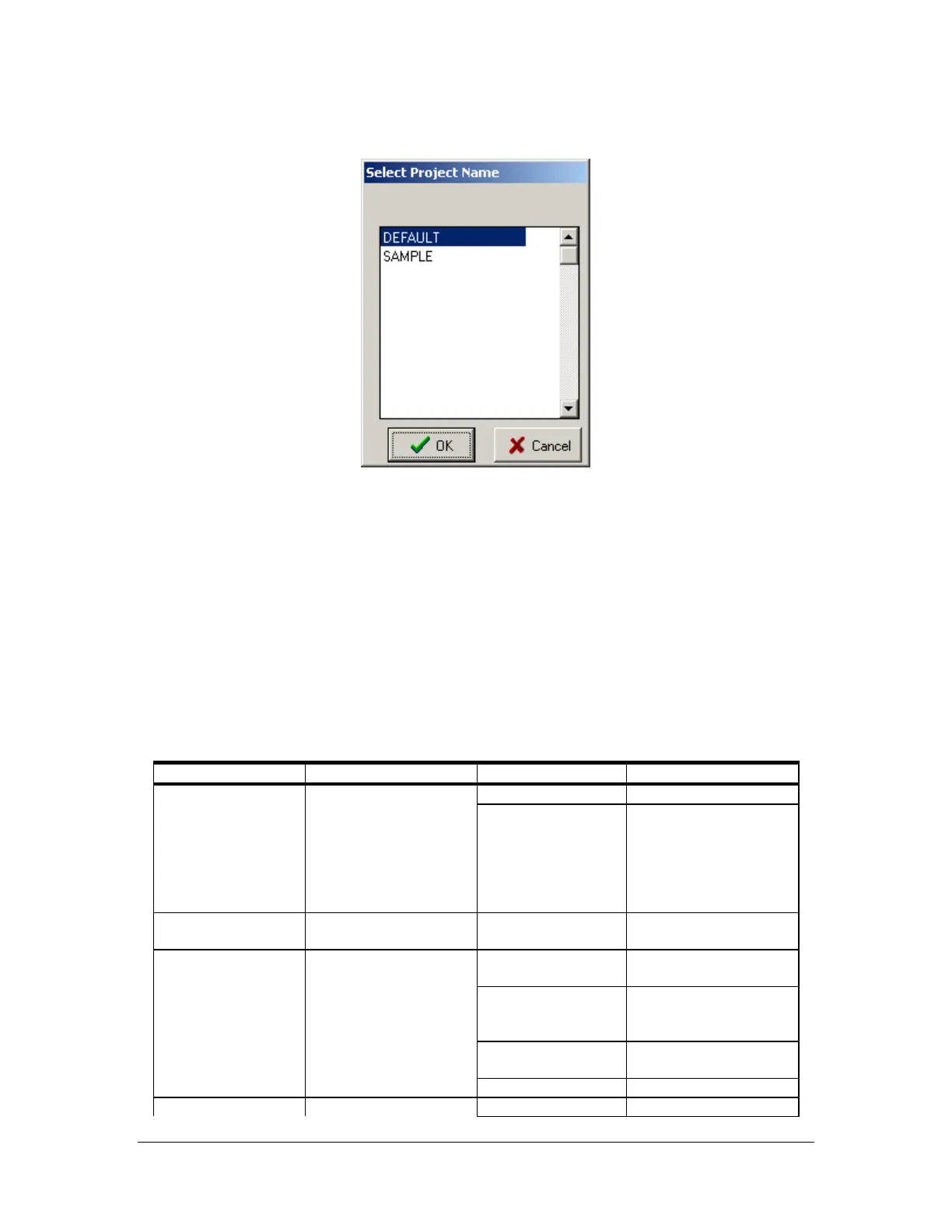
Project Selection
It is necessary to select the appropriate project before programming. This option presents itself on startup,
whenever PathMaster
®
changes the current machine setting or the operator wishes to open a different
project.
• OK – Select the highlighted project as current.
• Cancel – Exit this function without making changes.
Reading a Program
The PathMaster
®
program display is arranged in a table format. Use the chart below to determine the
purpose of the text that appears in each field.
COLUMN USE EXAMPLE EXPLANATION
Command Programmed command. DOT Dot program.
NOTE: A command
uses all the lines below
it until another
command reference
appears in the
command column.
LINE(3D) 3D Line
Position Coordinates. 4555,3000,760 Cartesian coordinates
for current point.
On Valve or I/O on. (1)W.5 Activate head 1, valve
on time of .5 seconds.
(2)D300 Activate head 2, valve
on distance of 300
counts.
I49 Wait for input 49 to be
on.
O32 Turn on output 32.
Off Valve or I/O off. W.75 Deactivate the
ath’s



 To Next Page