PathMaster® Manual Rev. H 6/03
- 57 -
Drawing a Program
You have setup you machine and program for FastPath™ and now it is time to draw your program on your
image.
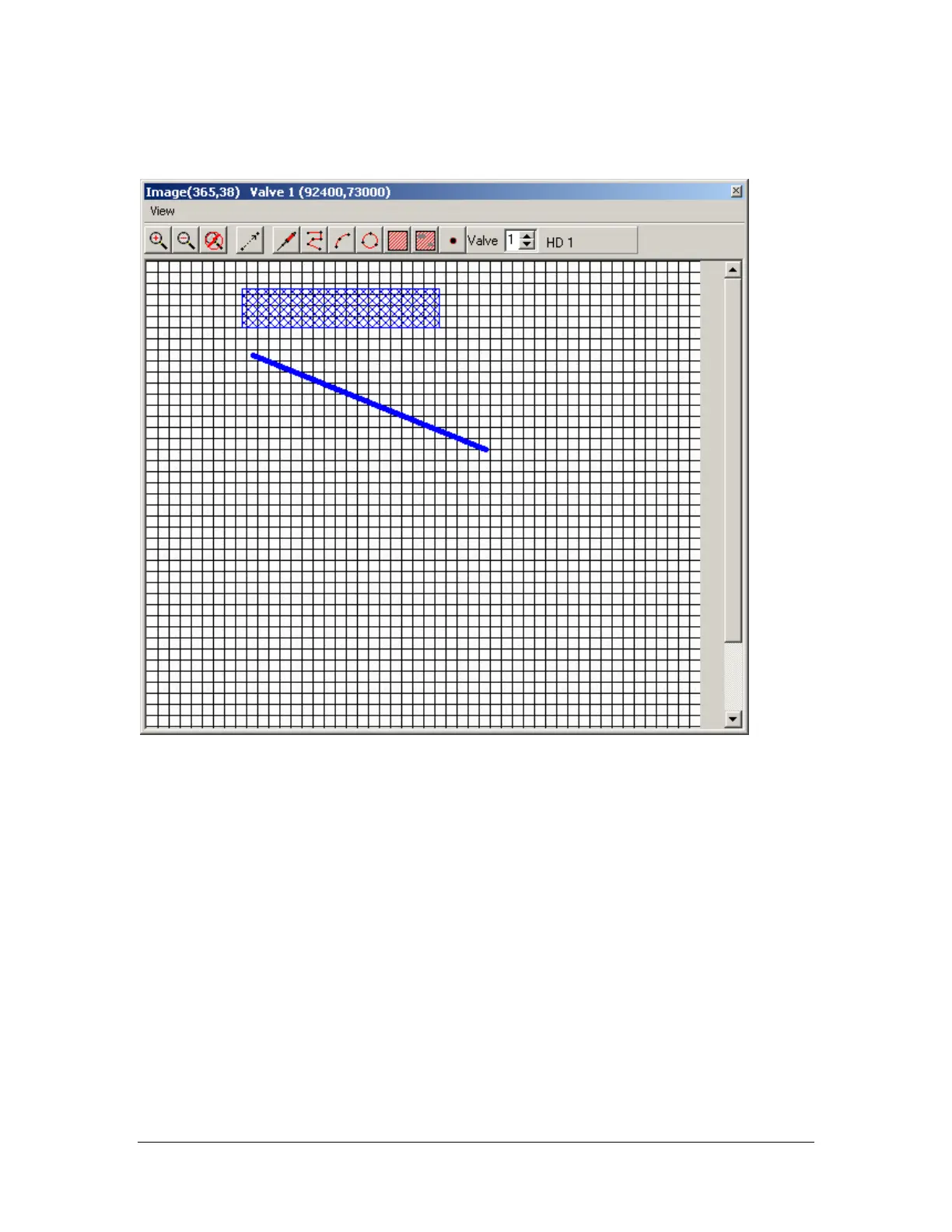
Press CNTRL+F (or click the FastPath™ icon on the programming toolbar) to open the FastPath™
window. The window opens. Press the Zoom-In and Zoom-Out buttons to get the image to a working size.
Next choose which command you would like to use to generate a path segment. Each command will be
inserted into your program above the highlighted portion of your path program. Each command will be
added to the program table in succession until another object or path segment is selected. Once another
object or path segment is selected, the insertion point for the next path segment will be above the
highlighted or selected path segment in the program table. Press CNTRL+F to close the FastPath™
window and return to the normal PathMaster® editing window.
Most PathMaster® programming tools are available when using FastPath™. Each programming tool is
used within FastPath™ similar to the way it would be used for online programming. Once a tool is
selected, instead of pointing and teaching a position on the workcell, the FastPath™ points will be taught
on the board image in the FastPath™ window using the corresponding valve.



 To Next Page