PathMaster® Manual Rev. H 6/03
- 56 -
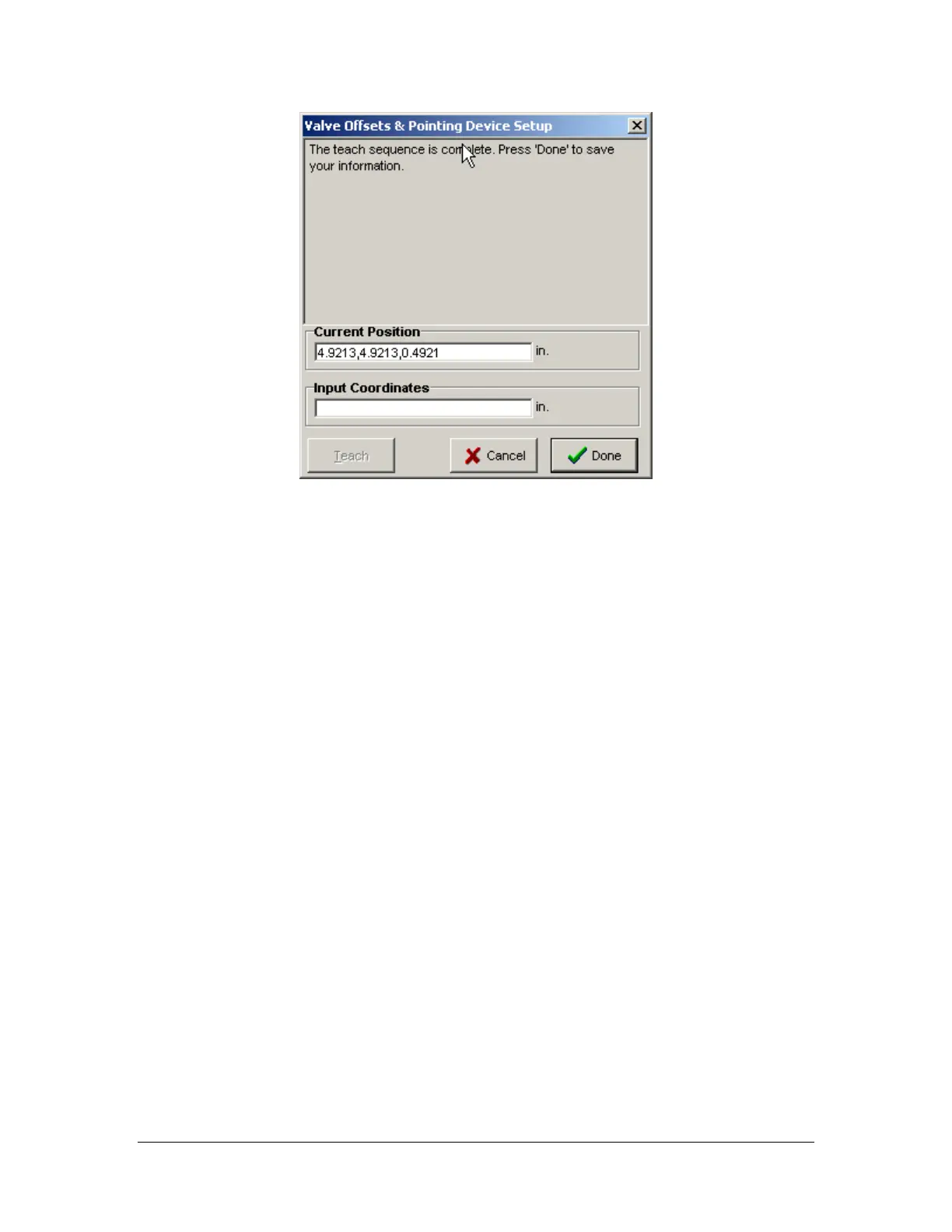
The offsets have been taught. Click the Done button to save the valve offsets.
Click the Save and Close button to exit Machine Parameters.
Offline Programming (FastPath™)
Before using FastPath™, valve offsets must be configured. For more information on configuring valve
offsets, refer to the Valve Offsets section of this manual.
Setting Up the Image
Open a new program. Click Edit->Program->Background Image. Choose the background image by
clicking the Change Image button. If no image is selected the default image will be used. The default image
is a 500mm by 500mm image with a workspace of the same size. The background image must be of a
known size preferably the same size as your circuit board or entity to be dispensed upon. Type the board
width (left to right) and the board height (top to bottom) of your board into the appropriate boxes using the
corresponding units of measurement. Align your image to your workspace. The image may be aligned a
number of ways. A good reference point could be the lower right of your image and the valve one
coordinates for the intersection of the front rail and the board stop of your machine. Choose the reference
point type and then find the machine coordinates for the same location. Type the valve one coordinates into
the robot reference point edit boxes.
You have successfully setup your machine to use offline programming. Repeat these steps for each path
program that will be taught using FastPath™.
Valve Selection
Valve selection selects the valve for each successive path segment for FastPath™. The valve selection is
important because the valve offsets are taken into consideration to make the robot coat on the image where
requested. If the valve offsets are not properly setup prior to using FastPath™, the path program will not
run correctly. Select the appropriate valve prior to selecting a programming tool. The selected valve can be
changed while using any programming tool as long as the new valve is selected prior to completing the
path segment. For example: if user creates the first two coordinates of an area with valve one then selects
valve 2 and completes the third point the path segment will be created using valve two.



 To Next Page