Operation and Maintenance Manual Rev M(ii) 4/03
- 35 -
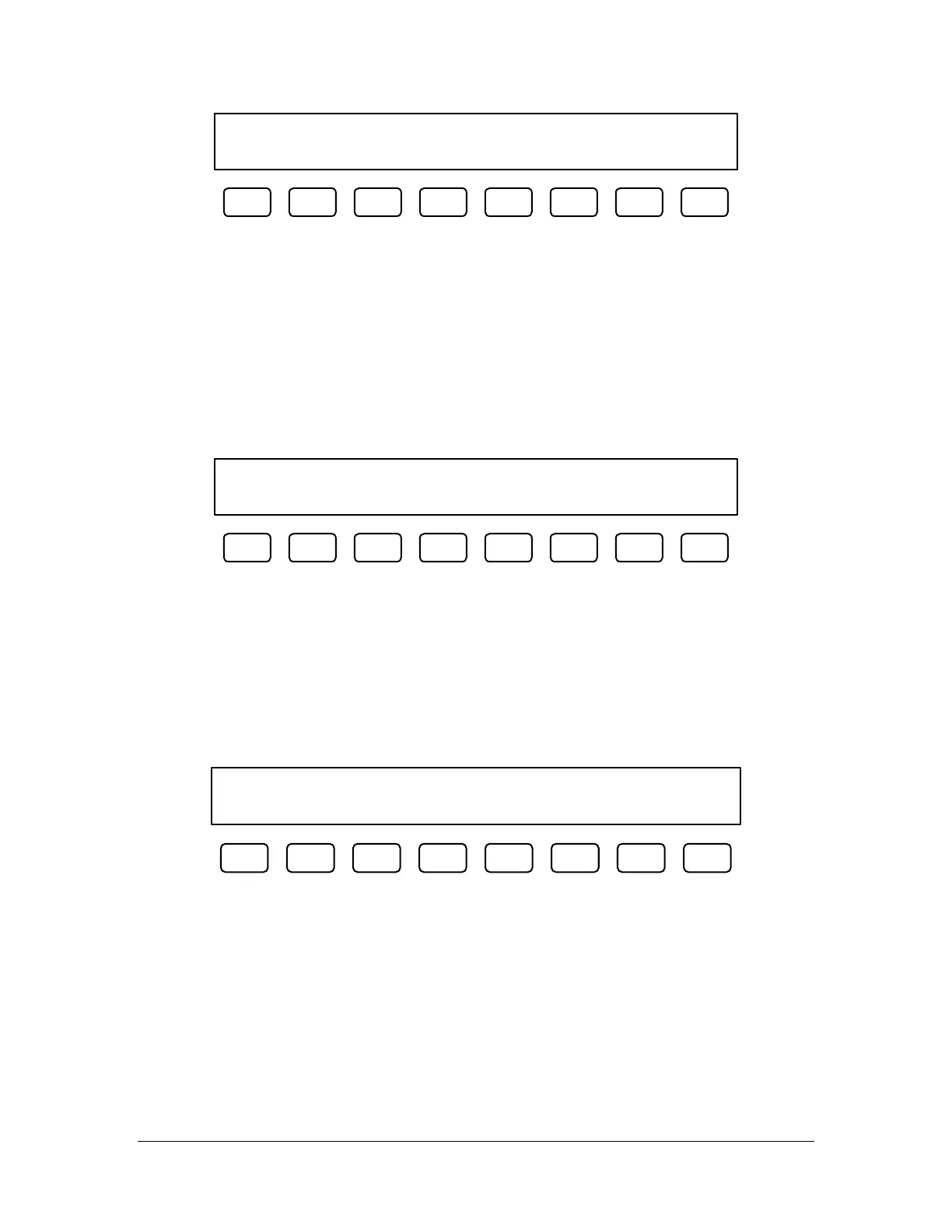
FC100 Z-slide down failed.
Repair and press F1.
F1 F2 F3 F4 F5 F6 F7 F8
The operator should determine the cause of the problem before pressing F1 and continuing. Refer to the
pneumatic actuator failure section of Troubleshooting (page 38) for more information about diagnosing the
problem.
Run-Time Error Recovery Procedure
A run-time error is generated during the execution of the program. For more information about
programming, please refer to the separate PathMaster® Manual. This type of failure should not be
encountered during normal operation of the machine. The most common cause for this type of failure is
when using PathMaster® ver. 2.1 or higher and attempting to playback an area function without first
downloading a properly formatted project file to the workcell. The operator can check the machine’s status
screens by selecting F5.
Error 000 on line 0000.
Press F1 to restart, F5 for status.
F1 F2 F3 F4 F5 F6 F7 F8
Position Error Recovery Procedure
(All models except PVA250™, PVA750™, PVA2000C™)
A position error is caused when the difference between the commanded position and the current position
exceeds the maximum allowable error for an axis. The error limit is defined to be approximately 1/5”. For
most cases this is 1000 counts. The error limit can be reached if the dispense / spray head reaches a hard
stop, in Manual mode, if the speed or acceleration is set too high or if the axes drives are not powered.
Check the EMERGENCY STOP button. The operator can check the machine’s status screens by selecting
F5.
Position Error. F1-restart, F5-status.
Stop codes (x,y,z,w) 000, 000, 000, 000
F1 F2 F3 F4 F5 F6 F7 F8
1) Open the access door.
2) Move the dispense / spray head to the center of the work area. The Z axis is equipped with a brake.
The motor coupling can be turned by hand to move the head towards the center of the work area.
3) Close the access door.
4) Press F1 to clear the error.
5) Follow the startup procedure.



 To Next Page