PathMaster® Manual Rev. H 6/03
- 73 -
Refresh Communication
If PathMaster® looses communication with the Dispensing System, select the Utilities -> Refresh
Communications option from the main menu. If communication is not reestablished, check cables and
communication setting.
Jog Toolbar
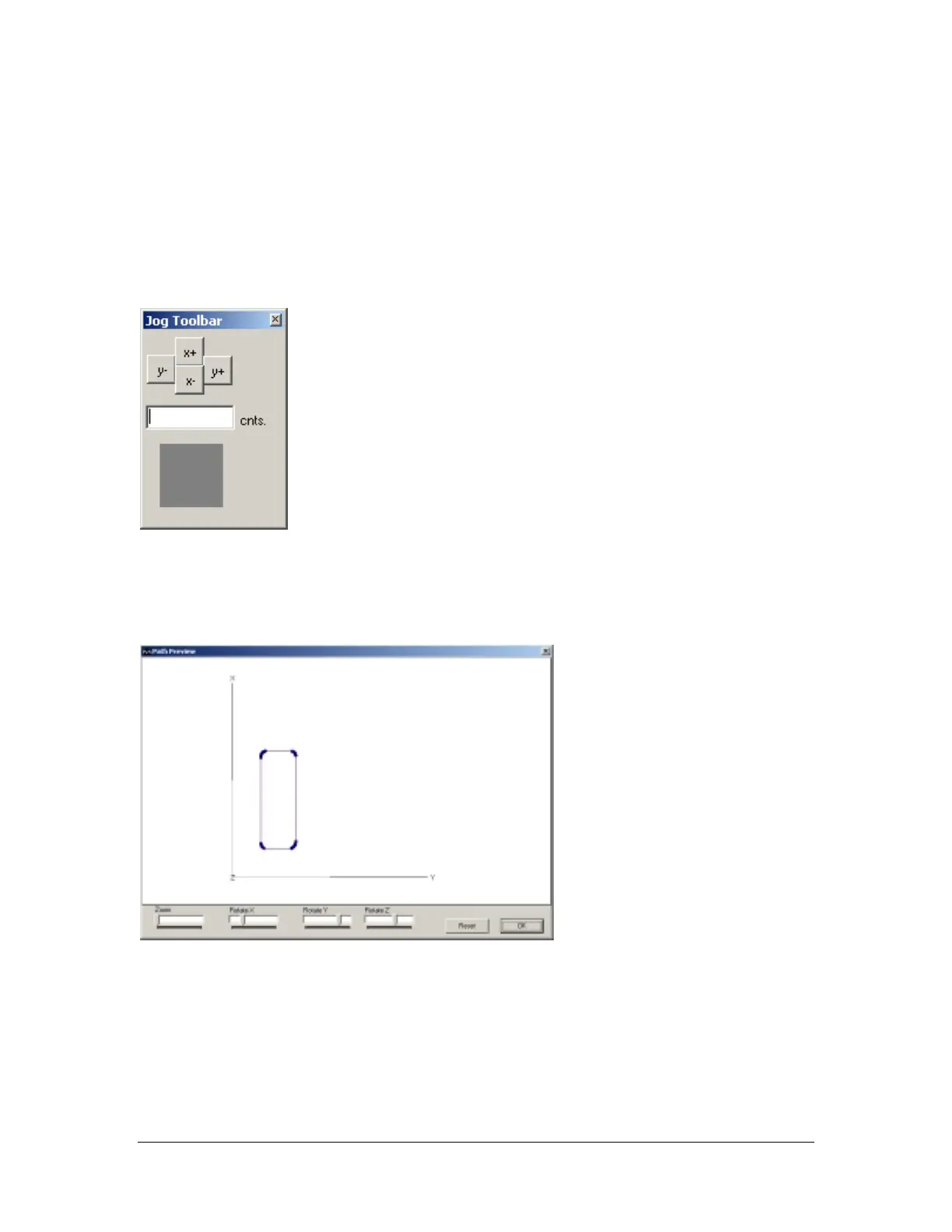
The jog tools bar can be used to jog the X or Y axis a specified distance. Select the Utilites -> Jog Toolbar
option from the main menu. Enter the distance to jog, and click the button indicating the axis and direction
to move.
Path Preview
The path preview will give a graphic representation of the path program or segments. Highlight all path
segments to be displayed in the preview. Select the Utilites -> Path Preview option from the main menu.
The path preview window will display:
Right click the path preview window to reveal a zoom, pan, rotate, coordinate info menu. Click the Reset
button to return the preview to its default display.
Show Code
The show code option will display the compiled machine code for the selected segments. Highlight the
path segments; select the Utilities -> Show Code option from the main menu. A form will open displaying
the machine code fro the selected segments. The code can be saved to a text file, or printed to a hard copy.
OTE: The jog toolbar also has a TracPad™ that can be activated to
og the head. Refer to the TracMouse™ section of this manual for mor
information on using the TracPad™.



 To Next Page