PathMaster® Manual Rev. H 6/03
- 46 -
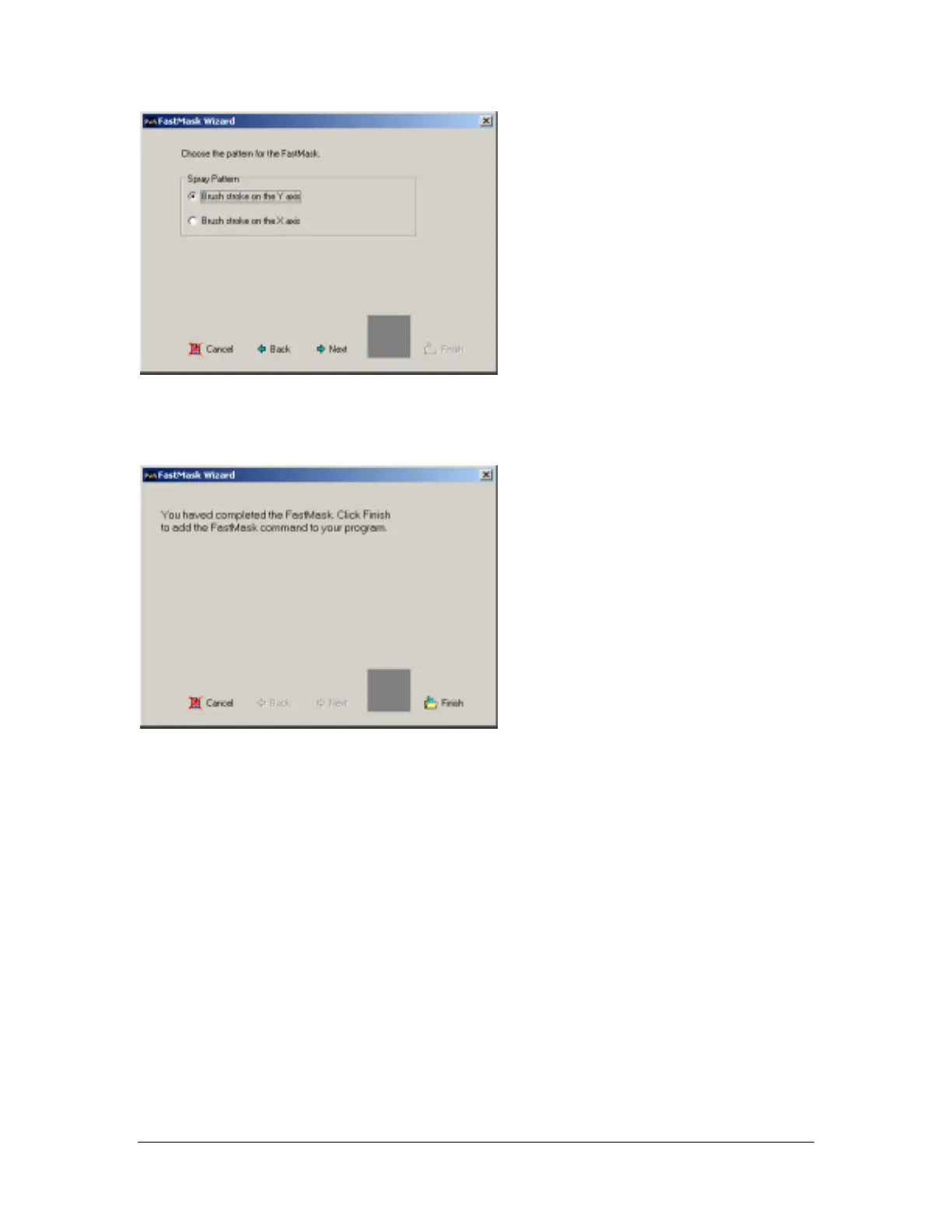
Select the direction of the brush stroke. This is the direction the coating valve will travel when completing
the FastMask™ pattern.
Click Next to continue:
The FastMask™ wizard is complete. Click Finish.
The FastMask™ pattern will always begin at the point taught closest to the origin of the gantry (the
smallest coordinate in the pattern).
PolyLine
A polyline is a series of 2 dimensional lines, arcs, and circles. Polylines can be very useful in applications
that require tight directional changes at higher speeds. Combining lines with arcs and circles will smooth
the motion and create uniform corners and circles.
A polyline can be created using two different methods. Multiple path segments can be created using the
conventional method and then converted to a polyline, or the polyline can be created using the PolyLine
tool.
New Polyline
To create a new polyline, open the PolyLine tool, and select a programming tool from the polyline toolbar
on the left. Teach the points required for the tool selected, and set the speed. As you complete each
segment it is added to the command list on the left of the polyline program table. The polyline is limited to
511 points for all segments. Set the valve parameters.



 To Next Page