PathMaster® Manual Rev. H 6/03
- 45 -
FastMask™
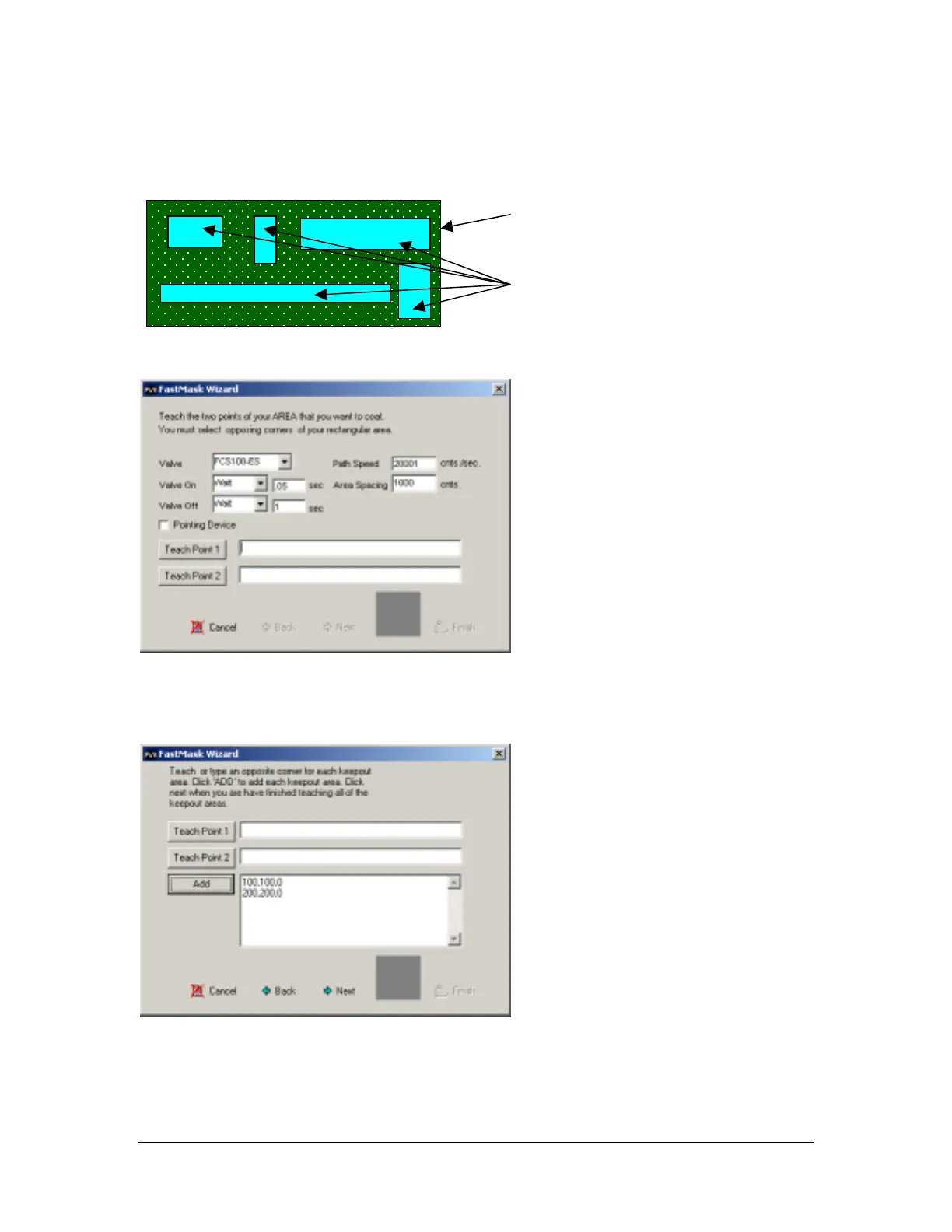
The FastMask™ tool will create an area to be coated as well as keep outs of within that area. There can be
up to 99 keep out areas defined within the coating area.
Once the Fastmask™ tool is selected, a wizard will open:
Select the appropriate valve parameters, then teach the opposing corners of the area to be coated, point 1
and point 2.
Click Next to continue:
Teach the opposing corners of the first keep out area. Click Add to add the keep out to the FastMask™ list.
Keep adding keep out areas (up to 99 keep outs) until all non-coat areas have been included in the
FastMask™ list.
Click Next to continue:
Sam
le PCB
Kee
outs



 To Next Page