PathMaster® Manual Rev. H 6/03
- 50 -
Quick Play
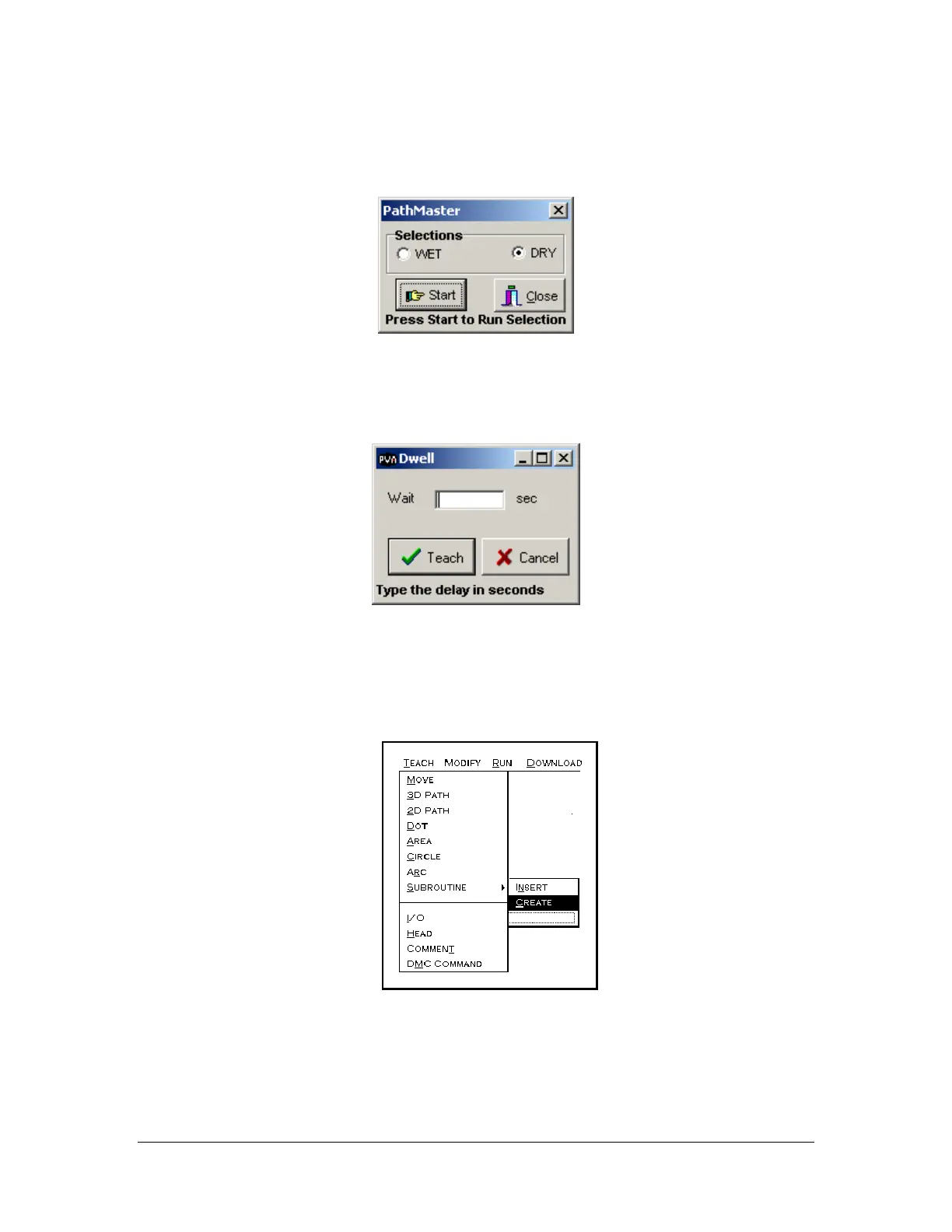
The quick play tool will play back the selected path segments in wet or dry mode. This is the equivalent of
using the Run Selection option on the menu.
Dwell
The Dwell tool will set a delay in program execution in between path segments.
Subroutine
Creating
• Highlight the commands to be included in the subroutine.
•
Select the Teach -> Subroutine -> Create option from the main menu.
•
This function allows the operator to use an existing command line element excluding DMC
commands, in an array sequence or in random placement. You also have the option to insert
existing subroutines in your program using ‘Insert’.



 To Next Page