PathMaster® Manual Rev. H 6/03
- 51 -
•
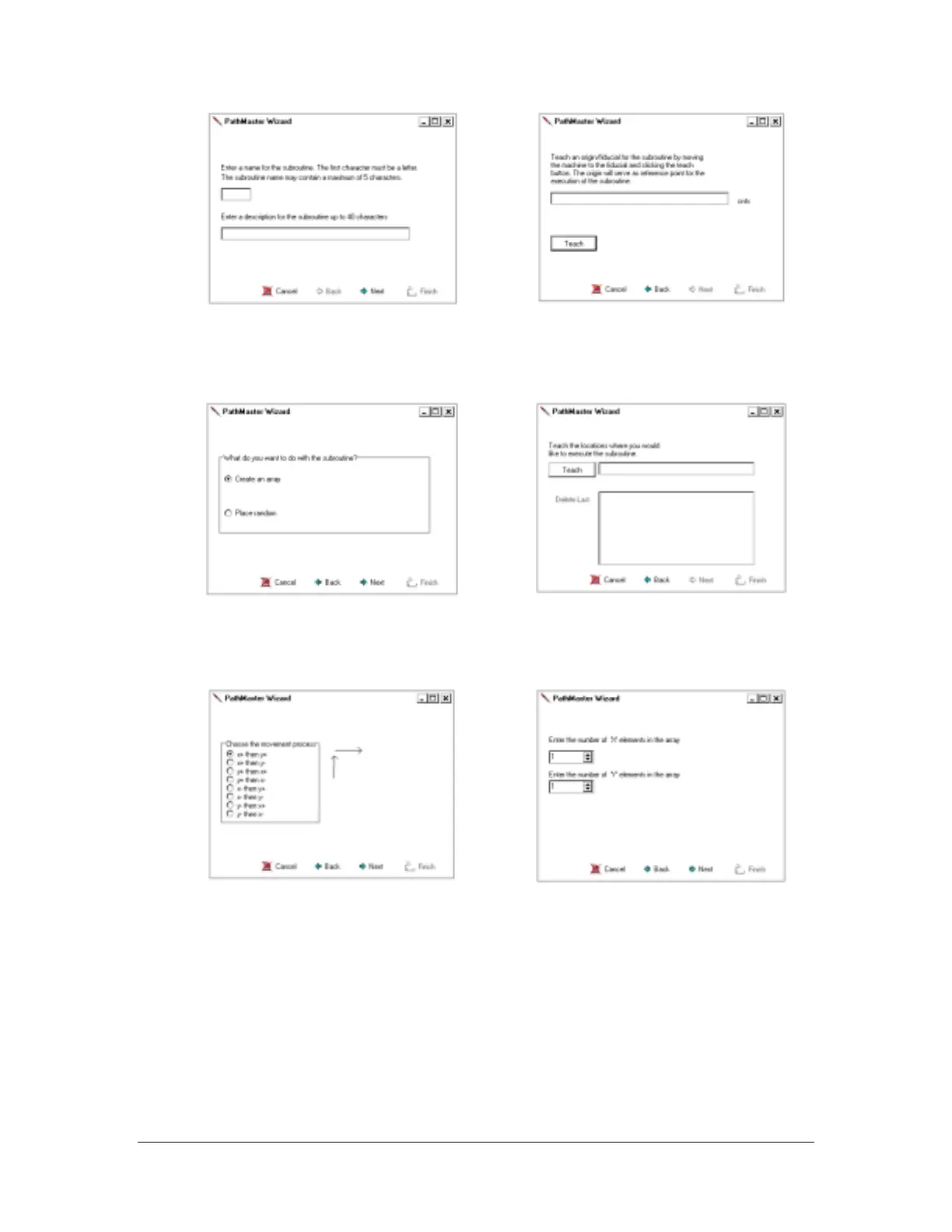
Choose an abbreviated name and brief
description for the subroutine. The description
serves to assist the operator when selecting
from multiple saved subroutines.
•
Choose a reference point on the part to
group the command line sequences. Each
execution of the subroutine to be arrayed
or random placed will be referenced from
this point of origin.
• Choose to create an array or select random
placement of the subroutine.
• This screen corresponds to random
program placement. By selecting the
‘Teach’ button, PathMaster
®
utilizes the
current location of the end effector as an
execution point.
• Select the direction of the array. The arrows
assist in determining the direction in relation to
X,Y 0,0 origin of the current machine.
• Define the number of elements in the X
direction and the Y direction.



 To Next Page