Operation and Maintenance Manual Rev M(ii) 4/03
- 28 -
If the workcell possesses a light curtain, it operates in a similar manner as a stand-alone model without a
light curtain. However, the light curtain may be used to initiate cycles (bypassing the hand switches).
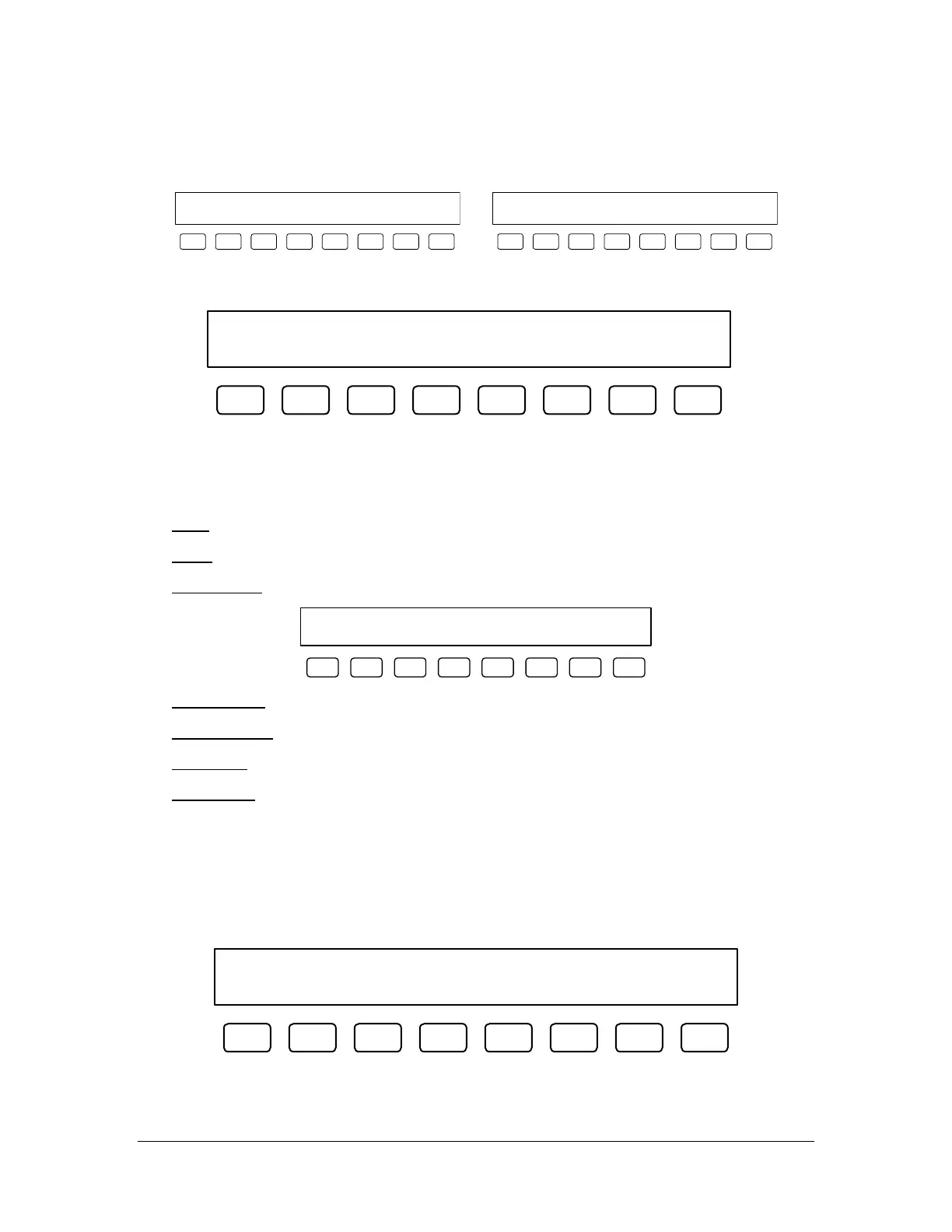
Screen during cycle. Screen with valves deactivated.
In Cycle... Count:000000
STOP PROGRAM 1
F1 F2 F3 F4 F5 F6 F7 F8
Auto Cycle DRY Count:000000
STOP PROGRAM 1
F1 F2 F3 F4 F5 F6 F7 F8
Status Mode
Status SMEMA Up Ready DN BA
EXIT STAT INP ON *OFF ON *OFF
F1 F2 F3 F4 F5 F6 F7 F8
The status mode allows the operator to check a number of machine parameters, running an entire sequence
when STAT is selected from within this mode. When the workcell is placed in-line, SMEMA signals
ensure communication with the upstream and downstream machines. The operator can check the inputs to
the workcell and change the Up Ready and Down Board Available output signals.
[F1] EXIT
– Leave Status mode and return to Cycle Stop.
[F3] STAT – Switch to the Status Sequence (see page 28).
[F4] SMEMA INP – Check the status of the SMEMA inputs (momentary). Displays the following screen:
Up Board Available: OFF
Down Ready: OFF
F1 F2 F3 F4 F5 F6 F7 F8
[F5] Up Ready ON
– Turn the Up Ready signal on.
[F6] Up Ready OFF – Turn the Up Ready signal off. (default)
[F7] DN BA ON – Turn the Down Board Available signal on.
[F8] DN BA OFF
– Turn the Down Board Available signal off. (default)
Status Sequence
The status features are available via the setup mode and whenever the machine encounters a position error,
limit error or command error. It gives information on the status of the axes that may be helpful in
debugging a problem. Once the operator enters the status mode, exiting is allowed at any time by pressing
F8, while pressing F1 scrolls the operator through the screens.
Machine Status Report. Press F1 to
scroll through screens, F8 to quit.
F1 F2 F3 F4 F5 F6 F7 F8



 To Next Page