PathMaster® Manual Rev. H 6/03
- 25 -
Using PathMaster
®
Starting PathMaster®
The first time you run PathMaster® it will need to be configured to run properly with the Dispensing
System. To start the PathMaster® application, locate and double-click the PathMaster® icon. The Select
Project dialog box will display. Click the Create a New Project radio button and select OK. An
information box will appear indicating that no communication settings were found for your controller. This
is normal for the initial startup. Click the OK button to continue.
Configuring PathMaster®
Before PathMaster® can be used, it must be configured to suit the machine and machine application.
Communication parameters must also be configured to allow PathMaster® to interact with the Dispensing
System.
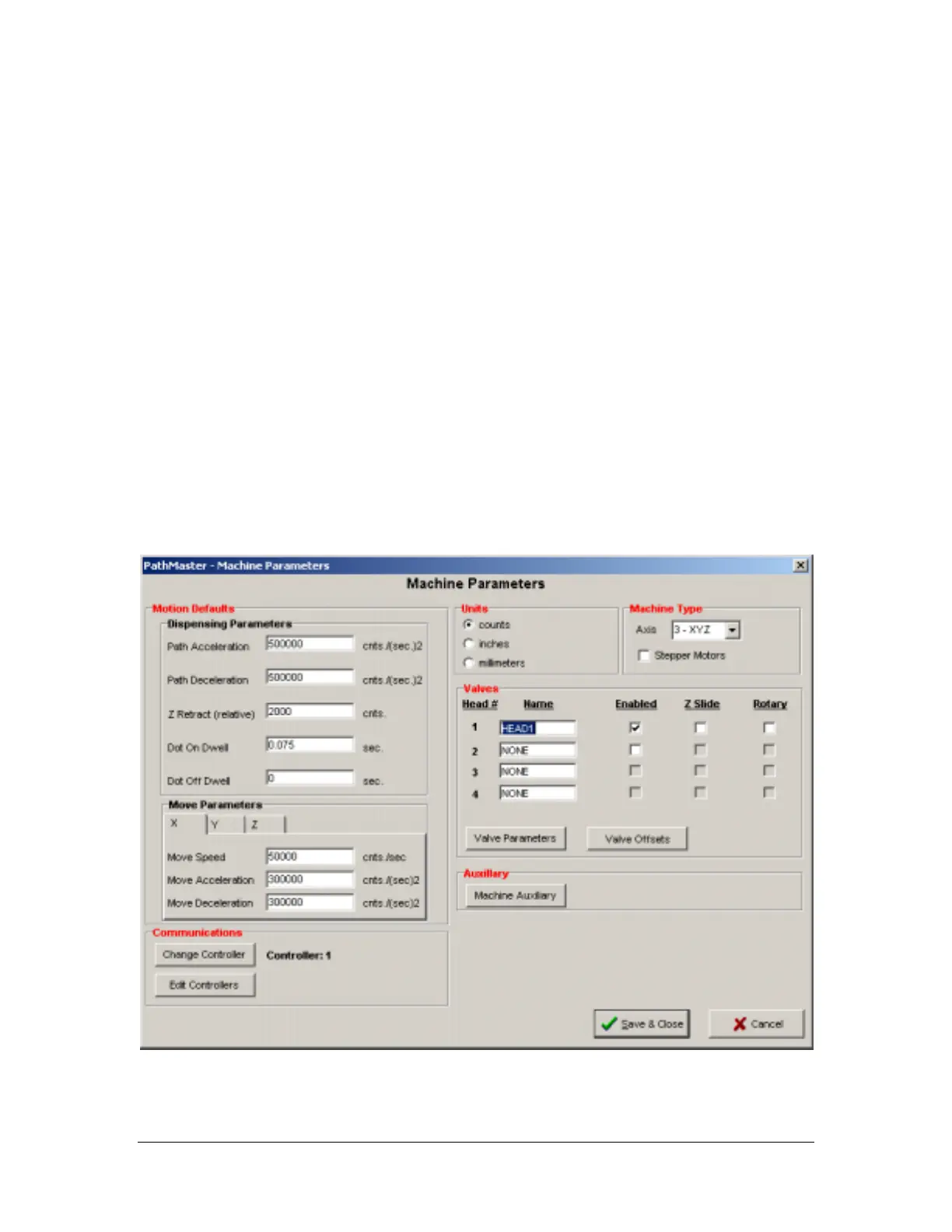
Machine Parameters
The machine parameter form is used to set attributes specific to the software as well as the hardware.
Machine parameters are unique to the machine profile. The settings on the machine parameter form apply
only to the current machine profile. The current machine profile is displayed in the upper status bar of the
main PathMaster® window.



 To Next Page