PathMaster® Manual Rev. H 6/03
- 23 -
Modify
Properties – Modify properties of selected path segment.
Offset – Apply an offset to any axis for selected path segments, or the entire program.
Speed – Modify speed for selected path segments, or the entire program.
Valve Parameters – Modify parameters for selected path segments, or the entire program.
Run
Selection – Run (playback) the highlighted path segment on the Dispensing System.
P
rogram – Run (playback) the current program on the Dispensing System.
Move To First Point – Move to the first point of the selected path segment(s).
Show Code – Show machine code for selected path segment(s).
Path Preview – Graphic view of the selected path segment(s).
Cut – Remove highlighted path segment(s) and copy to the clipboard.
Copy – Copy highlighted path segment(s) to the clipboard.
Paste – Copy path segment(s) from the clipboard and insert it into the program.
Programming Toolbar
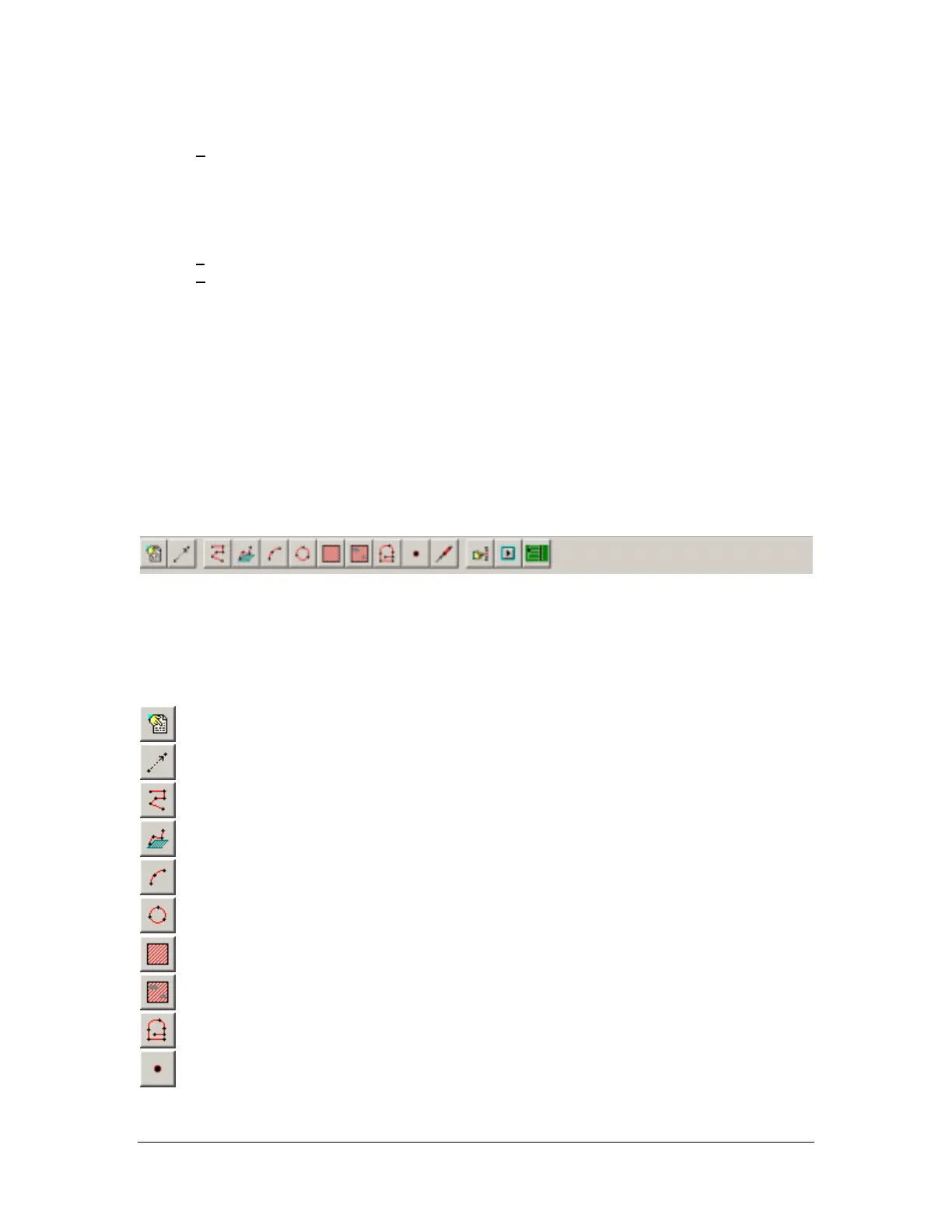
The programming toolbar provides quick access to the most frequently used programming tools.
Programming Tools
Programming tools are used to create path segments, which make up a path program. PathMaster®
contains a variety of useful programming tools which can be used to create 2 dimensional and 3
dimensional path motion. Many of the most commonly used tools are located on the toolbar, while the less
frequently used tools can be accessed from the Teach menu.
Comment – Insert comments into the program
Move – Code a move to a specific location.
2D Path – Teach a 2D path segment and specify valve activity.
3D Path – Teach a 3D path segment and specify valve activity.
Arc – Teach an arc path segment and specify valve activity.
Circle – Teach a circular path segment and specify valve activity.
Area – Teach an “Area” path segment that covers a rectangular shape.
FastMask – Teach a FastMask™ path segment (specify keep out areas).
PolyLine – Teach a path segment consisting of 2D, circle, and arc path segments
Dot – Dispense at a defined point for a length of time and specify valve activity.



 To Next Page