Operation and Maintenance Manual Rev M(ii) 4/03
- 30 -
[F1] EXIT – Leave Conveyor Control and return to the previous mode.
[F5] Conveyor ON – Turn the conveyor on.
[F6] Conveyor OFF
– Turn the conveyor off.
[F7] Stop ON
– Turn the board stop on.
[F8] Stop OFF – Turn the board stop off.
Trackball Control
(All models except PVA250™, PVA750™, PVA2000C™)
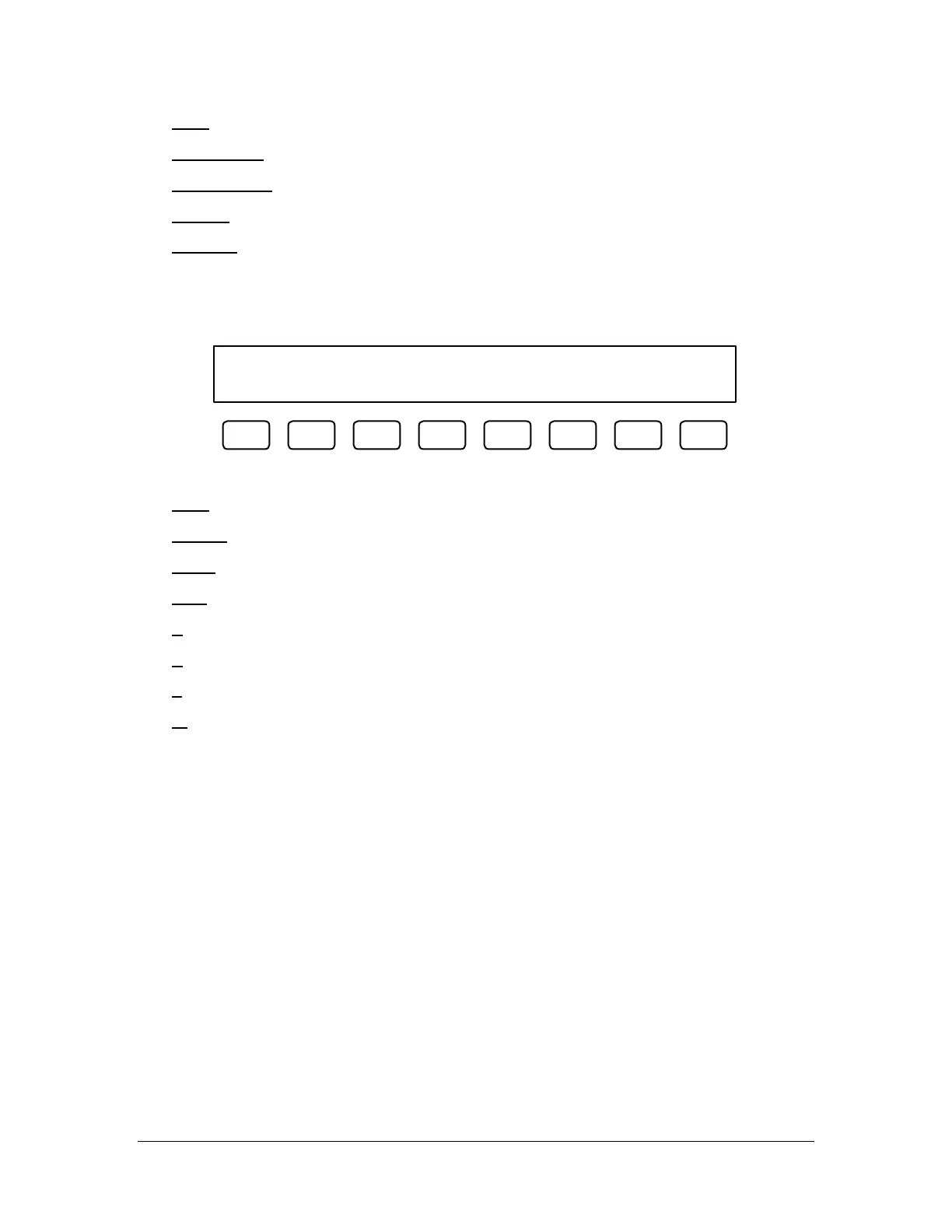
Trackball Control Current: X&Y
EXIT TEACH PURG X&Y XYZW
F1 F2 F3 F4 F5 F6 F7 F8
Trackball Control allows the operator to switch the active axis on the trackball.
[F1] EXIT
– Leave Trackball Control and return to the previous mode.
[F2] TEACH – Program the current point.
[F3] PURG – Actuate the current valve.
[F4] X&Y – Operate the X and Y axes simultaneously.
[F5] X – Operate only the X axis.
[F6] Y – Operate only the Y axis.
[F7] Z – Operate only the Z axis.
[F8] W – Operate only the W axis.



 To Next Page