Operation and Maintenance Manual Rev M(ii) 4/03
- 26 -
[F3] HOME – Home the system. This automatically runs the calibration routine afterward.
Manual Mode
PVA550™, PVA1000™, PVA2000™,
PVA3000™ models.
PVA250™, PVA000C™ models
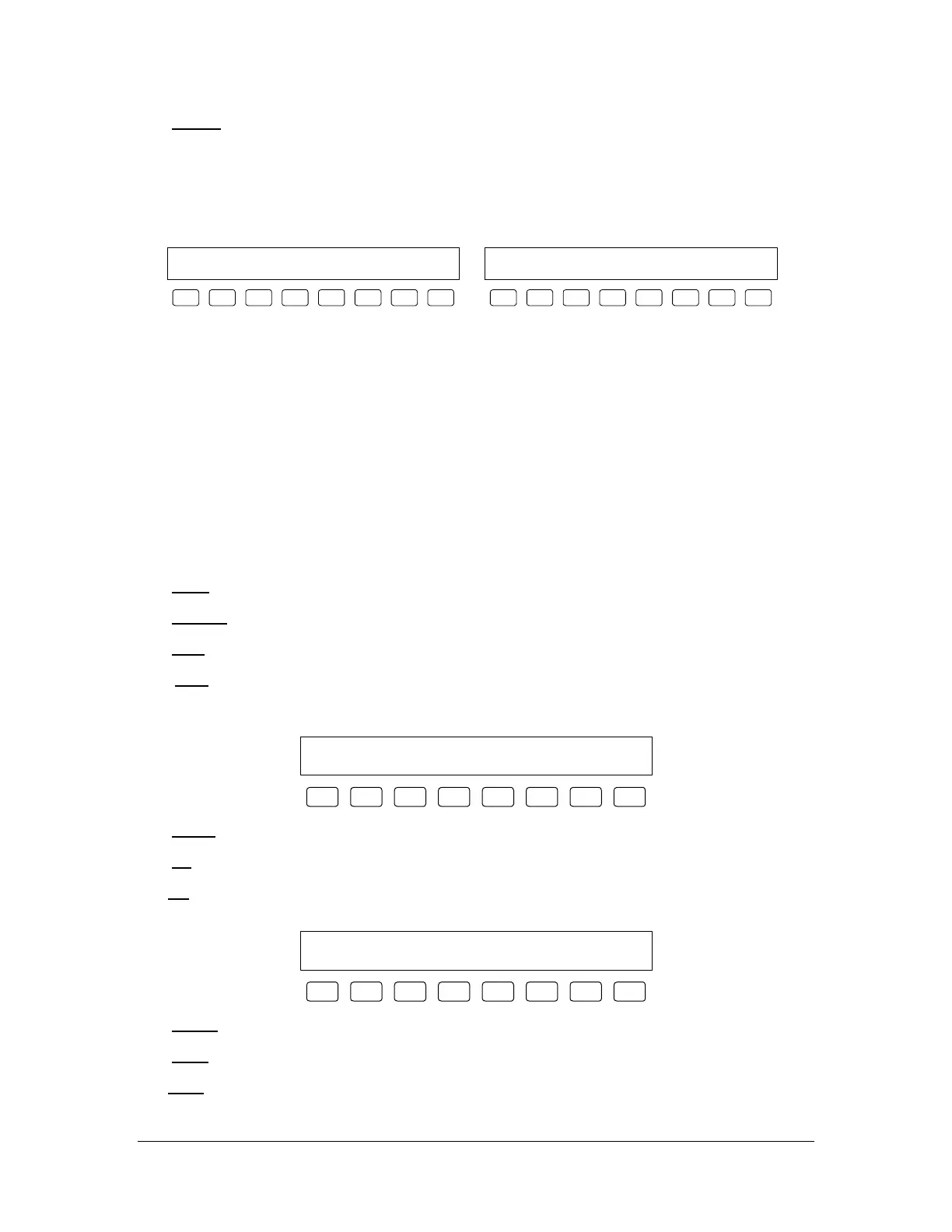
Jog Mode Head: FC100 Axis: X&Y
EXIT TEACH VLV RUN PURG TP CONV AXIS
F1 F2 F3 F4 F5 F6 F7 F8
Manual Mode Head: FC100
EXIT TEACH VLV RUN PURG RP JOG
F1 F2 F3 F4 F5 F6 F7 F8
Manual mode allows manual control of all devices on the workcell. There are sublevels within Manual
mode used to access different workcell functions. The workcell is considered to be in Manual mode even
when in a sublevel of Manual mode. Manual mode also serves as the Teach mode for all workcell models.
Models equipped with a trackball can jog the gantry via the trackball from Manual mode. An axis
combination can be selected from the trackball as well as the Axis sublevel. Models that are not equipped
with a trackball (PVA250™, PVA750™, PVA2000C™) can jog the gantry using the function keys from
the Jog sublevel menu.
Programming the workcell is accomplished in concert with a PC-compatible computer by using Precision
Valve & Automation’s PathMaster® software. The operator must be in Manual mode, or a sub level of
Manual mode, for PathMaster® to function properly. For more information on programming, please
consult the separate PathMaster® Manual in the Operating Guide.
[F1] EXIT
– Leave Manual mode and return to Cycle Stop.
[F2] TEACH – Program the current point.
[F3] VLV – Switch to Valve Selection (see page 27).
[F4] RUN – Run singular cycles of the current program. Pressing F1 exits the mode and returns the
operator to Manual mode. In this mode the following screen appears, allowing the operator to run 1 cycle
either wet or dry:
Press F2 or F3 to run 1 cycle.
Exit WET DRY
F1 F2 F3 F4 F5 F6 F7 F8
[F5] PURG
– Actuate the current valve.
[F6] TP – Momentary switch that displays the current position of the head in the following manner:
RP – (PVA250™, PVA200C™ models only) Momentary switch that displays the current reference
position of the head in the following manner:
Current Position:
X 000000, Y 000000, Z 000000, W 000000
F1 F2 F3 F4 F5 F6 F7 F8
[F7] CONV
– Switch to Conveyor Control (see page 29).
[F8] AXIS
– Switch to Trackball Control (see page 30).
JOG
– (PVA250™, PVA750™, PVA2000C™ models only) Switch to Jog Mode (see page 31).



 To Next Page