PathMaster® Manual Rev. H 6/03
- 32 -
head 1, valve off time of
.75 seconds.
D500 Deactivate the path’s
head, valve off distance
of 500 counts.
I51 Wait for input 51 to be
off.
O35 Turn off output 35.
Speed Path speed. 2000 Path speed of 2000
counts/second.
Other Varies according to
path.
Z=250 Z axis relative move of
250 counts after
completing a dot path.
Playback
Paths can be played back using two methods in addition to downloading and running the entire program via
the Dispensing System:
1) Highlight an individual path and select Run
→
Selection from the drop-down menu or the right-click
menu.
2) Play an entire program by selecting Run
→
Program from the drop-down menu or the right-click menu.
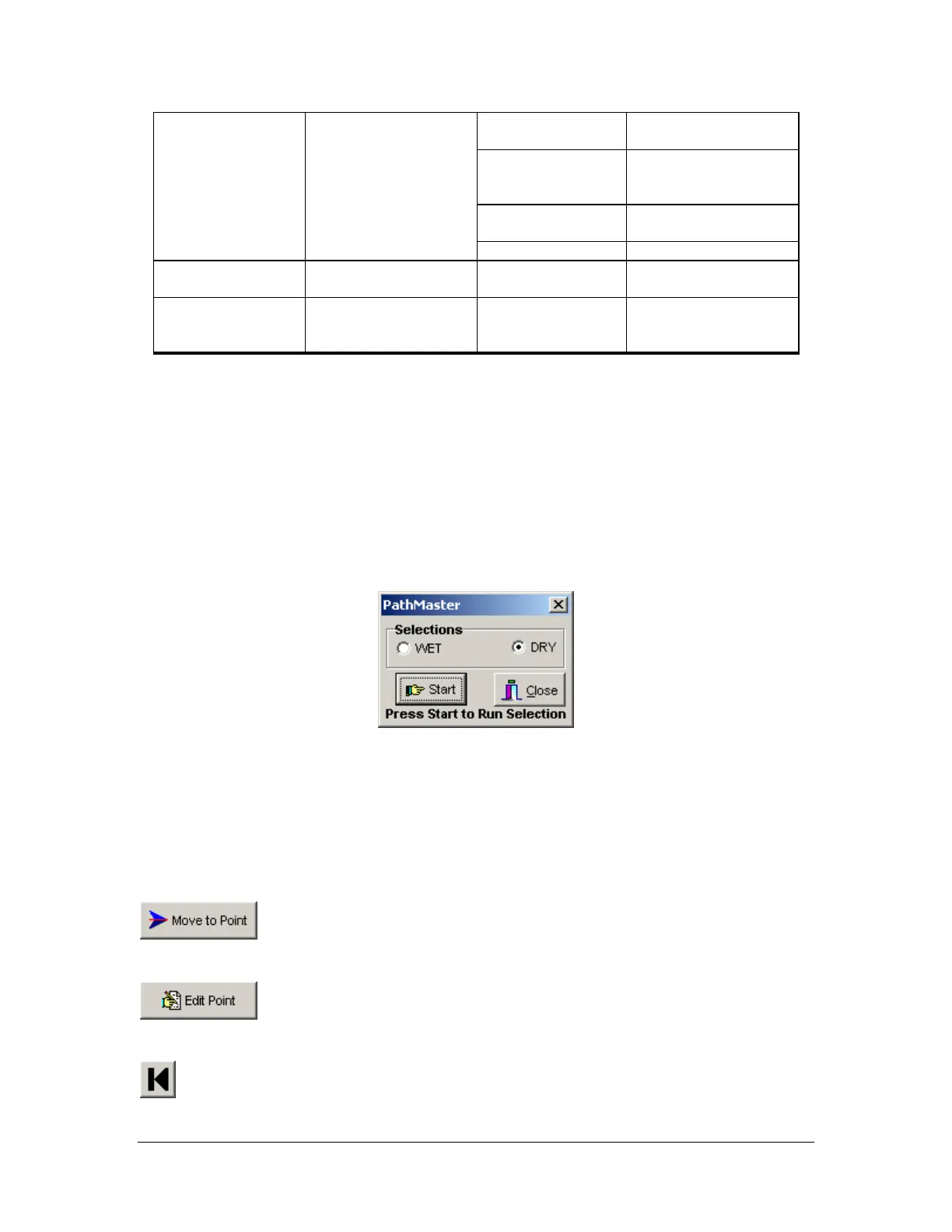
Before playback begins, the user will be prompted to select a Wet or Dry playback.
Wet playback activates the valve(s) while running the path. Dry playback does not activate the valve(s).
Edit Windows
Path tools with editing capability allow the operator to change a path segment once it has been created.
Examples of edit windows appear in each path section that is editable. The coordinates box appears in the
upper left hand corner of the edit window, showing all the coordinates programmed. The following icons
and buttons appear in edit windows to facilitate path editing:
Move to Point – Move to the point highlighted in the coordinates box.
Edit Point – Edit the point highlighted in the coordinates box.
Previous Point – Move to the preceding point in the path (if one exists).



 To Next Page