PathMaster® Manual Rev. H 6/03
- 66 -
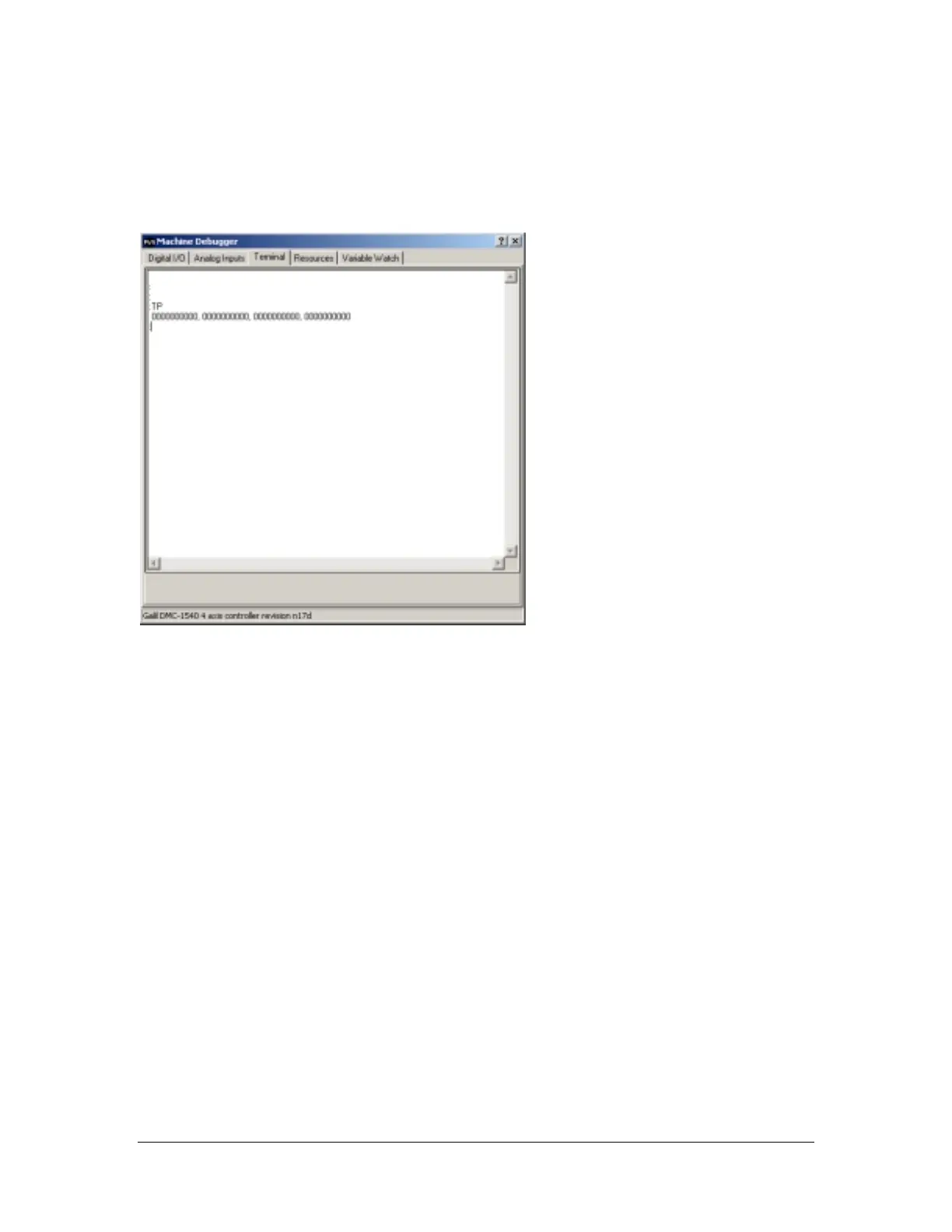
Terminal
The terminal lets the operator send commands directly to the controller. To send a command to the
controller, ensure the keyboard caps lock is on, type the command in the terminal window, and press the
Enter key. A response from the controller will display under the command that was issued. If the controller
does not understand what it received, it will respond with a “?”.
Some guidelines for working directly with the controller are listed below. For more information on using
the terminal or working directly with controller, consult the online controller manual.
DMC Programming Basics
• All commands must be given in uppercase letters.
• Positions are given in counts. In most cases there are 5080 counts per inch, 200 counts per millimeter.
• No line of code may contain more than 80 characters.
• A semicolon (;) is used as a carriage return. This allows for multiple commands on the same line and
can be used to save space in the program.
Labels
Sections of a program (subroutines) are defined by labels. Labels start with the pound (#) sign followed by
a maximum of seven characters. The first character must be a letter; after that, numbers are permitted.
Spaces are never permitted. PathMaster
®
generates its own labels for programs. These labels do not
appear in the edit window, so the operator cannot alter them.
No duplicate labels are allowed anywhere in memory. The Main program and PathMaster
®
are written
without any duplicate labels. However, it may be necessary for the operator to insert special labels into
programs. If any duplicate labels occur anywhere within a PathMaster
®
project, the operator must find the
duplication and fix it. These errors most commonly occur when a section of code has been copied and
pasted elsewhere. There can be no duplicates anywhere within a project, which includes all 30 programs
in that project.



 To Next Page