COMMUNICATIONS PROTOCOL USB port cable pin assignments
CubiScan 325 Service Manual 50
Ethernet port configuration (TCP) commands may be sent via the PC/COM (RS-232) or USB
ports, but NOT the Ethernet port.
The following lists show the files available for TFTP binaries.
Files available for TFTP binary GET.
• cs125img.bmp
• cs125imz.bmp
• cs125isc.bmp
• param125.txt
Files available for TFTP binary PUT.
• param125new.txt
• cs125.bin
USB port cable pin assignments
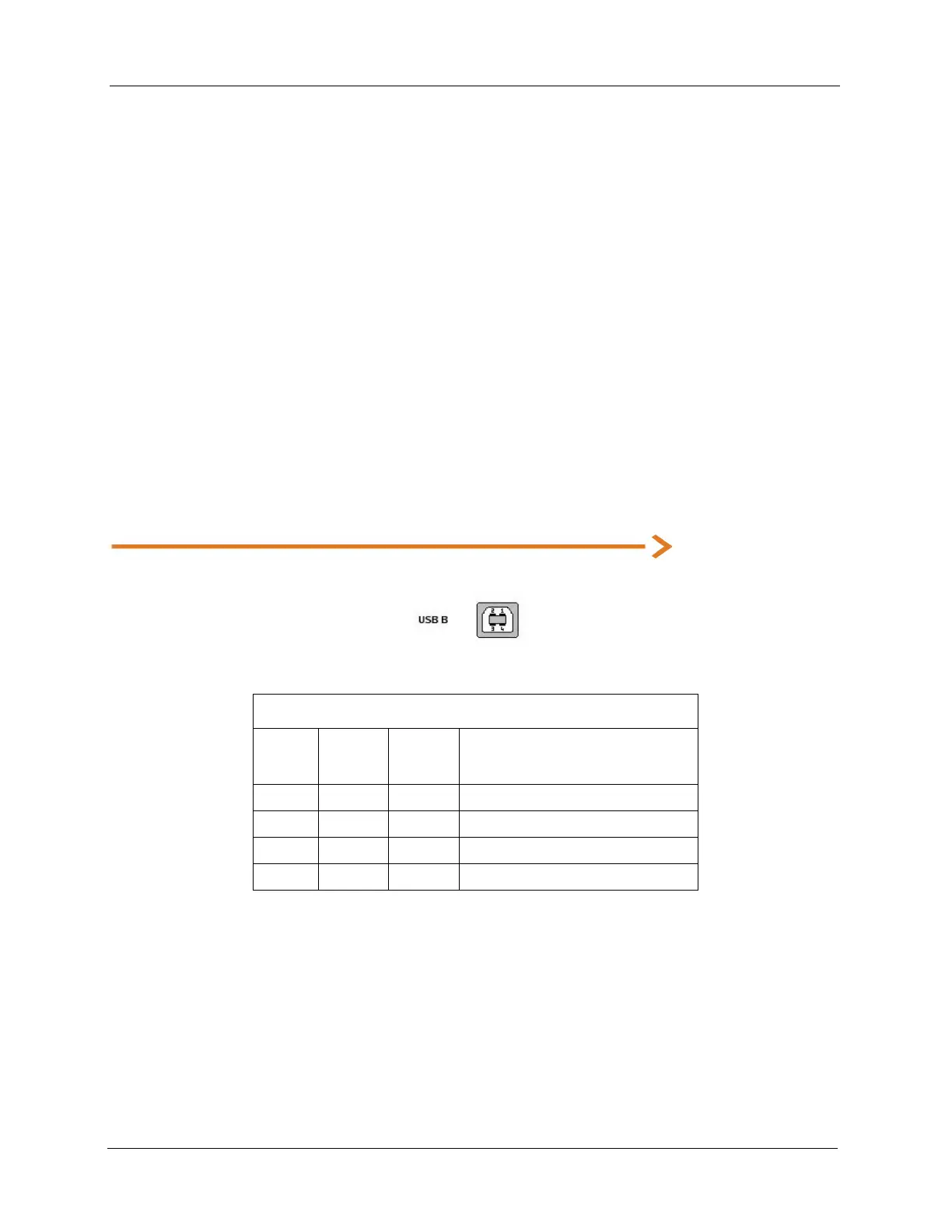
The Cubiscan 325 includes a USB 2.0 type B connector, as shown below.
The following table shows the USB 2.0 type B connector pin assignments.
It is configured as a communications device class (or USB CDC). The device attaches, on the USB
side, to an RS-232 communications line and the computer operating system. This makes the USB
device appear as a traditional RS-232 port.
The Cubiscan 325 command set can be sent, via USB, using RS-232 communication software.
USB 2.0 type B connector pin assignments
Pin Name
Cable
Color
Description
1 VCC Red +5 VDC
2 D- White Data -
3 D+ Green Data +
4 GND Black Ground



 To Next Page