•
For computers and laptops with a DVI out connector, connect the DVI cable to the DVI-I
socket of the XT Codec Unit and connect the other end of the cable to the computer.
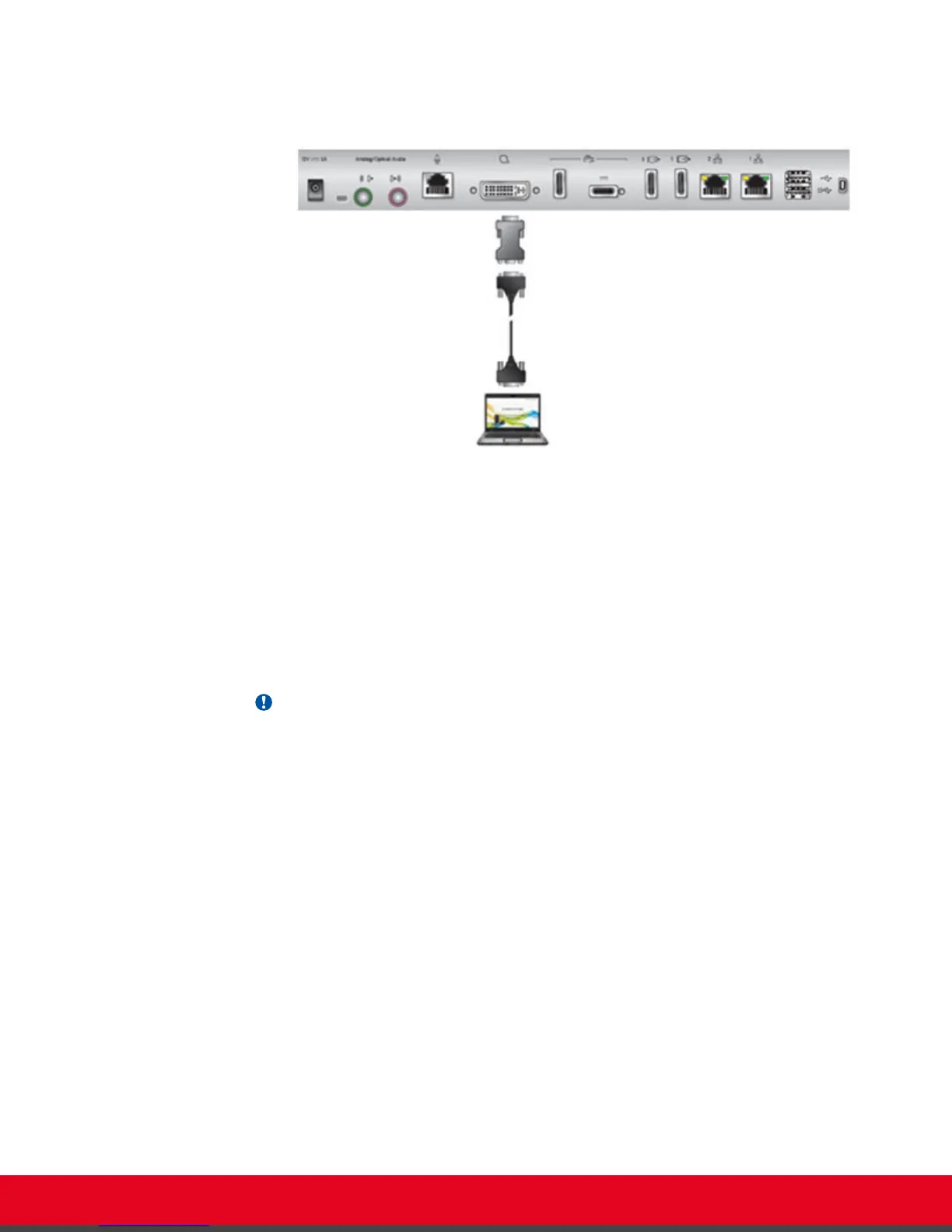
Figure 47: Connecting a computer to Scopia XT Series
•
For computers with a VGA output connector, use the included DVI to VGA adapter.
a. Connect the DVI-VGA adapter to the DVI-IN socket of the XT Codec Unit.
b. Connect a VGA cable to the adapter. This cable is not supplied with the system.
c. Connect the VGA cable to the PC/Laptop VGA out socket.
2. Connect the computer audio to the XT Codec Unit.
When you share content from the PC during a call, remote participants hear the computer's
audio output as well as the audio from the Microphone Pod.
Important:
The audio input port supports both analog and digital optical audio.
User Guide for Scopia XT5000 Series Version 3.2 During Your Videoconference | 64



 To Next Page