Important:
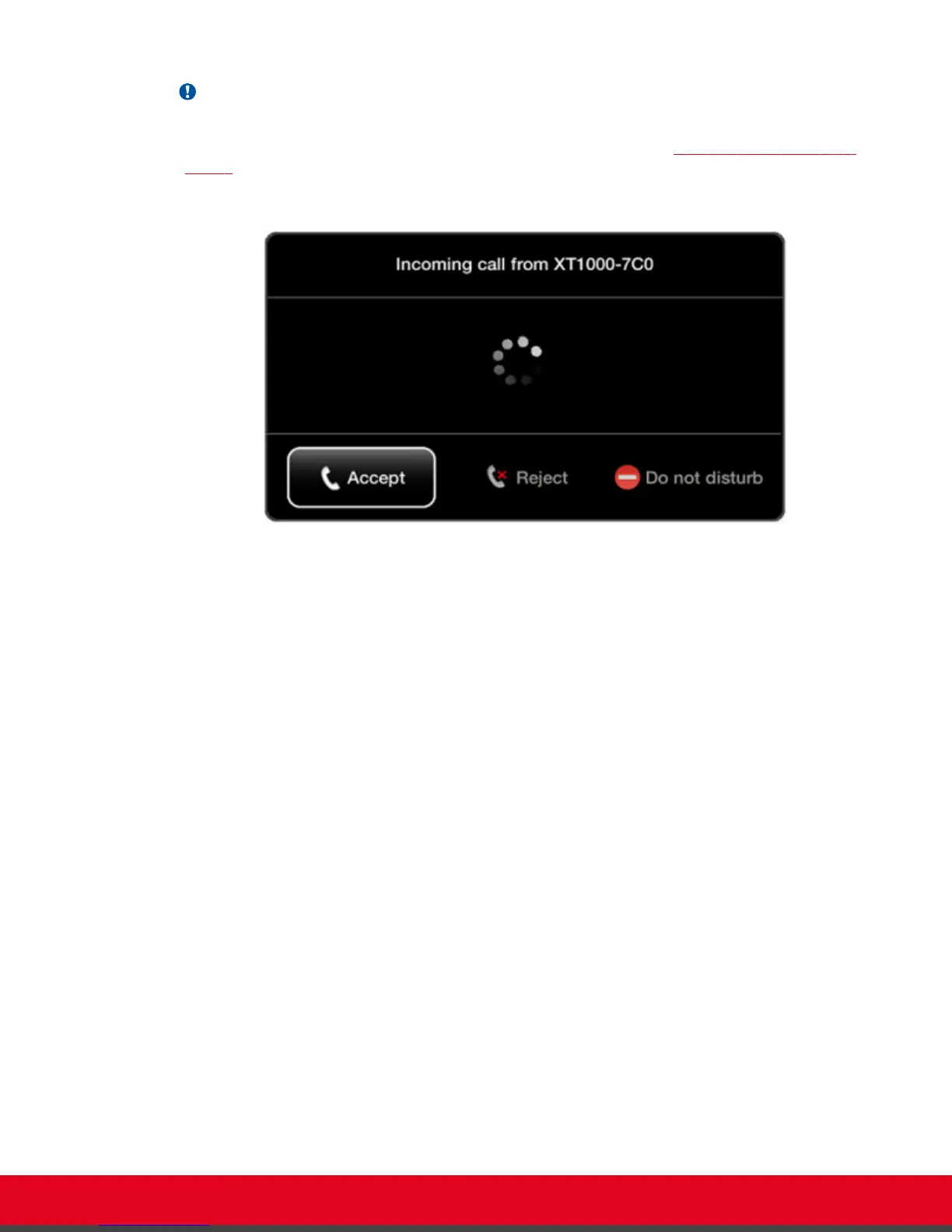
You can also temporarily enable Do Not Disturb when receiving an incoming call. To enable, select
Do not disturb on the window which appears when your endpoint rings (Figure 66: Enabling Do Not
Disturb on page 85). To disable, select Turn off Do not disturb from the endpoint's main menu and
press ok/menu.
Figure 66: Enabling Do Not Disturb
Procedure
1. Access the call settings, as follows:
•
From the XT Series web interface, select Basic Settings > Call-Answer Mode >
General.
•
From the endpoint's main menu, select Configure > Calling.
User Guide for Scopia XT5000 Series Version 3.2 Customizing Your User Experience | 85



 To Next Page